


Pinball Adventure Launcher
Play on PC with BlueStacks – the Android Gaming Platform, trusted by 500M+ gamers.

Page Modified on: Oct 27, 2026
Play Pinball Adventure Launcher on PC
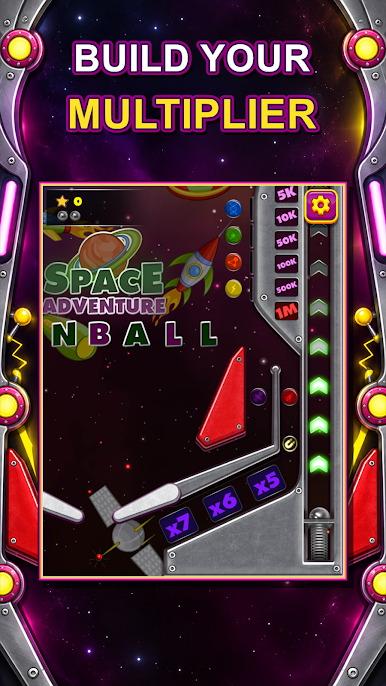
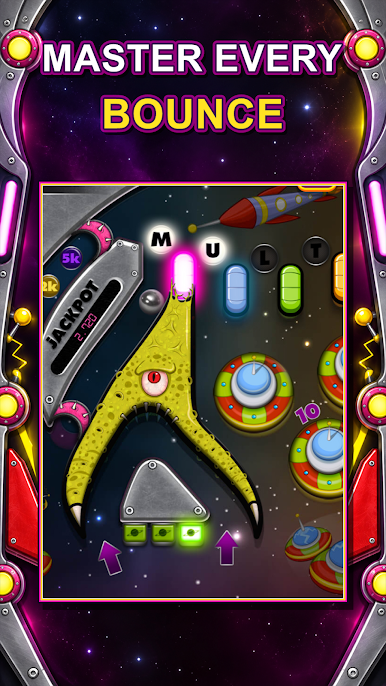
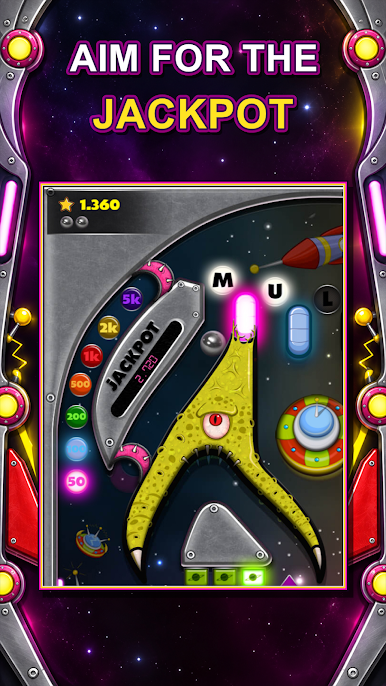
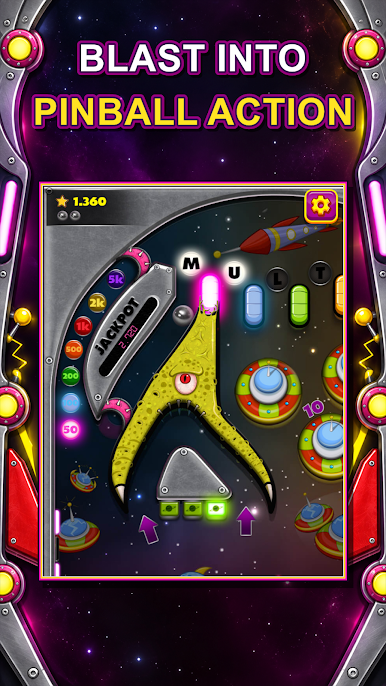
Pull the plunger, launch the ball and keep it alive with your flippers as it ricochets between rockets, planets, UFOs and glowing bumpers. Easy to pick up, hard to put down.
🚀 GAME FEATURES
• Classic pinball physics that feel smooth and realistic
• Colorful space-themed table packed with bumpers, ramps and targets
• Simple one-touch flipper controls
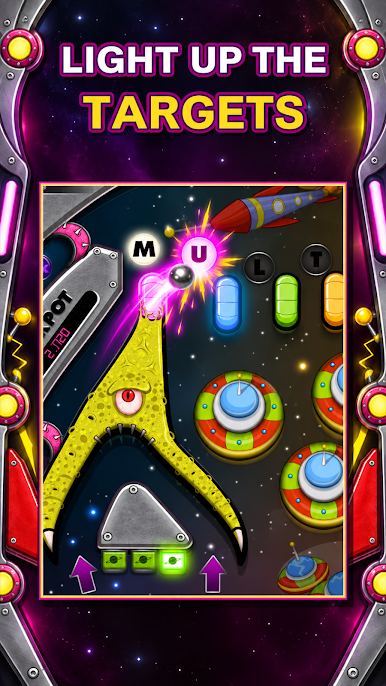
• Light up special targets to trigger bonuses and multipliers
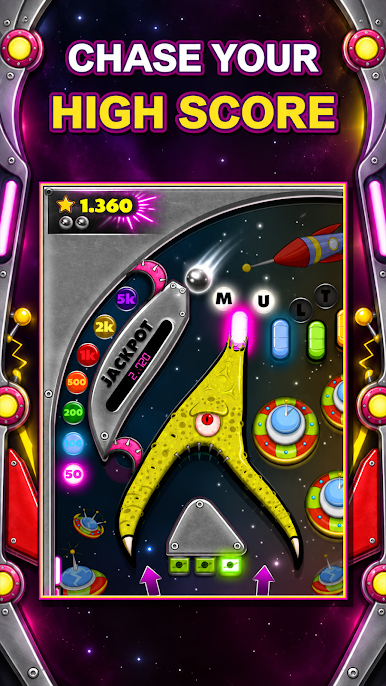
• Chase your personal best and climb the high score list
• Bright, glowing cartoon visuals and fun sound effects
• Play anytime, anywhere. No Wi-Fi needed
• Free to play, great for all ages
🌌 HOW TO PLAY
Tap the left or right side of the screen to flip. Time your shots, hit the targets and keep the ball out of the drain!
Whether you love old-school arcade pinball or just want a fun way to pass a few minutes, Space Adventure Pinball is a good fit. Every launch is a new chance to beat your high score.
Download now and start your pinball adventure among the stars! ⭐
Play Pinball Adventure Launcher on PC. It’s easy to get started.
-
Download and install BlueStacks on your PC
-
Complete Google sign-in to access the Play Store, or do it later
-
Look for Pinball Adventure Launcher in the search bar at the top right corner
-
Click to install Pinball Adventure Launcher from the search results
-
Complete Google sign-in (if you skipped step 2) to install Pinball Adventure Launcher
-
Click the Pinball Adventure Launcher icon on the home screen to start playing

