


SO S24 Launcher for Galaxy S
Play on PC with BlueStacks – the Android Gaming Platform, trusted by 500M+ gamers.

Page Modified on: Jan 15, 2026
Play SO S24 Launcher for Galaxy S on PC
SO S24 launcher is the Version 2 of SO S10 Launcher.
SO S24 Launcher perfectly support almost all the third-party icon packs that made for third-party launchers!
★★★★★ SO S24 Launcher features:
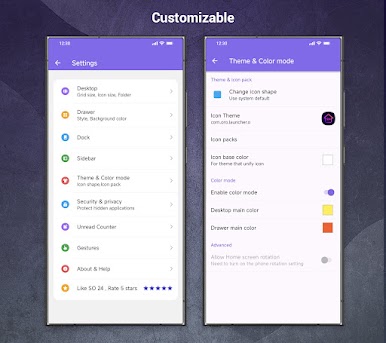
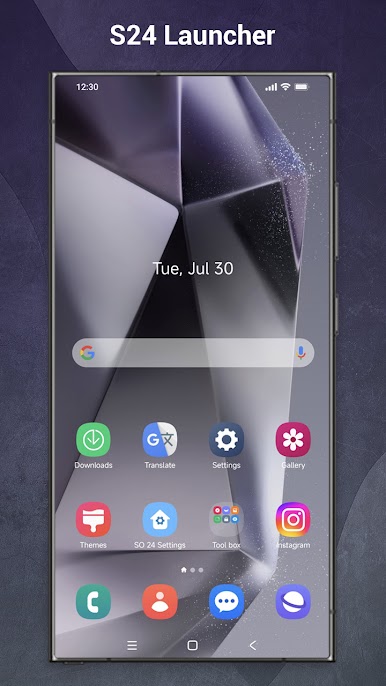
+ SO S24 Launcher can run on Android 5.0+ devices. it has Galaxy S20, Galaxy S24 theme built-in
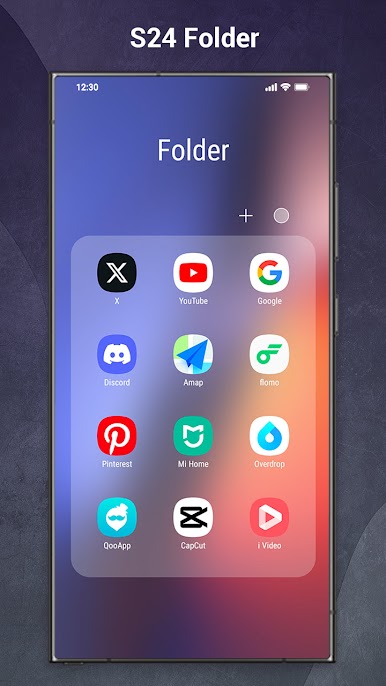
+ SO S24 Launcher unify all icons to Galaxy S10/S20/S24 icon shape, COOL
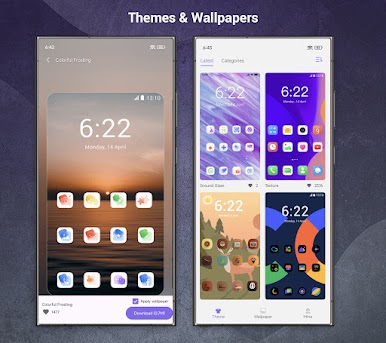
+ SO S24 Launcher has 1000+ themes👕 and icon packs, also support almost all third-party icon packs
+ Many various online wallpapers, include galaxy s24, s20 wallpaper
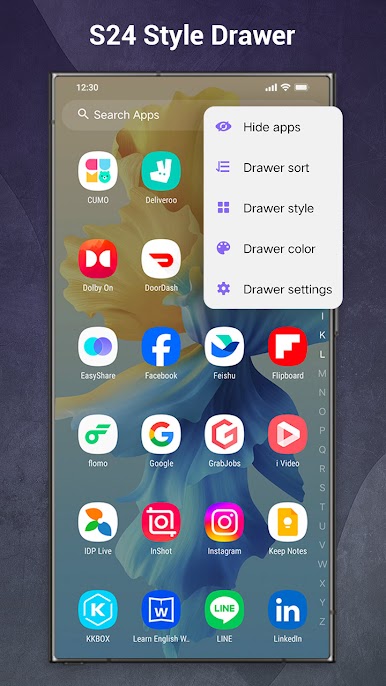
+ Drawer: support Vertical drawer, Horizontal drawer
+ Hide apps from drawer and desktop
+ Drawer background color🎨 option
+ App search bar in drawer with Galaxy S24 style
+ Drawer grid size option
+ SO S24 Launcher supports many gestures:swipe up/down, pinch in/out, double tap, and two fingers gestures
+SO S24 Launcher supports unread counter/notifier🔔
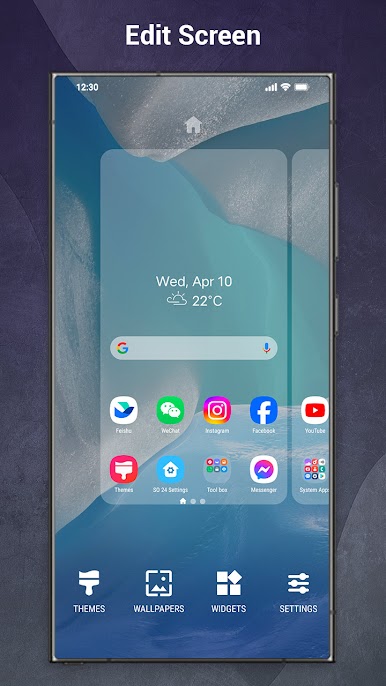
+ S24 Launcher supports lock desktop layout 🔐
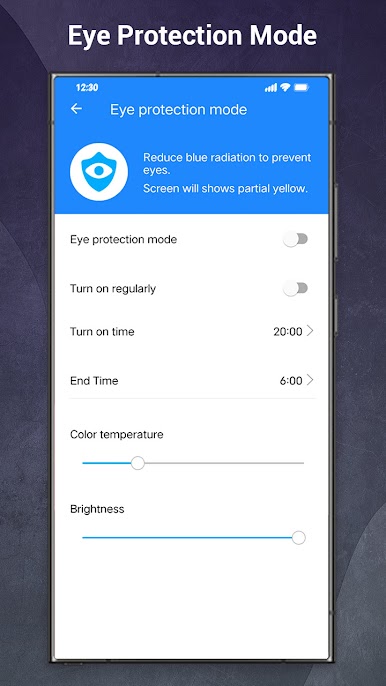
+ Eye protect feature, our product care about your health
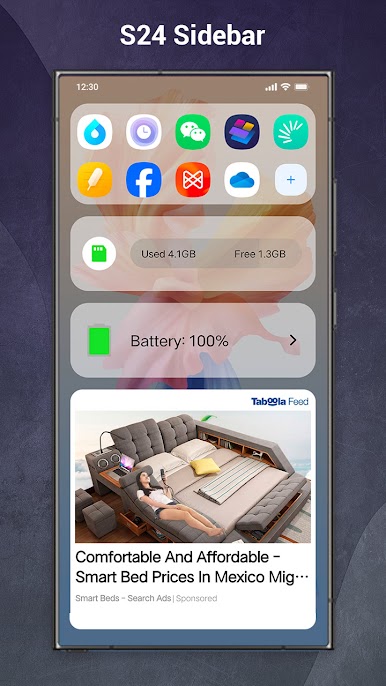
+ Feature-rich side screen
+ Auto-adaptive dock
+ Dock background option
+ Edit apps' icon and label
+ Icon size, icon label options
+ Grid size option
+ S24 search bar style
+ S24 Lancher support lock app
+ SO S24 Launcher support daily wallpaper
Statement to all:
- Android™ is a registered trademark of Google, Inc.
- Samsung is a registered trademark of Samsung Electronics Co., Ltd. This product is NOT official Samsung Galaxy S20 | S22 | S24 launcher product, it is created to provide similar galaxy s20/s24 user experience for ALL Android users, and provide many new added useful features.
💜 If you enjoy SO S24 Launcher, please rate us and help to spread the word, we are trying our best to make Galaxy S24 Launcher better and better for you, thanks!
Play SO S24 Launcher for Galaxy S on PC. It’s easy to get started.
-
Download and install BlueStacks on your PC
-
Complete Google sign-in to access the Play Store, or do it later
-
Look for SO S24 Launcher for Galaxy S in the search bar at the top right corner
-
Click to install SO S24 Launcher for Galaxy S from the search results
-
Complete Google sign-in (if you skipped step 2) to install SO S24 Launcher for Galaxy S
-
Click the SO S24 Launcher for Galaxy S icon on the home screen to start playing

