


Auto Drill: Galaxy
Play on PC with BlueStacks – the Android Gaming Platform, trusted by 500M+ gamers.

Page Modified on: Nov 11, 2026
Main Auto Drill: Galaxy on PC
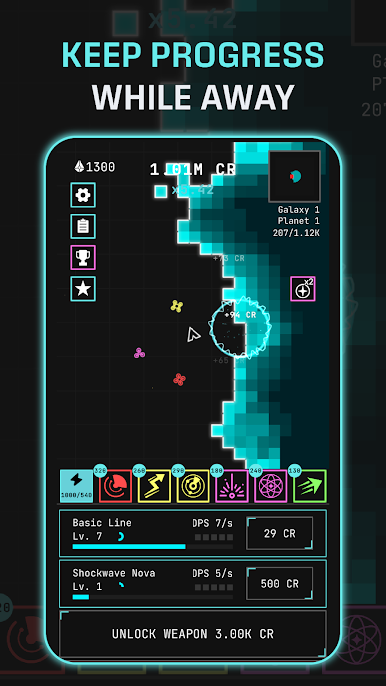
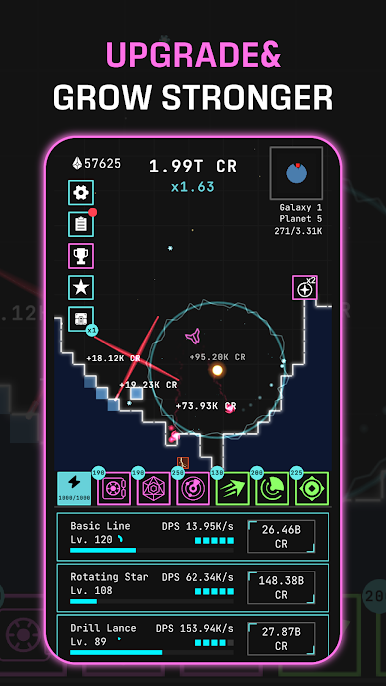
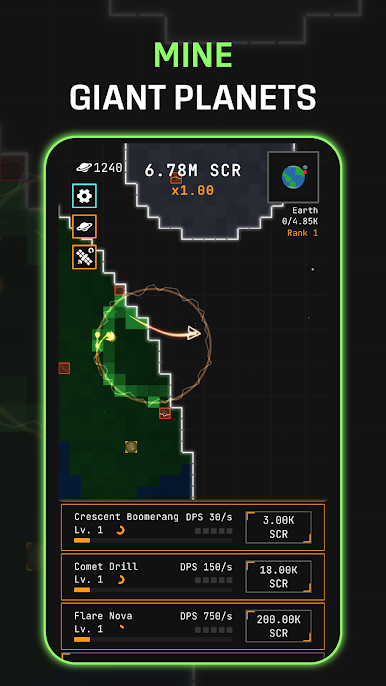
Pilot your own auto-mining ship and chew through entire planets, block by block! Your ship fights on its own — orbiting, seeking, and blasting the nearest block automatically. Sit back and watch the loot pour in, or grab the joystick and steer into the action yourself.
IDLE AUTO-BATTLER
Your mining ship never stops working. It automatically targets and destroys blocks while you focus on building the ultimate galactic drilling machine. Perfect for quick sessions or long grinds
DESTROY EVERYTHING
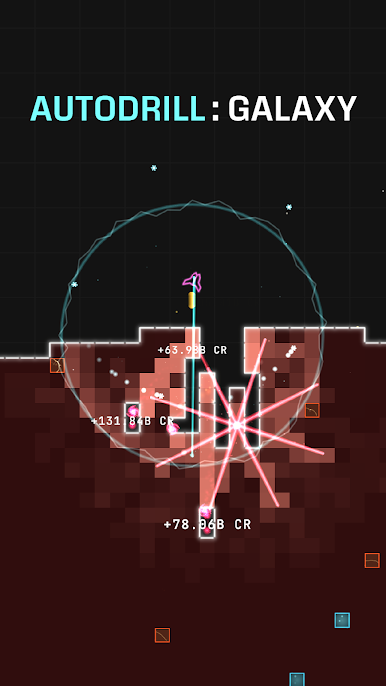
Every planet is a grid of destructible blocks — Normal, Gold, Energy, and volatile Explosive blocks that chain-detonate their neighbors in satisfying cascades. Mine them all to clear the planet and warp to a tougher sector!
10 UNIQUE WEAPONS
Unlock and upgrade a devastating arsenal: drill lance, mortar, chain arc, orbiting saw, and more! Each unlock hits harder than the last and carries permanent damage multipliers — choose your upgrade path wisely.
COLLECT & FUSE SKILLS
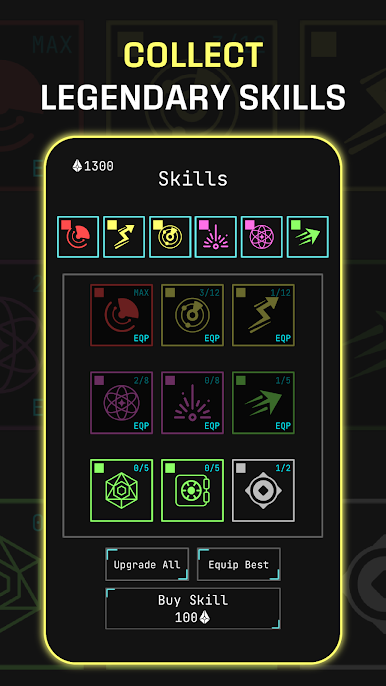
Roll for powerful skills and fuse duplicates upward through rarity tiers — Common, Rare, Epic, Legendary! Equip them for massive buffs: extra damage, income multipliers, block transmutation, and more.
UPGRADE YOUR GEAR
Equip Hulls, Reactor Cores, and Engines, then level them up by salvaging spare items. Build the perfect loadout for endless expansion.
ADVANCE FOREVER
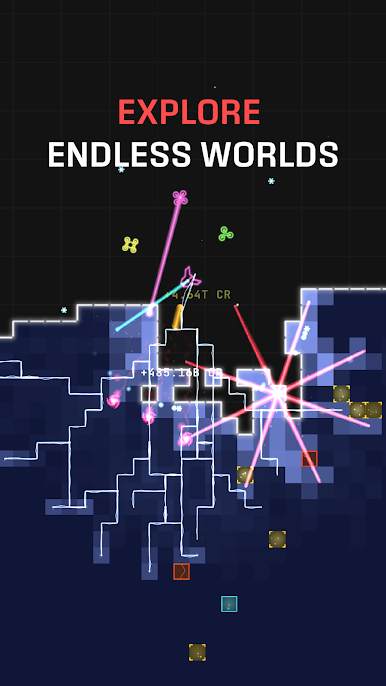
Clear a planet, advance a sector, and face tougher worlds. Your permanent unlocks and upgrades carry over — every run makes you stronger!
The galaxy is full of planets waiting to be mined. How far can you drill?
Download Auto Drill: Galaxy and start your cosmic mining empire today!
Play Auto Drill: Galaxy on PC. It’s easy to get started.
-
Download and install BlueStacks on your PC
-
Complete Google sign-in to access the Play Store, or do it later
-
Look for Auto Drill: Galaxy in the search bar at the top right corner
-
Click to install Auto Drill: Galaxy from the search results
-
Complete Google sign-in (if you skipped step 2) to install Auto Drill: Galaxy
-
Click the Auto Drill: Galaxy icon on the home screen to start playing

