


Pinball Merge
Play on PC with BlueStacks – the Android Gaming Platform, trusted by 500M+ gamers.

Page Modified on: Sep 20, 2026
Play Pinball Merge on PC
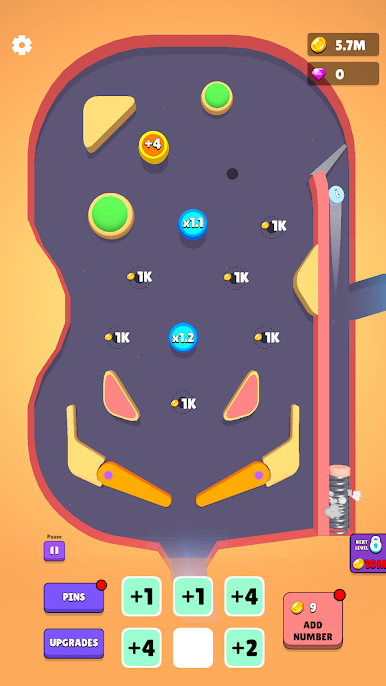
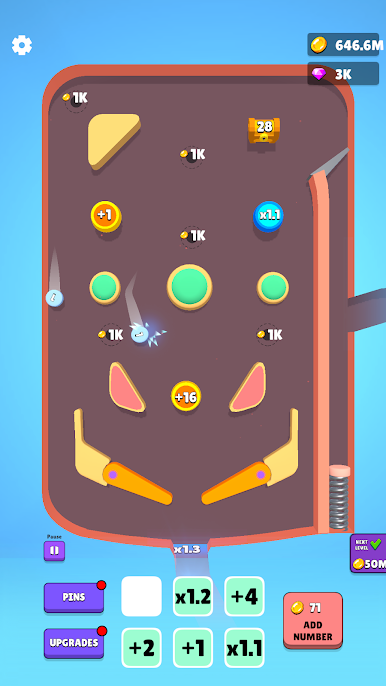
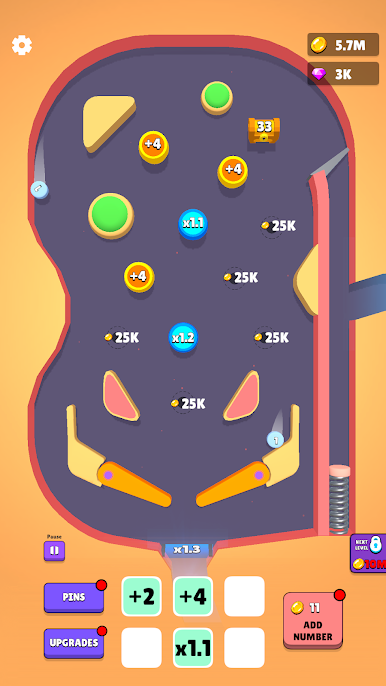
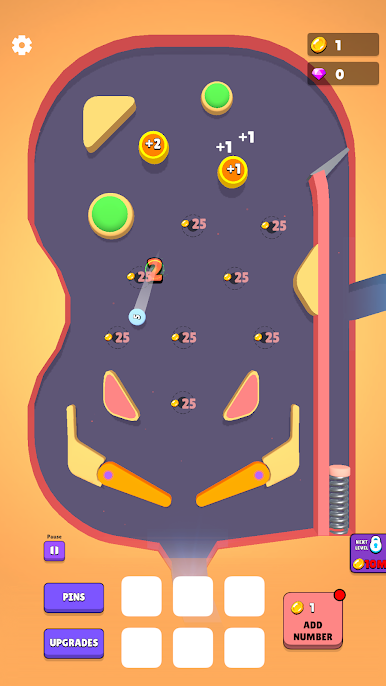
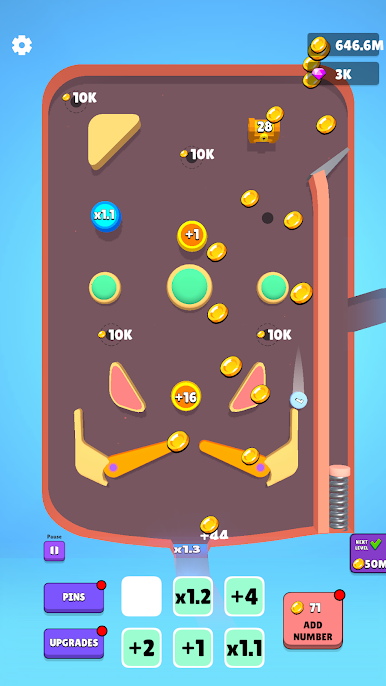
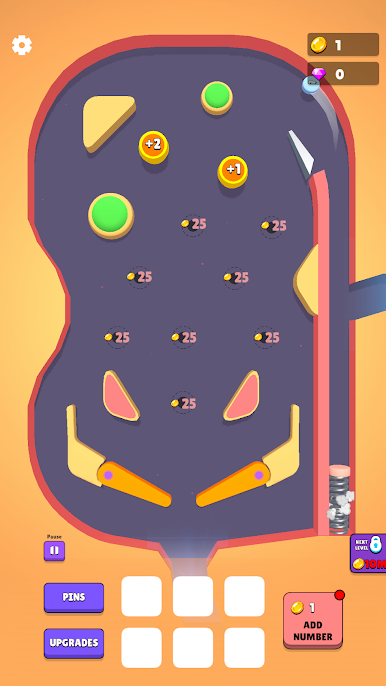
Merge numbers, place powerful bumpers, and watch the ball bounce around the board to multiply your earnings. The more you upgrade, the more coins you make!
🎯 MERGE & UPGRADE
Combine numbers to create stronger bumpers and unlock bigger rewards.
🎱 BOUNCE & MULTIPLY
Your pinball hits bumpers, flippers, and multipliers to increase its value and generate coins.
💰 EARN WHILE YOU PLAY
Even when you're not actively playing, your pinball machine keeps generating progress and rewards.
🔓 UNLOCK MORE SLOTS
Spend your hard-earned coins to unlock new bumper slots and expand your board.
📈 GROW YOUR MACHINE
Upgrade your numbers, improve your setup, and push your earnings higher and higher.
🌟 LEVEL UP
Reach new levels, reset your board, and take on bigger challenges with more powerful upgrades and rewards.
How far can you take your pinball machine? Merge, bounce, upgrade, and become a pinball millionaire!
Play Pinball Merge on PC. It’s easy to get started.
-
Download and install BlueStacks on your PC
-
Complete Google sign-in to access the Play Store, or do it later
-
Look for Pinball Merge in the search bar at the top right corner
-
Click to install Pinball Merge from the search results
-
Complete Google sign-in (if you skipped step 2) to install Pinball Merge
-
Click the Pinball Merge icon on the home screen to start playing

