


English - Spanish Translator
Play on PC with BlueStacks – the Android Gaming Platform, trusted by 500M+ gamers.

Page Modified on: Jan 26, 2026
Run English to Spanish Translator on PC or Mac
Why limit yourself to your small screen on the phone? Run English to Spanish Translator, an app by Happy English, best experienced on your PC or Mac with BlueStacks, the world’s #1 Android emulator.
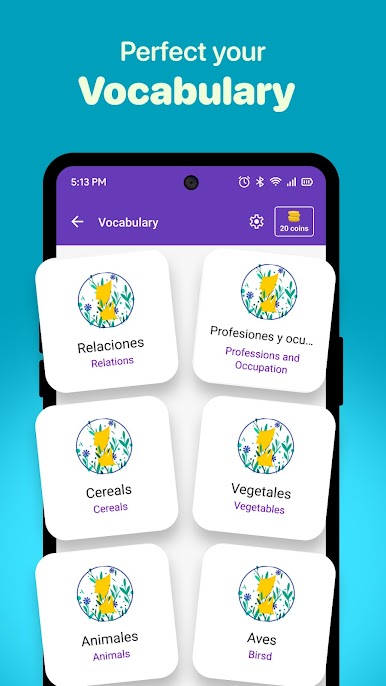
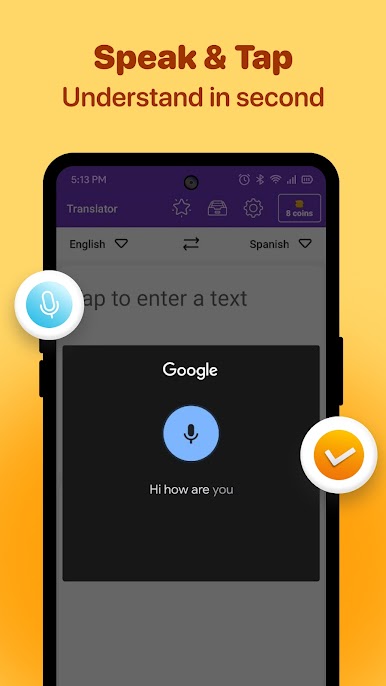
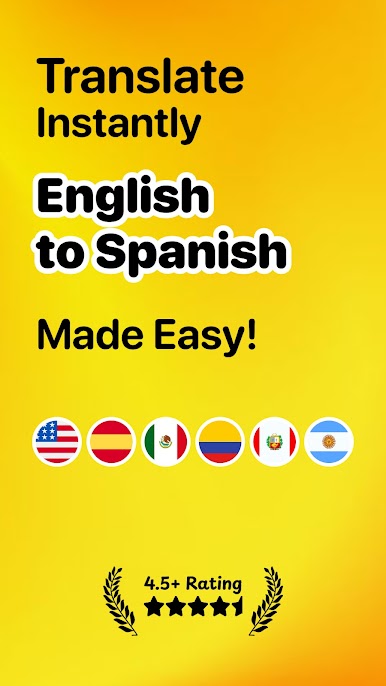
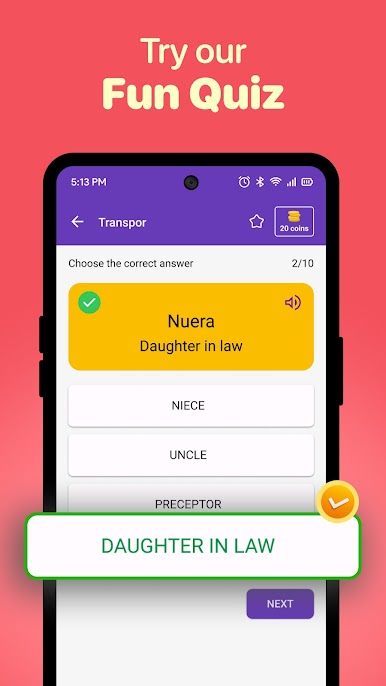
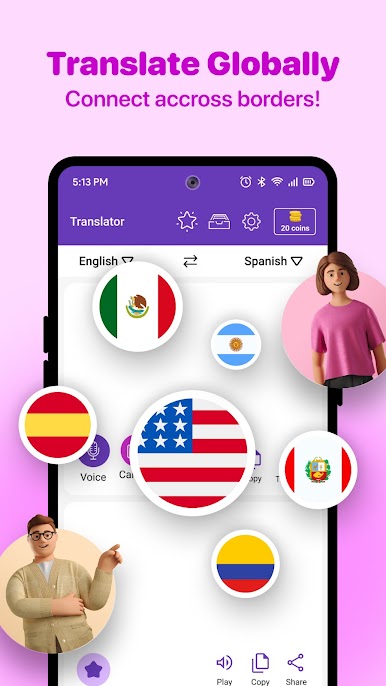
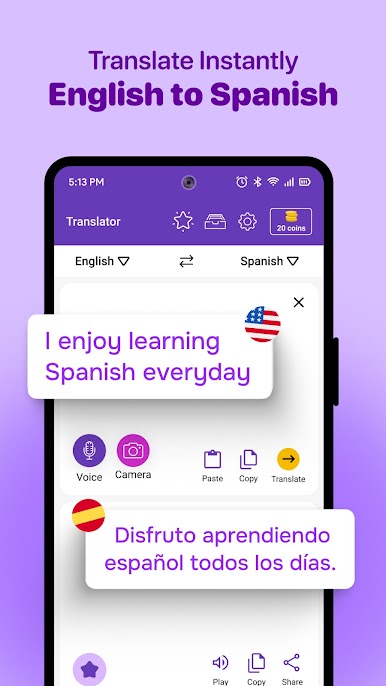
So, English to Spanish Translator feels a lot like that handy tool you keep open whenever you’re watching a show in another language or prepping for a trip. It’s quick; speak or type in whatever you want and the app just sorts out the translation right away. On PC, especially using BlueStacks, it’s even more convenient because you have a full keyboard and bigger screen ready for those longer bits of text or when you want to look up something a little more complicated.
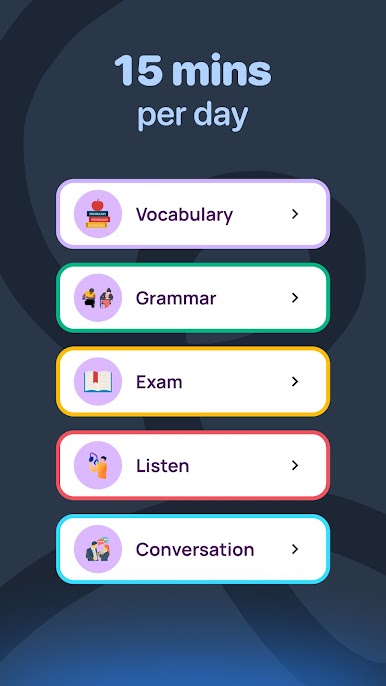
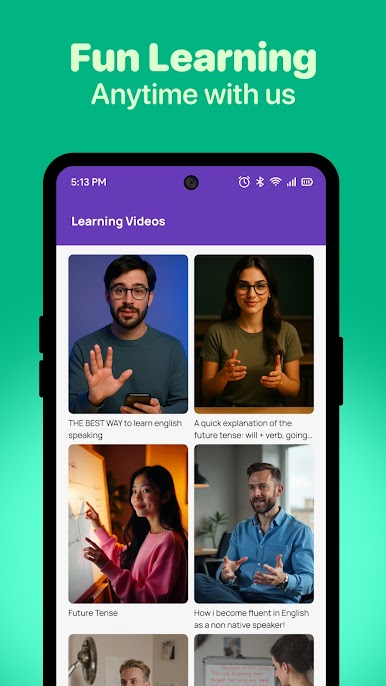
What stands out is how easy it is to switch between talking and typing. The voice recognition works surprisingly well, so you don’t have to get stuck just copying and pasting everything. There’s also a pronunciation bit—hit the speak button and you can listen or practice saying things back. Great for brushing up before a trip or just making sure you’re not totally butchering the language during a conversation. Plus there’s a dictionary built in, past searches get saved, and sharing translations is simple. The overall feel is fast and practical, so it actually helps you pick up useful phrases and words without making it seem like a chore. Whether you’re reading, traveling, or just want to chat with someone who speaks Spanish, this app covers most of what you’d need.
Switch to BlueStacks and make the most of your apps on your PC or Mac.
Play English - Spanish Translator on PC. It’s easy to get started.
-
Download and install BlueStacks on your PC
-
Complete Google sign-in to access the Play Store, or do it later
-
Look for English - Spanish Translator in the search bar at the top right corner
-
Click to install English - Spanish Translator from the search results
-
Complete Google sign-in (if you skipped step 2) to install English - Spanish Translator
-
Click the English - Spanish Translator icon on the home screen to start playing

