


Lucky Harbor Arcade
Play on PC with BlueStacks – the Android Gaming Platform, trusted by 500M+ gamers.

Page Modified on: Jul 8, 2026
Play Lucky Harbor Arcade on PC
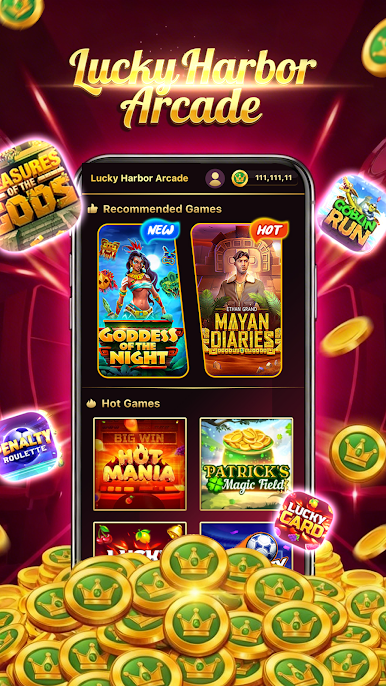
Dock at our harbor to explore a fleet of beautifully designed slots. From sunny tropical islands and deep-sea treasures to classic fruit machines and mythical quests, there’s always a new adventure waiting on the reels. Enjoy satisfying animations and sounds with every spin.
Your harbor visit comes with daily delights:
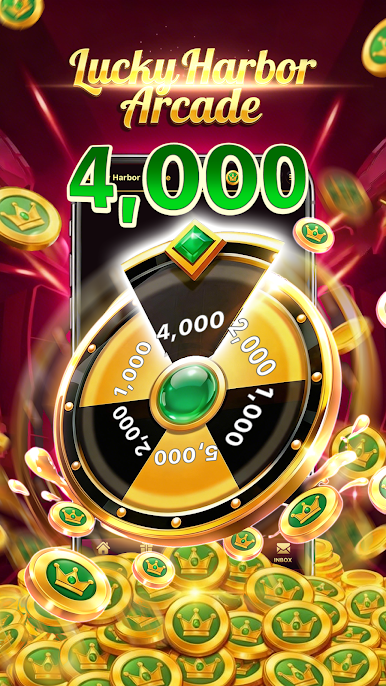
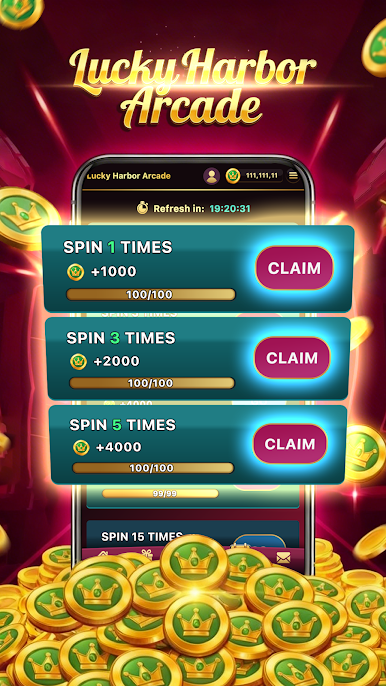
Treasure Wheel: Claim your free daily spin for surprise bonuses.
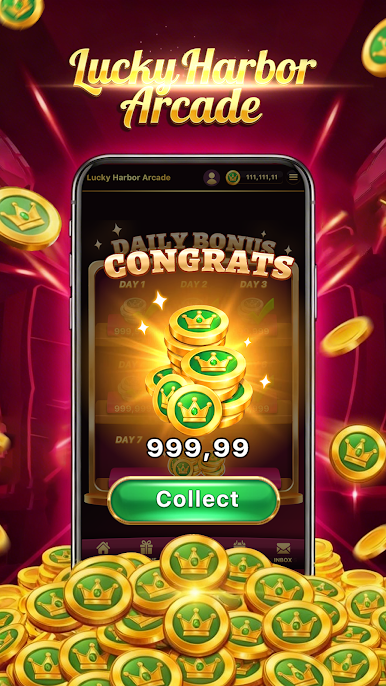
Captain's Log: Check in daily to earn growing rewards.
Idle Rewards: Receive free gifts just for visiting our relaxing port.
Festival Quay: Participate in regular events and holiday celebrations for unique virtual prizes.
At Lucky Harbor Arcade, all rewards are virtual coins and items, offering a perfect, risk-free escape. It's the ideal casual game for anyone seeking a moment of easygoing entertainment.
Set sail for fun—download now and begin your relaxing voyage at the arcade!

Play Lucky Harbor Arcade on PC. It’s easy to get started.
-
Download and install BlueStacks on your PC
-
Complete Google sign-in to access the Play Store, or do it later
-
Look for Lucky Harbor Arcade in the search bar at the top right corner
-
Click to install Lucky Harbor Arcade from the search results
-
Complete Google sign-in (if you skipped step 2) to install Lucky Harbor Arcade
-
Click the Lucky Harbor Arcade icon on the home screen to start playing

