


Lj Video Downloader (m3u8,mp4)
Play on PC with BlueStacks – the Android Gaming Platform, trusted by 500M+ gamers.

Page Modified on: Aug 1, 2026
Main Lj Video Downloader (m3u8,mp4) on PC
• This app DOES NOT support downloading videos from YouTube, Netflix, TikTok, or other websites that prohibit downloads.
• If there's a video you can't download, please post the URL in the review or email it to me, rather than leaving some ambiguous negative reviews like "It doesn't work", which is not helpful to any of us. My email: leavjenn+ljdownloader@gmail.com
• App CANNOT download live stream videos.
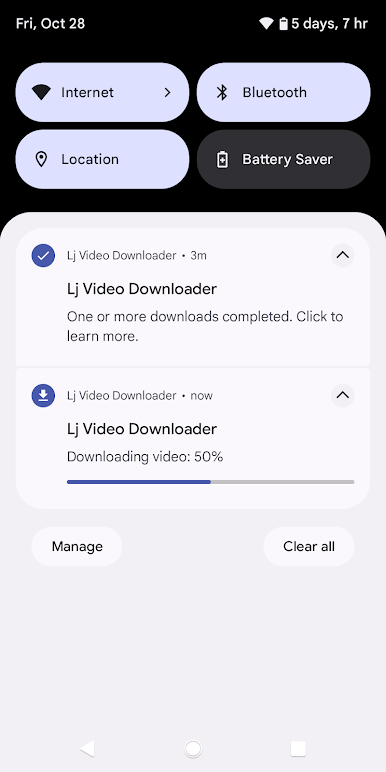
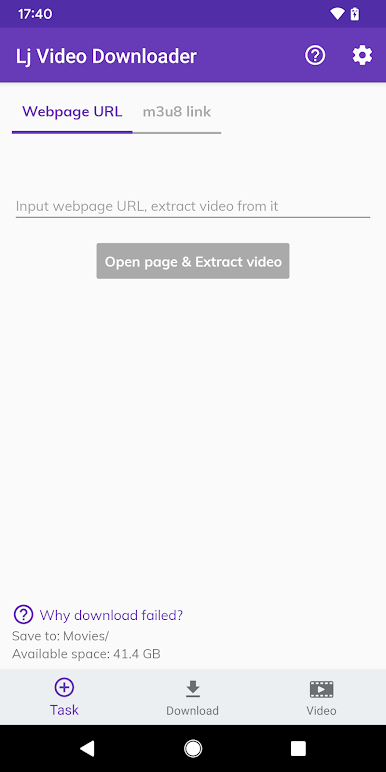
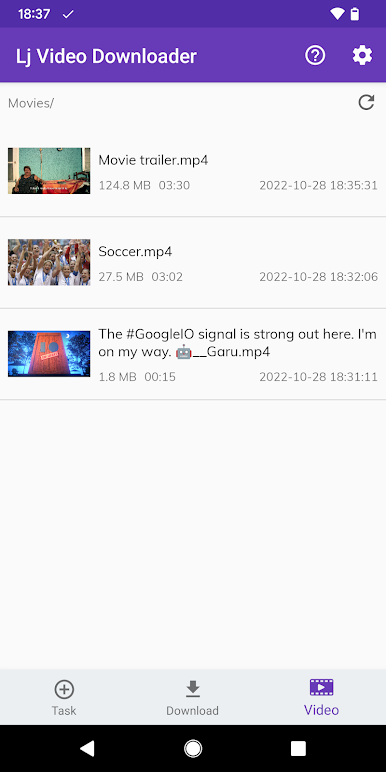
Lj Video Downloader is a powerful tool to download m3u8/mp4/mpd videos from web and saves them as .mp4 files.
Features:
• Download m3u8/mp4/mpd/mov format videos.
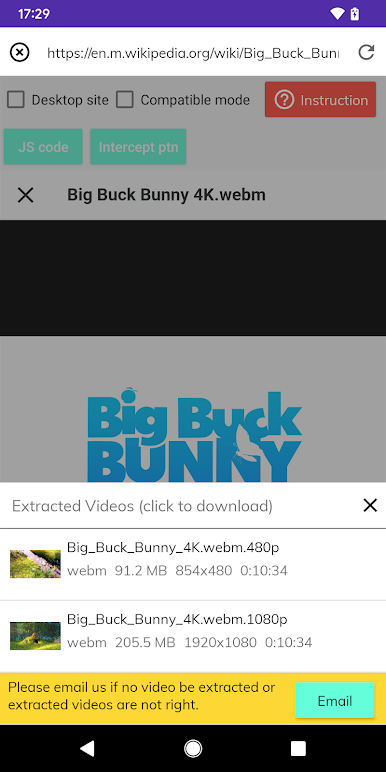
• Support extract video links from websites directly.
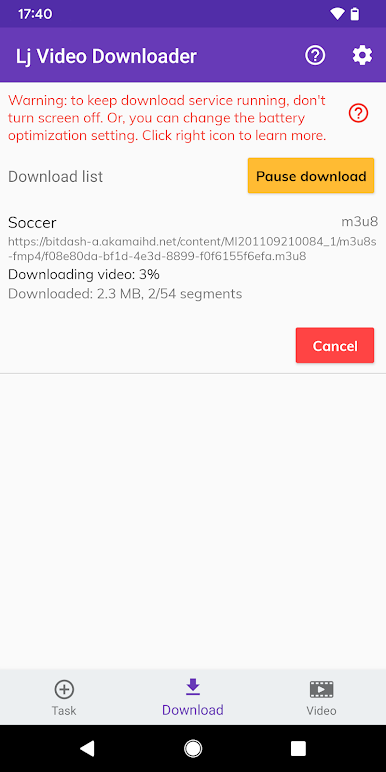
• Multi-thread downloading.
• Auto convert to mp4 format.
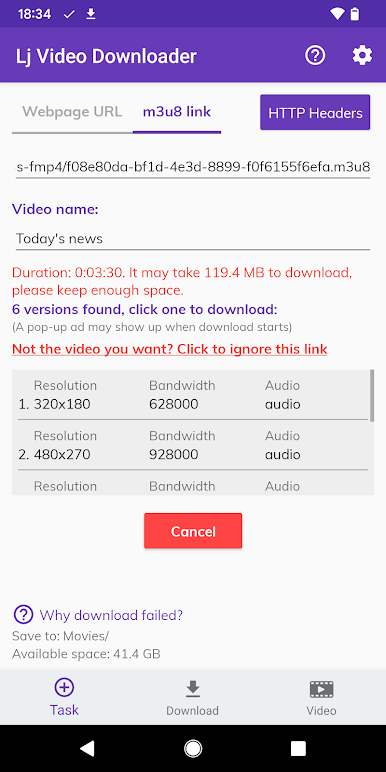
• Support multi-format playlist.
• Support audio/video split m3u8/mpd files.
We need your help. If you have any suggestion or bug reporting, please feel free to contact us.
Help us translation: https://crowdin.com/project/lj-video-downloader
Email: leavjenn+ljdownloader@gmail.com
Twitter: https://twitter.com/leavjenn
Discord: leav_jenn#0722
Telegram: @LeavJenn
Play Lj Video Downloader (m3u8,mp4) on PC. It’s easy to get started.
-
Download and install BlueStacks on your PC
-
Complete Google sign-in to access the Play Store, or do it later
-
Look for Lj Video Downloader (m3u8,mp4) in the search bar at the top right corner
-
Click to install Lj Video Downloader (m3u8,mp4) from the search results
-
Complete Google sign-in (if you skipped step 2) to install Lj Video Downloader (m3u8,mp4)
-
Click the Lj Video Downloader (m3u8,mp4) icon on the home screen to start playing

