


Leica DISTO™ Plan
Play on PC with BlueStacks – the Android Gaming Platform, trusted by 500M+ gamers.

Page Modified on: Dec 4, 2025
Run Leica DISTO™ Plan on PC or Mac
Why limit yourself to your small screen on the phone? Run Leica DISTO™ Plan, an app by Leica Geosystems AG, best experienced on your PC or Mac with BlueStacks, the world’s #1 Android emulator.
About the App
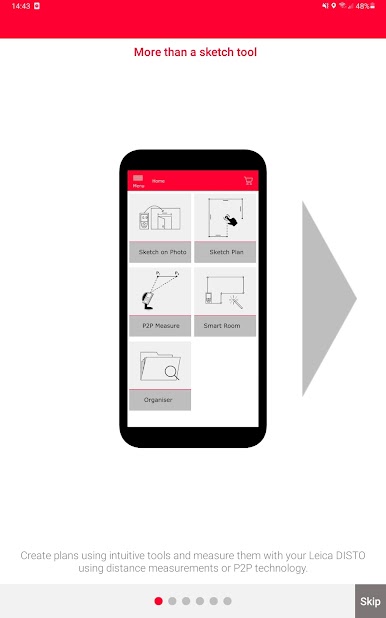
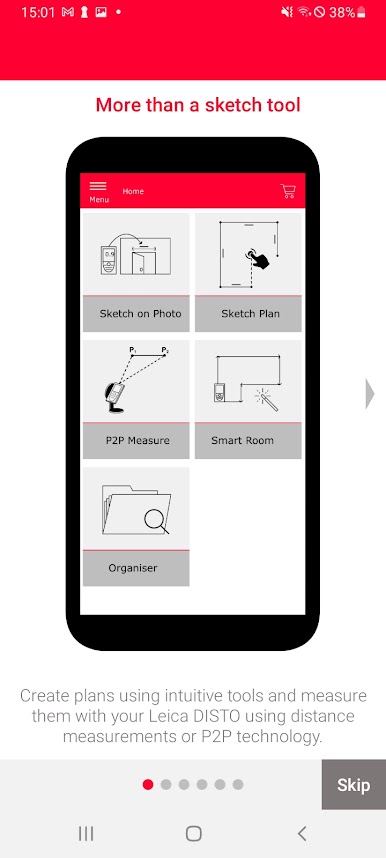
If you’re all about precise measurements and want an easy way to bring those numbers to life, Leica DISTO™ Plan by Leica Geosystems AG might be your new favorite tool. Whether you’re sketching out a quick room plan, capturing measurements for renovations, or need a tidy CAD-ready export, this app keeps things streamlined. It’s all about making the measuring and documentation process way less of a headache—just grab your phone or tablet, and you’re set.
App Features
-
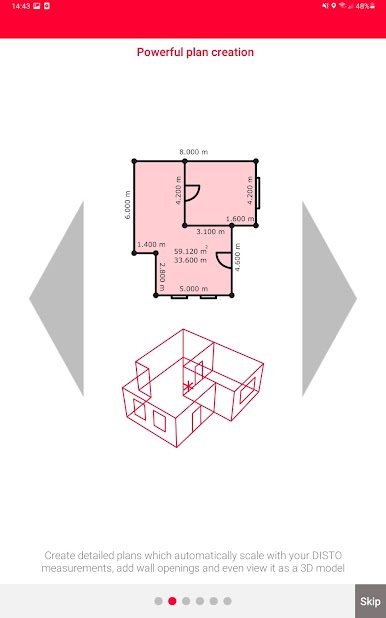
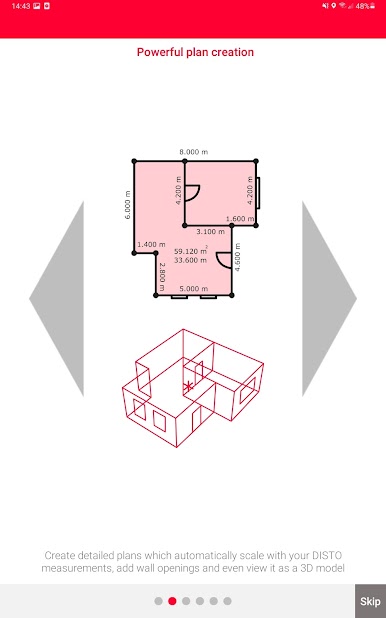
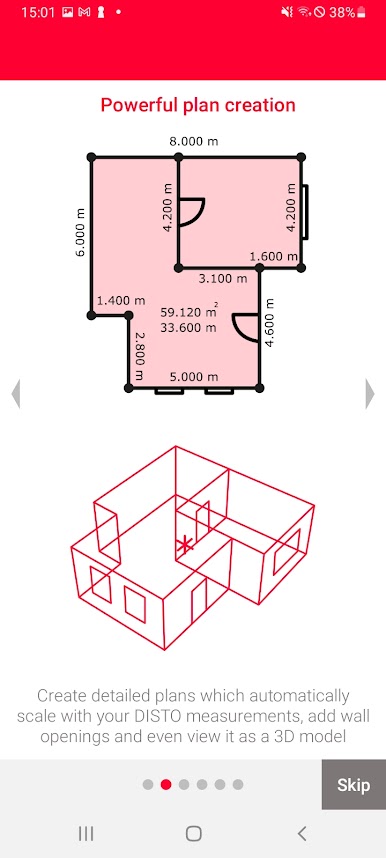
Finger-Friendly Floorplans
Drawing up a floorplan is as simple as using your fingers to sketch it out right on your screen. Just assign your real-world measurements to each line, and the app takes care of scaling everything perfectly for you. -
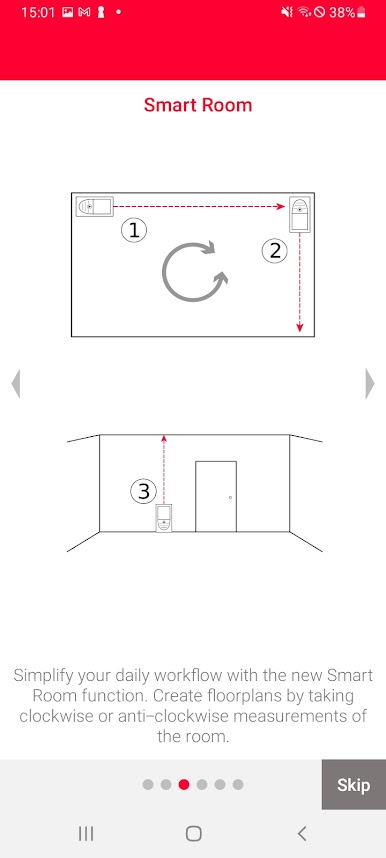
Smart Room Capture
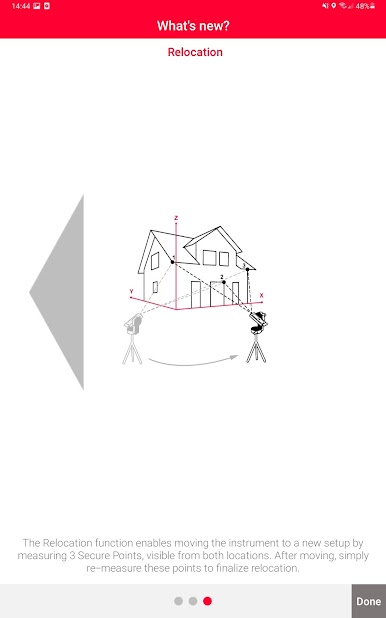
Got a compatible Leica DISTO™ device? Awesome. Measure each wall in the room in order—clockwise, counter-clockwise, whatever works for your brain. The app automatically pulls it all together into an accurate digital layout as you move around. -
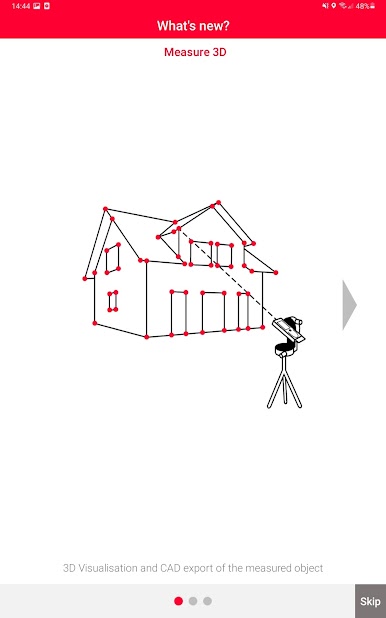
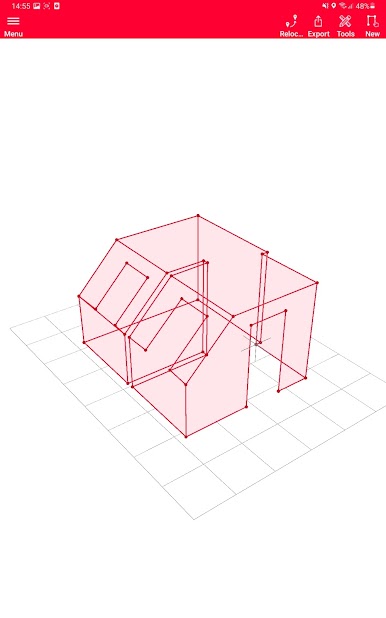
Detailed CAD Export
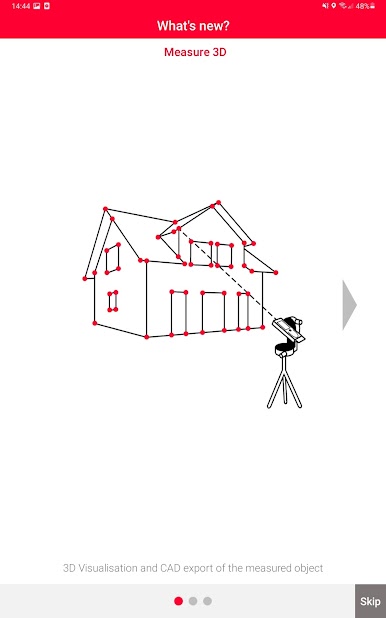
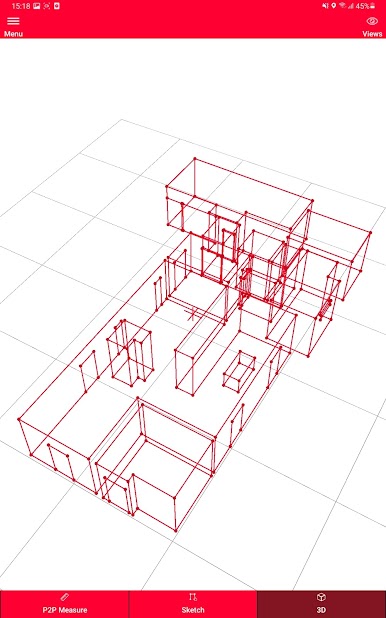
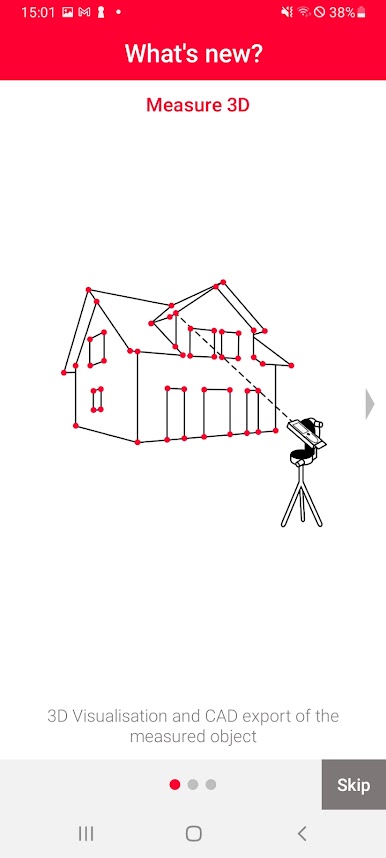
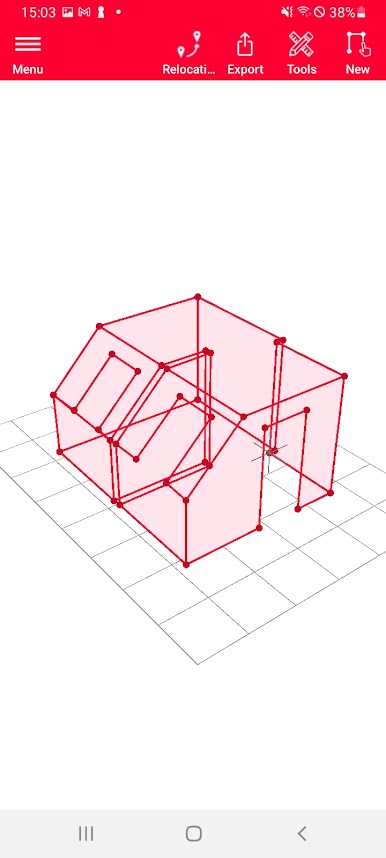
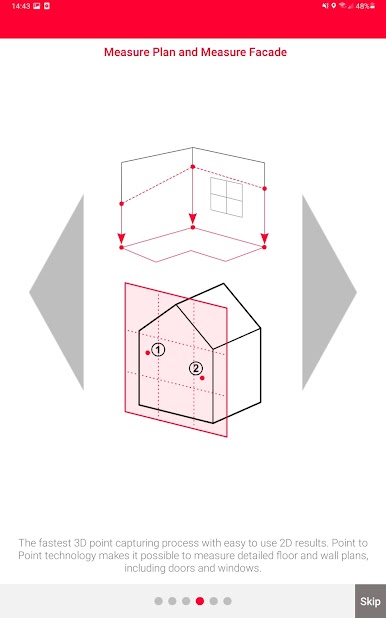
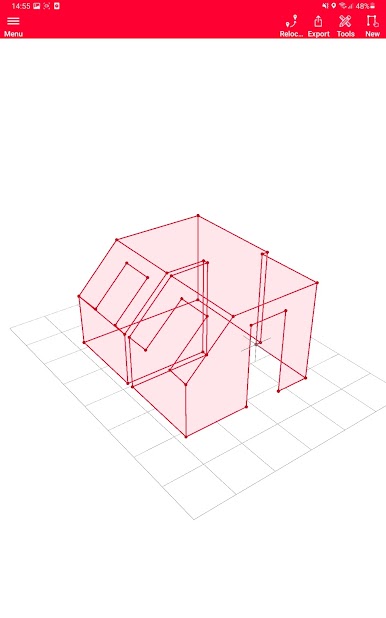
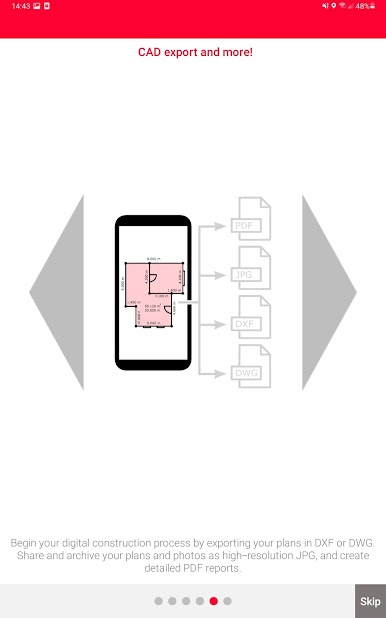
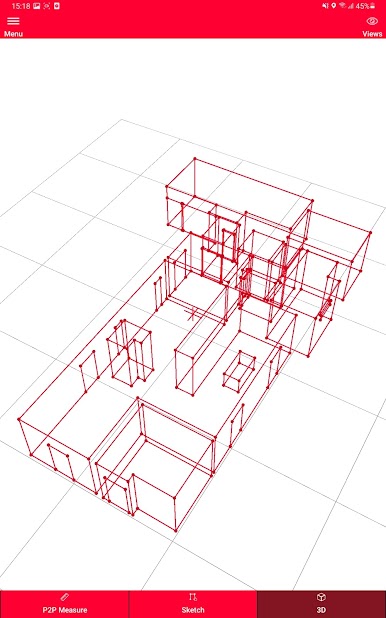
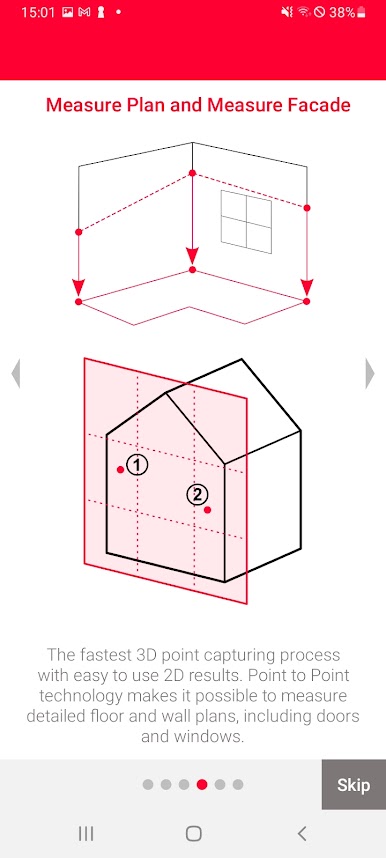
Use P2P tech to map out not just walls, but also finer details like doors and windows. When you’re finished, send your finished plan out as DXF or DWG files and pop them straight into your preferred CAD workflow. -
Photo Sketching
Snap a photo, then drag and drop measurements onto it with Bluetooth® Smart tech. It’s super handy for tagging precise distances onto shots for reference and saves you from scribbling messy notes. -
Flexible Export Options
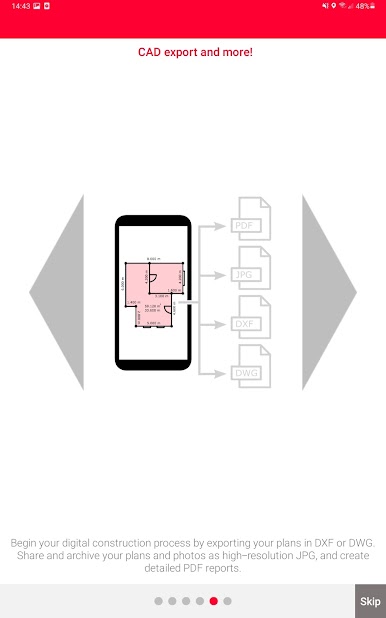
Take your pick: export plans and sketches as a PDF, JPG, or the main CAD file formats. Your measurement report comes out well-organized and easy to read, so sharing with colleagues (or just keeping things for yourself) is simple.
You can use Leica DISTO™ Plan with a bunch of different DISTO™ devices and, if you want to work on a bigger screen, BlueStacks makes it possible to run everything comfortably on your desktop.
BlueStacks gives you the much-needed freedom to experience your favorite apps on a bigger screen. Get it now.
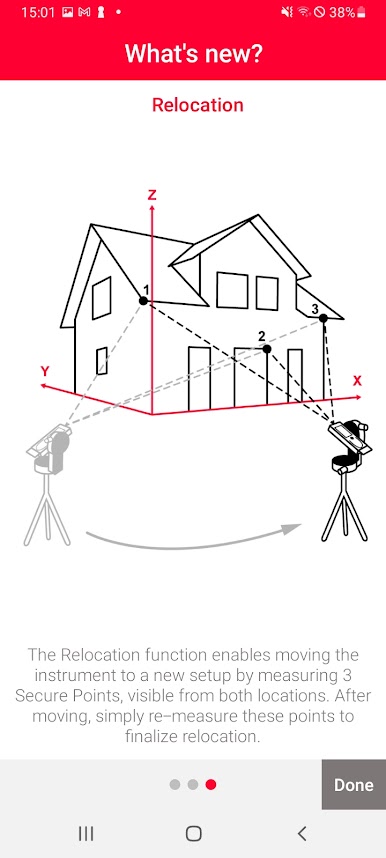
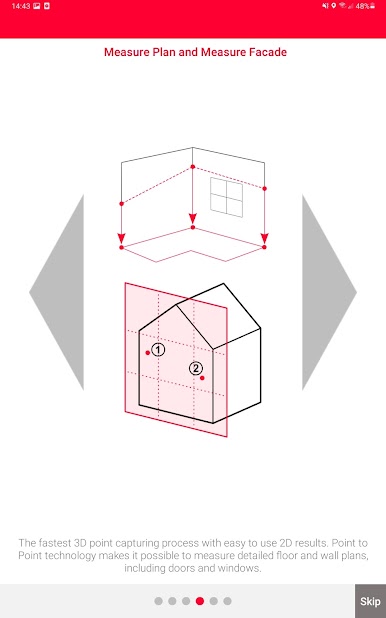
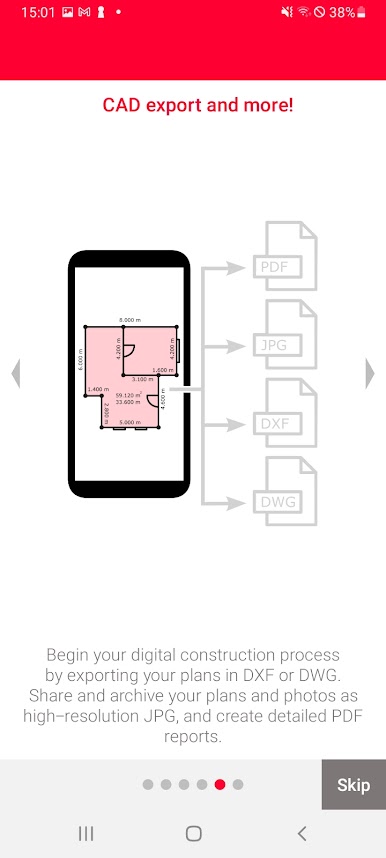
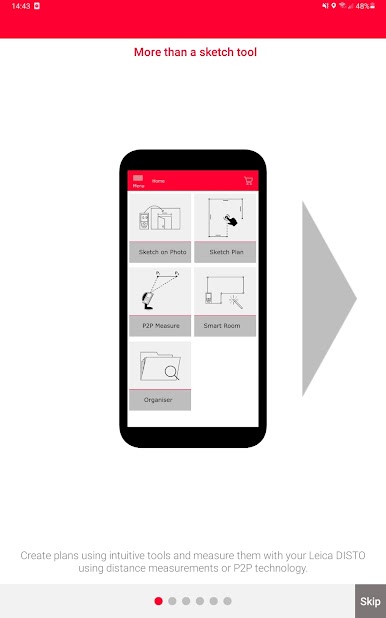
Play Leica DISTO™ Plan on PC. It’s easy to get started.
-
Download and install BlueStacks on your PC
-
Complete Google sign-in to access the Play Store, or do it later
-
Look for Leica DISTO™ Plan in the search bar at the top right corner
-
Click to install Leica DISTO™ Plan from the search results
-
Complete Google sign-in (if you skipped step 2) to install Leica DISTO™ Plan
-
Click the Leica DISTO™ Plan icon on the home screen to start playing

