


My Leisure Time
Play on PC with BlueStacks – the Android Gaming Platform, trusted by 500M+ gamers.

Page Modified on: May 20, 2026
Play My Leisure Time on PC or Mac
Step into the World of My Leisure Time, a thrilling Simulation game from the house of YUEYOO GAMES. Play this Android game on BlueStacks App Player and experience immersive gaming on PC or Mac.
About the Game
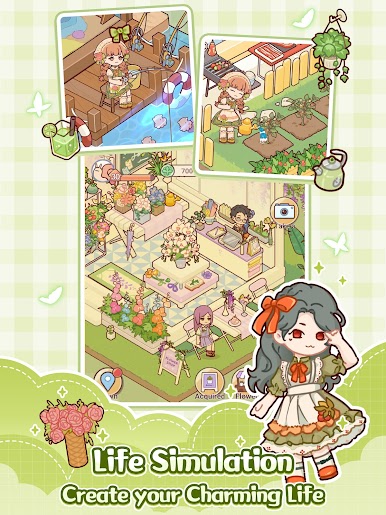
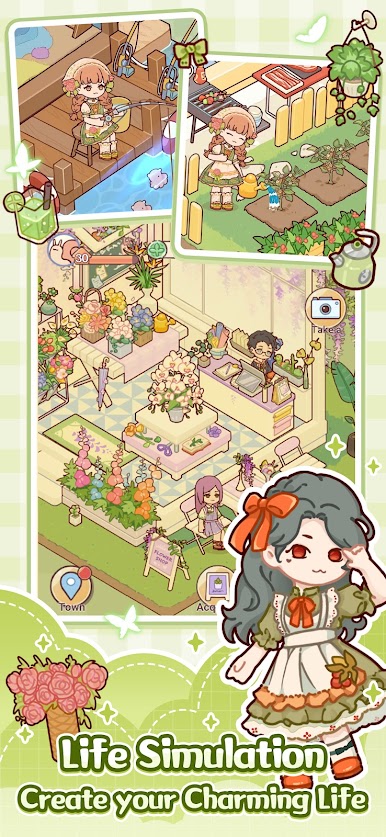
My Leisure Time is a cozy Simulation from YUEYOO GAMES where you set your own pace and build a life that feels warm, relaxed, and a little bit dreamy. Design a home from the floor plan up, dress your avatar to match your vibe, and spend slow, happy days in a friendly little town. Prefer a bigger screen? It also plays comfortably on BlueStacks.
Game Features
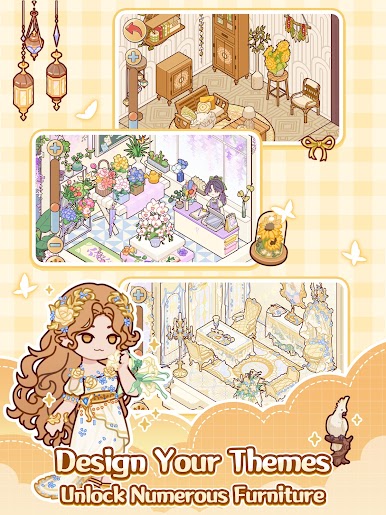
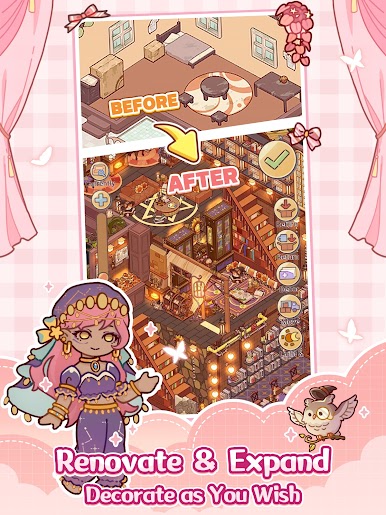
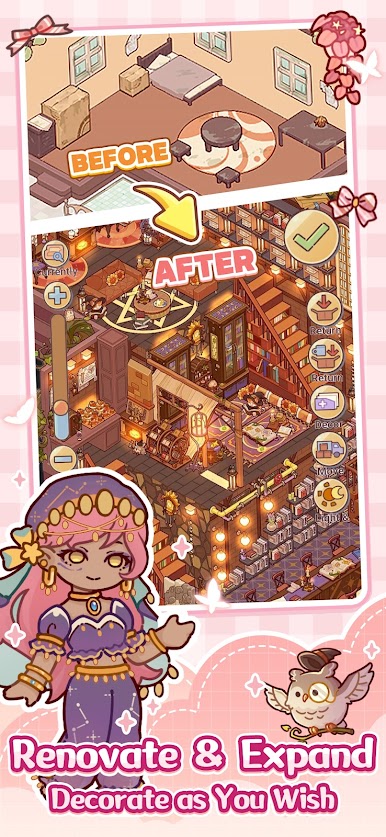
- Your Home, Your Rules: Pick a layout that fits your style—maybe a snug cottage, a chic loft, a roomy duplex, or even a grand villa. Tweak the floor plan, shift partitions, and make every corner yours.
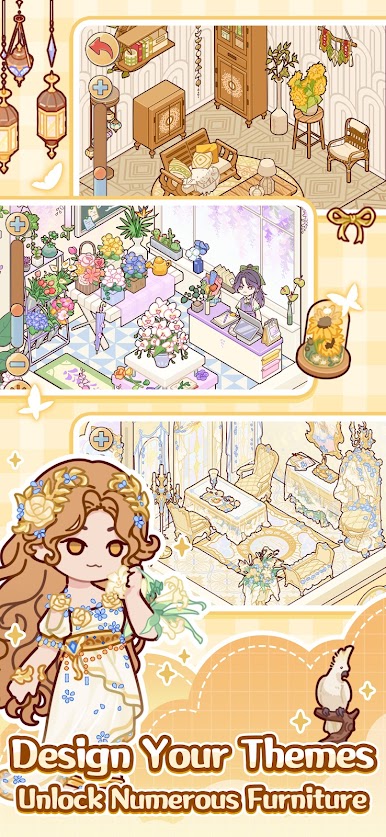
- Endless Decorating Fun: Browse a huge catalog of furniture and finishes, then mix and match to create rooms with real personality. Classic Chinese elegance, minimalist modern, fairy‑tale whimsy, rustic charm, industrial retro—blend them however you like. Interactive pieces bring your space to life.
- Remodel Anytime: Feel like changing things up? Redo the living room, refresh the kitchen, or swap out the bathroom look whenever the mood strikes. Fresh start, same home.
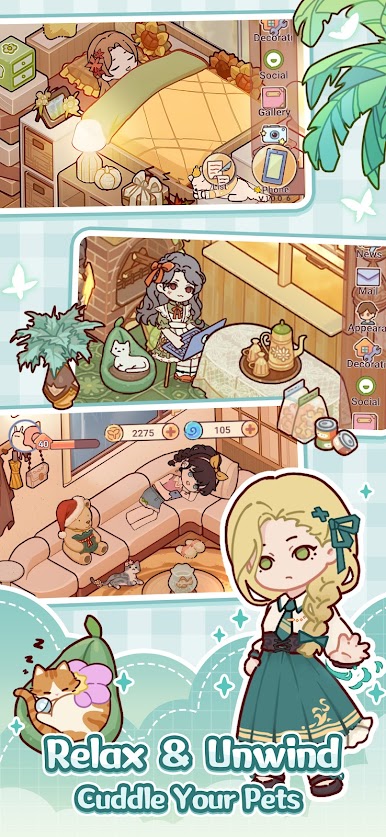
- Dress the Way You Want: Build a unique avatar with tons of outfits, hairstyles, accessories, and makeup. Go casual and comfy, sharp and modern, ornate and royal, or sweet and dreamy—switch styles on the fly.
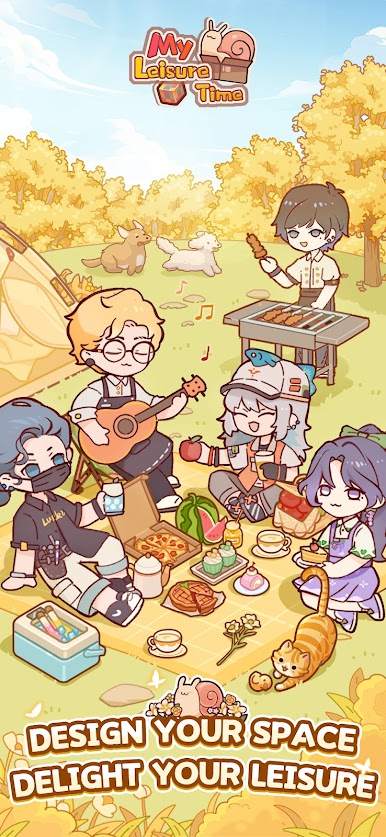
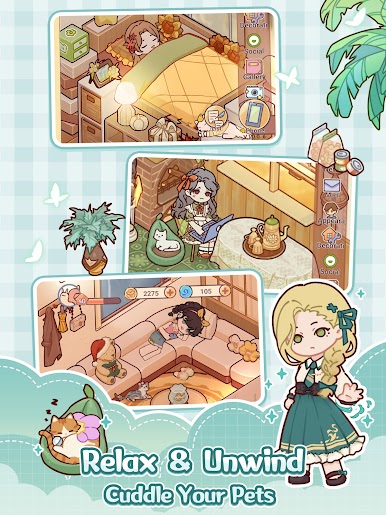
- Slow-Life Activities: Spend a quiet morning fishing, try new recipes in the canteen, brew a perfect cup at the café, or arrange bouquets at the flower stall. Chat with neighbors, unlock new spots on the map, and enjoy bite-size, stress-free play.
- Pets, Because Obviously: Adopt a cuddly cat, an energetic pup—or both. Give them cute outfits, set up a cozy corner just for them, and let their little paw prints brighten the place.
- Build with Friends: Team up to plant flowers, decorate courtyards, and shape shared spaces around town. Trade ideas, jump into community events, and make memories together.
Make your gaming sessions memorable with precise controls that give you an edge in close combats and visuals that pop up, bringing every character to life.



Play My Leisure Time on PC. It’s easy to get started.
-
Download and install BlueStacks on your PC
-
Complete Google sign-in to access the Play Store, or do it later
-
Look for My Leisure Time in the search bar at the top right corner
-
Click to install My Leisure Time from the search results
-
Complete Google sign-in (if you skipped step 2) to install My Leisure Time
-
Click the My Leisure Time icon on the home screen to start playing

