


Monster GO
Play on PC with BlueStacks – the Android Gaming Platform, trusted by 500M+ gamers.

Page Modified on: Jul 24, 2026
Play Monster GO on PC
[CATCH 'EM ALL & EXPLORE]
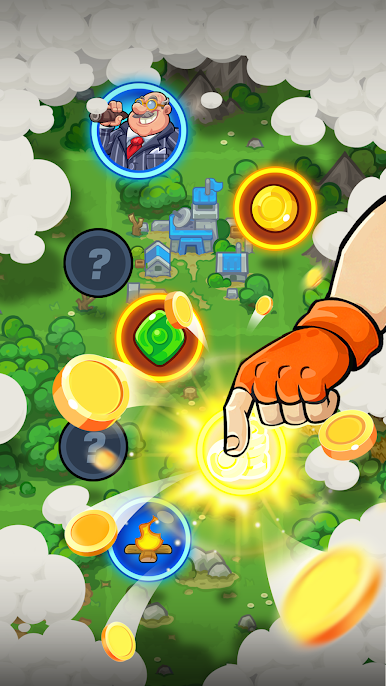
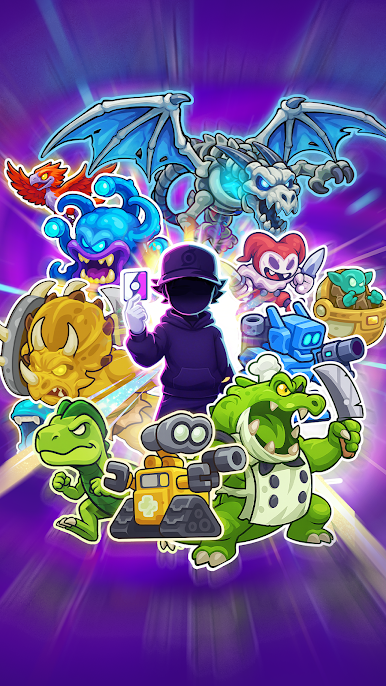
Step into a sprawling, dynamic map where every corner holds a secret. Venture through diverse landscapes, encounter bizarre events, and discover a vast array of new monsters to catch.
[TRAIN & EVOLVE YOUR DREAM TEAM]
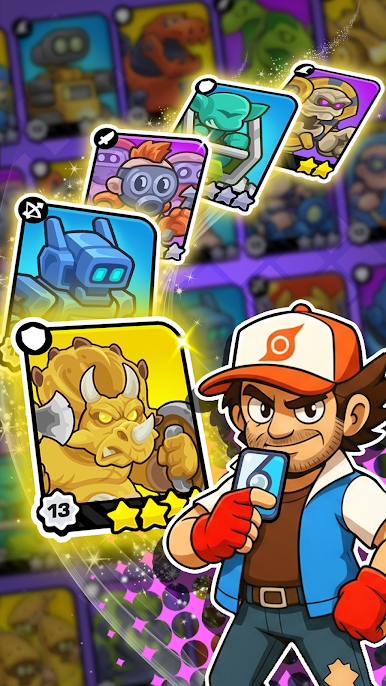
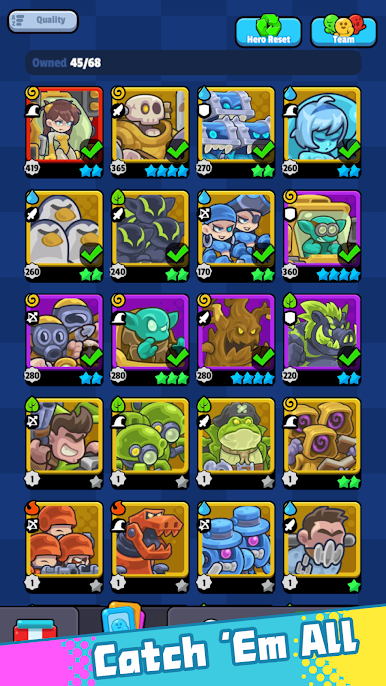
Build your ultimate squad! Level up your adorable (yet fierce!) companions, evolve them into awe-inspiring forms, and unlock devastating new skills.
[CLUB BATTLES & RIVALRY]
Test your mettle in thrilling Club Battles! Challenge rival trainers across the land, prove your strategic prowess, and climb the ranks to claim glorious rewards.
[BUILD YOUR ULTIMATE BASE]
Go beyond just battling – create your very own Base! Design your ultimate monster stronghold, set up your defenses, and invite other trainers to challenge your elite team.

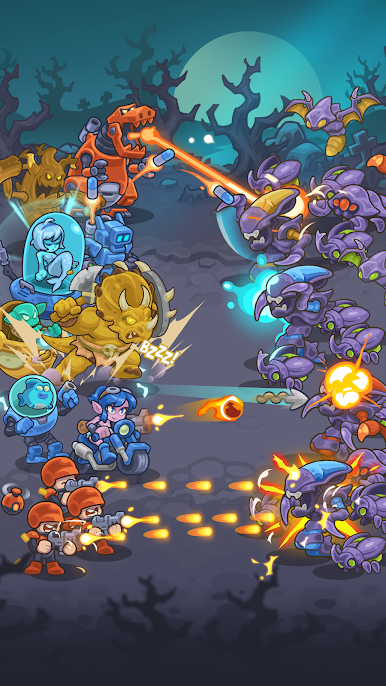
Play Monster GO on PC. It’s easy to get started.
-
Download and install BlueStacks on your PC
-
Complete Google sign-in to access the Play Store, or do it later
-
Look for Monster GO in the search bar at the top right corner
-
Click to install Monster GO from the search results
-
Complete Google sign-in (if you skipped step 2) to install Monster GO
-
Click the Monster GO icon on the home screen to start playing

