


FreeCell Solitaire
Play on PC with BlueStacks – the Android Gaming Platform, trusted by 500M+ gamers.

Page Modified on: Jun 17, 2026
Main FreeCell Solitaire on PC
Key Features:
- deals with different difficulty
- every completed deal has score
- customizable background and card
- magnetic card movement
- supermove: multiple card dragging
- drag or tap to move
- undo option
- optimized battery usage for very long gameplay
Easy to use: FreeCell solitaire has been built specifically for your phone and tablet to bring you the best card games experience ever… for you to fall in love with it over and over again.
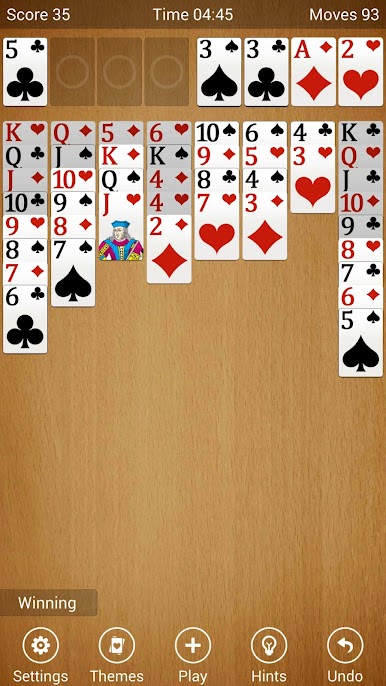
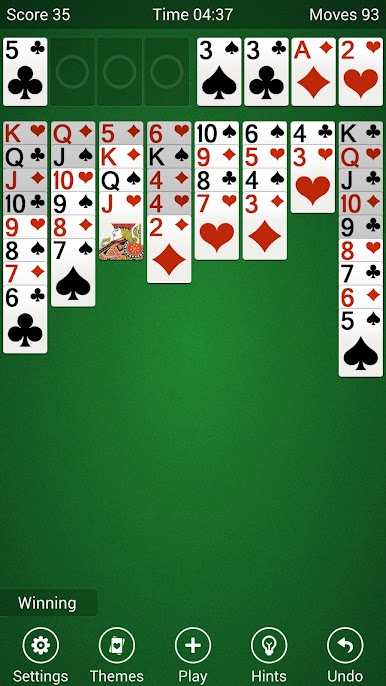
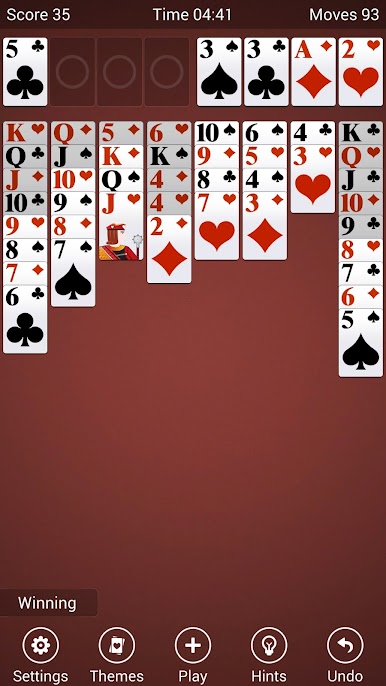
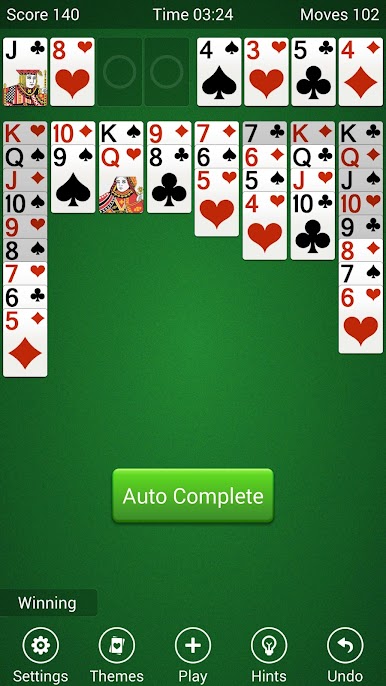
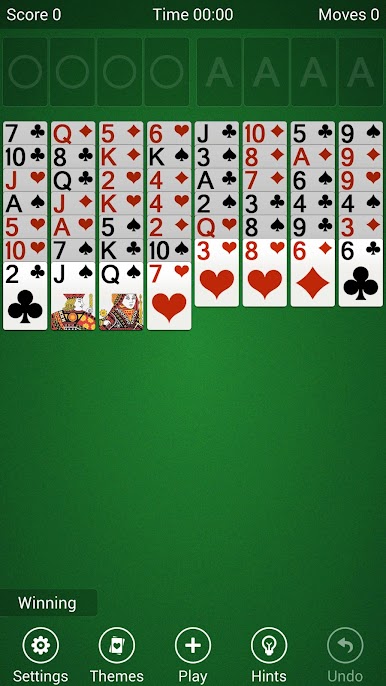
Play FreeCell Solitaire on PC. It’s easy to get started.
-
Download and install BlueStacks on your PC
-
Complete Google sign-in to access the Play Store, or do it later
-
Look for FreeCell Solitaire in the search bar at the top right corner
-
Click to install FreeCell Solitaire from the search results
-
Complete Google sign-in (if you skipped step 2) to install FreeCell Solitaire
-
Click the FreeCell Solitaire icon on the home screen to start playing

