


LOKTV: Play Movie & Drama
Play on PC with BlueStacks – the Android Gaming Platform, trusted by 500M+ gamers.

Page Modified on: Mar 17, 2026
Main LOKTV: Play Movie & Drama on PC
Key Features:
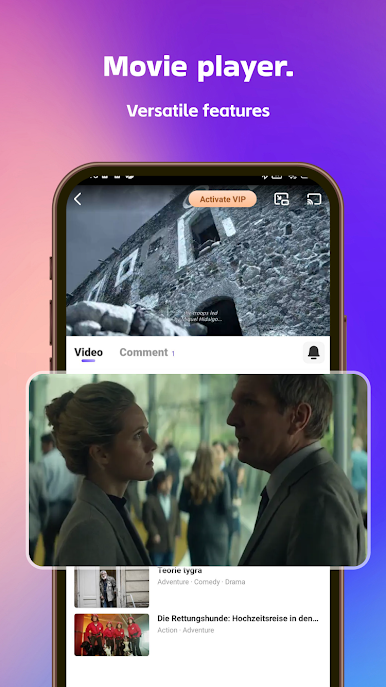
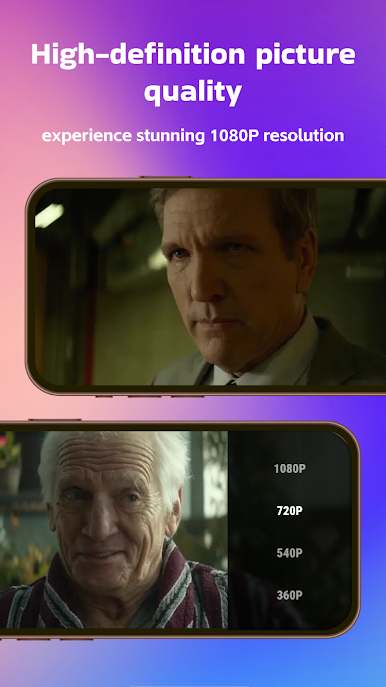
Online Streaming: Enjoy smooth, high-definition playback instantly.
Offline Download: Save videos for offline viewing anytime, even without internet.
Favorites & Watchlist: Easily save videos you love and track your watch history.
Playback History: Automatically keeps track of your viewing progress.
HD & Variable Speed Playback: Choose your preferred video quality and playback speed.
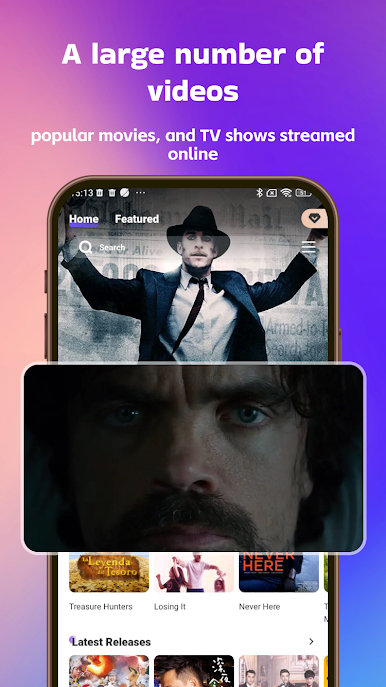
Video Library: From short dramas to series and movies, there’s something for everyone.
Why Choose LOKTV?
Simple and intuitive interface to quickly find your favorite content.
Multi-device support, so you can enjoy entertainment anytime, anywhere.
Personalized recommendations help you discover trending and popular content safely.
Download LOKTV:Play Movie&Drama now and start your ultimate viewing experience!

Play LOKTV: Play Movie & Drama on PC. It’s easy to get started.
-
Download and install BlueStacks on your PC
-
Complete Google sign-in to access the Play Store, or do it later
-
Look for LOKTV: Play Movie & Drama in the search bar at the top right corner
-
Click to install LOKTV: Play Movie & Drama from the search results
-
Complete Google sign-in (if you skipped step 2) to install LOKTV: Play Movie & Drama
-
Click the LOKTV: Play Movie & Drama icon on the home screen to start playing

