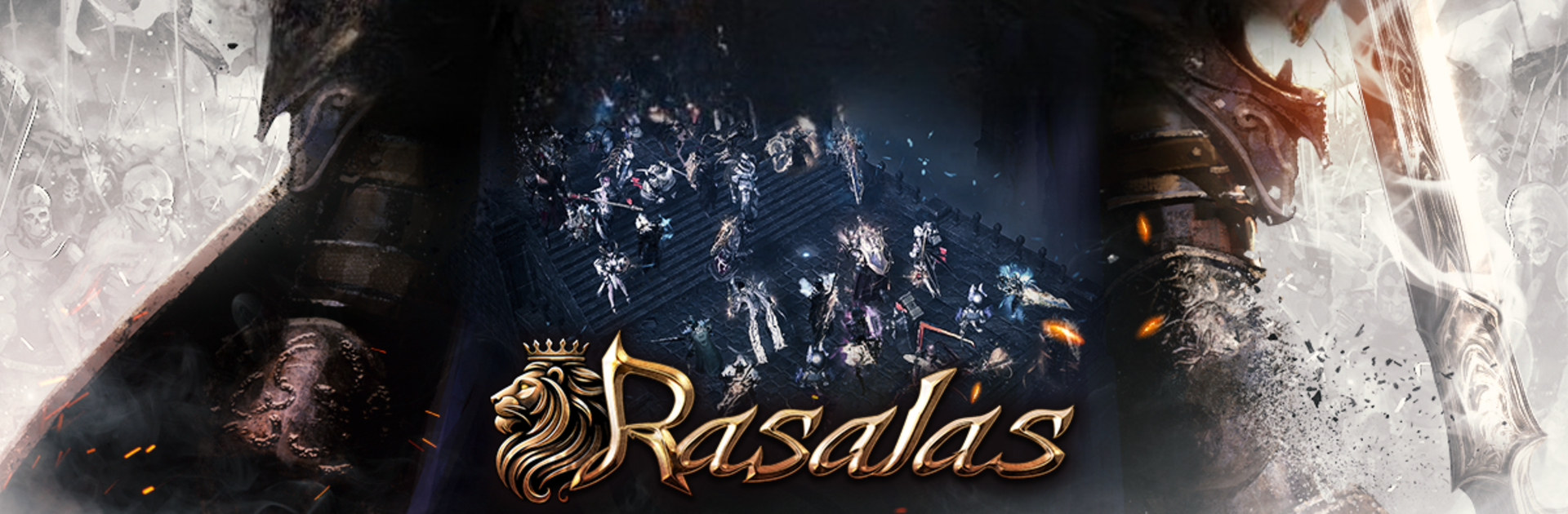

Rasalas
Play on PC with BlueStacks – the Android Gaming Platform, trusted by 500M+ gamers.

Page Modified on: Jul 14, 2025
Play Rasalas on PC or Mac
From the innovators and creators at Lepor Games Co.,Ltd, Rasalas is another fun addition to the World of Role Playing games. Go beyond your mobile screen and play it bigger and better on your PC or Mac. An immersive experience awaits you.
About the Game
Get ready to jump into Rasalas, a Role Playing adventure where honor really means something and power is everything. Battles break out on every corner of this huge world, putting your skills and strategy to the test against other players and gigantic bosses. Whether you’re a veteran of MMORPGs or just curious, Lepor Games Co.,Ltd brings fierce competition, a refined look, and all the classic role-playing magic you’d hope for—plus more. If you want the most seamless battles and smooth controls, playing on BlueStacks is a solid choice.
Game Features
-
Massive, Ever-Changing Battlefields
Expect sprawling fields packed with action—alliances form, enemies lurk, and fights can shift in a split second. If you love the thrill of real-time, large-scale PvP, you’ll feel right at home here. -
Classic MMORPG Feel, Sharper Looks
Rasalas brings that nostalgic MMORPG gameplay you remember, but with upgraded visuals and polished design. Everything’s clean, bright, and a little more epic when it counts. -
Tactical Team Combat
Working together isn’t just a nice extra, it’s absolutely necessary. Rasalas throws you into group battles where every member’s choices affect the outcome. -
Challenging Boss Raids
Think you’re tough? There are 15 distinct bosses roaming the land, all ready for a fight. Taking them down earns you rare loot and some serious bragging rights. -
Field Domination Mechanics
It’s not just about fighting—territory control matters. Take ground from your rivals, maintain your team’s grip on key locations, and dominate the landscape. -
Optimized for Seamless Play
No one likes interruptions. Rasalas is built to keep the action flowing, and—for those sticking to PC—BlueStacks makes everything even smoother so you can focus on the fun.
Ready to top the leaderboard? We bet you do. Let precise controls and sharp visuals optimized on BlueStacks lead you to victory.


Play Rasalas on PC. It’s easy to get started.
-
Download and install BlueStacks on your PC
-
Complete Google sign-in to access the Play Store, or do it later
-
Look for Rasalas in the search bar at the top right corner
-
Click to install Rasalas from the search results
-
Complete Google sign-in (if you skipped step 2) to install Rasalas
-
Click the Rasalas icon on the home screen to start playing

Similar Games