


Fake Location (Joystick & Route)
Play on PC with BlueStacks – the Android Gaming Platform, trusted by 500M+ gamers.

Page Modified on: May 1, 2019
Overview
This software is developed according to my personal needs and may not have the features you need, but you can tell me by comment.
Software features:
• Operating in ROOT environment, not easy to be detected, high simulation success rate; of course, support for NOROOT Mode
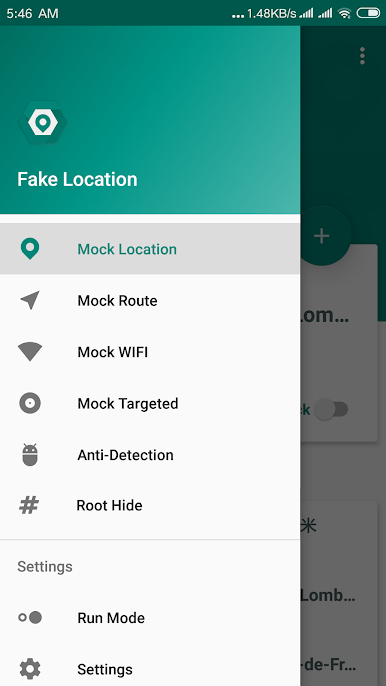
• Support Mock Cells
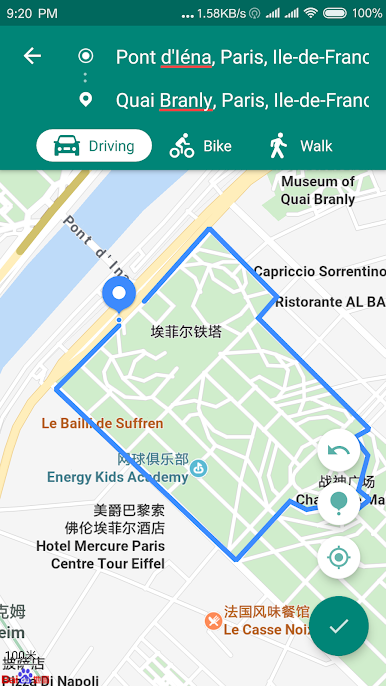
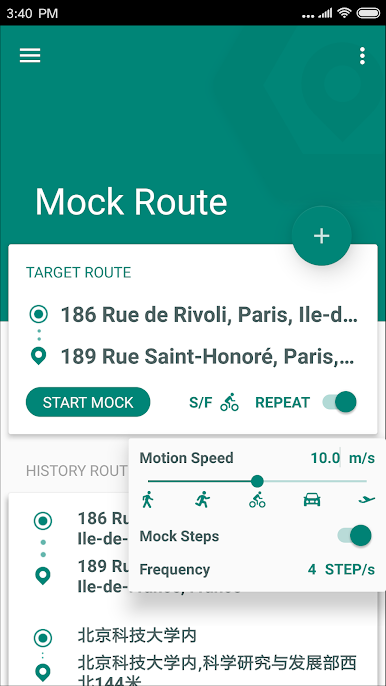
• Support Mock Route
• Support Mock Steps
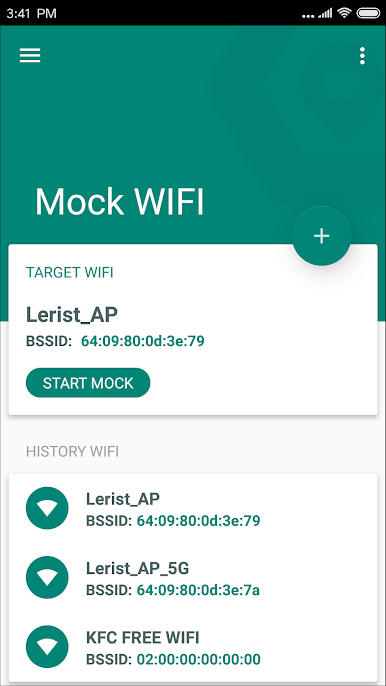
• Support Mock WIFI
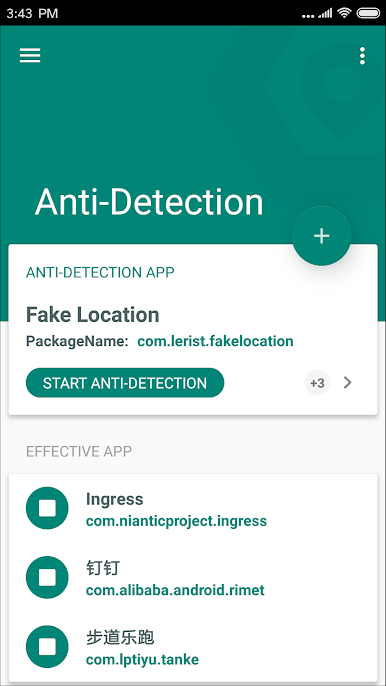
• Support Anti-Detection
• Support Root Hide
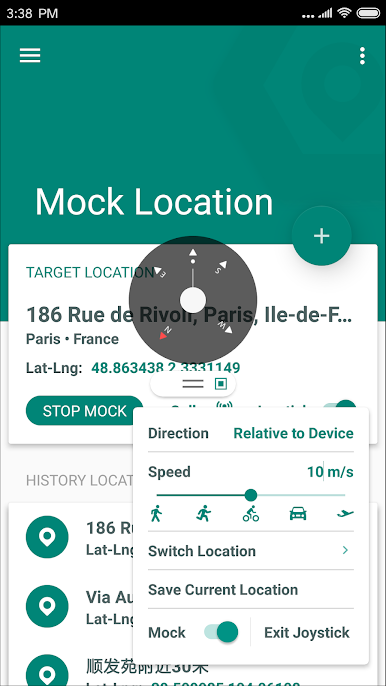
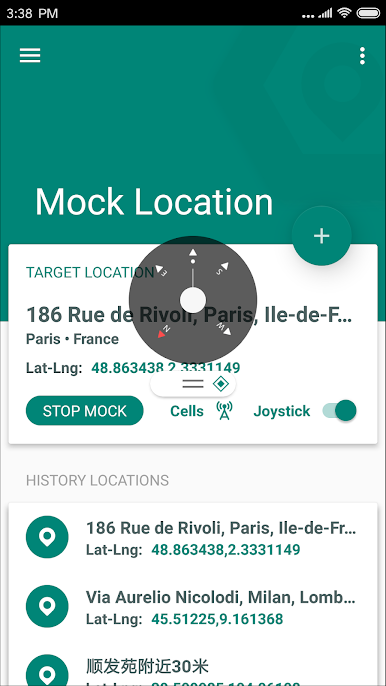
• Support to move position by Joystick
• Supports adjustment of relative movement direction based on current phone orientation
• Support for simulating multi-level moving speeds: walking, running, cycling, driving, aircraft, and customization
• Support for fast position switching
• Support saving current position for quick return
• Location update frequency setting (adjust according to the application scenario, such as WeChat recommended to set to 100 milliseconds, game recommended to 2000 milliseconds)
• More suitable for game scenes
Special Instructions:
If the joystick compass on the MIUI fails, please turn off the Fake Location power saving policy.
Note: The software is currently in the beta stage, there are still many problems, I hope you can give me feedback in the comments area to improve.
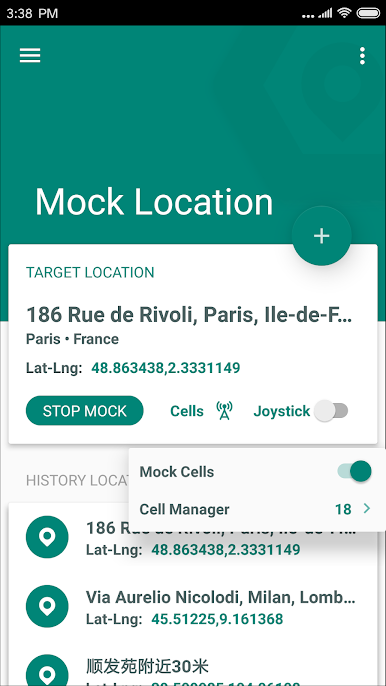
Play Fake Location (Joystick & Route) on PC. It’s easy to get started.
-
Download and install BlueStacks on your PC
-
Complete Google sign-in to access the Play Store, or do it later
-
Look for Fake Location (Joystick & Route) in the search bar at the top right corner
-
Click to install Fake Location (Joystick & Route) from the search results
-
Complete Google sign-in (if you skipped step 2) to install Fake Location (Joystick & Route)
-
Click the Fake Location (Joystick & Route) icon on the home screen to start playing

