

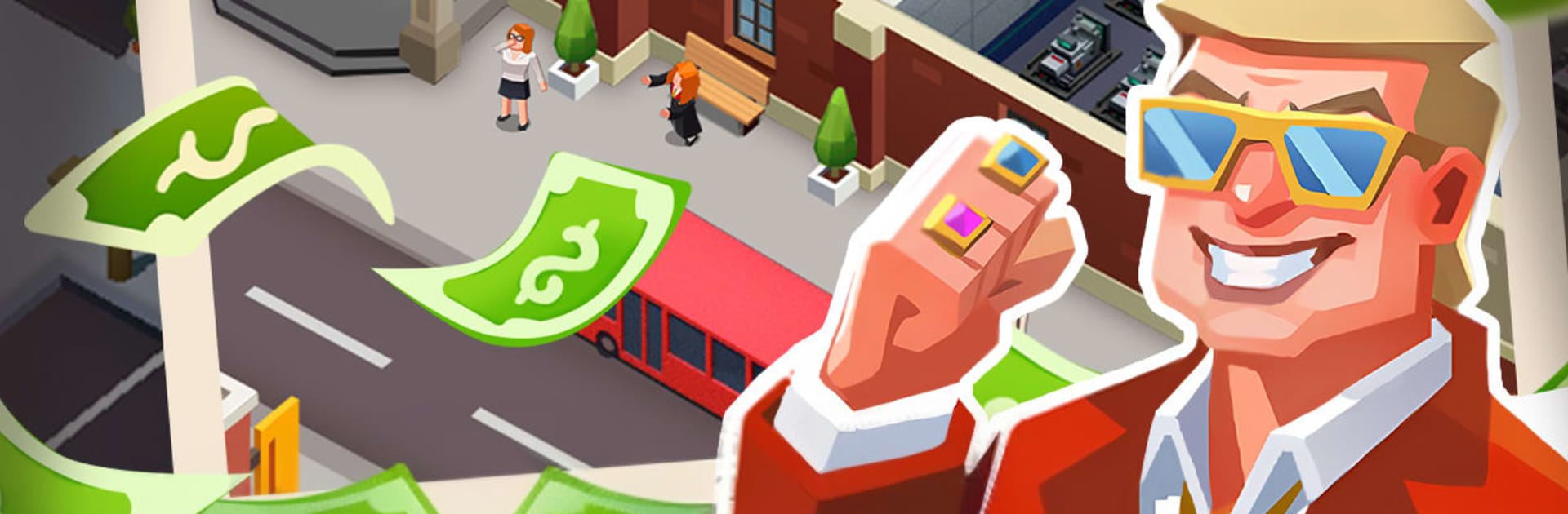
Idle Apartment Tycoon
Play on PC with BlueStacks – the Android Gaming Platform, trusted by 500M+ gamers.

Page Modified on: Apr 7, 2026
Play Idle Apartment Tycoon on PC or Mac
Step into the World of Idle Apartment Tycoon, a thrilling Simulation game from the house of LEYO. Play this Android game on BlueStacks App Player and experience immersive gaming on PC or Mac.
About the Game
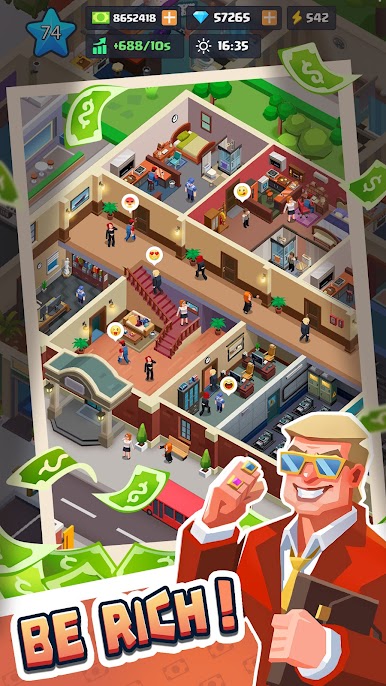
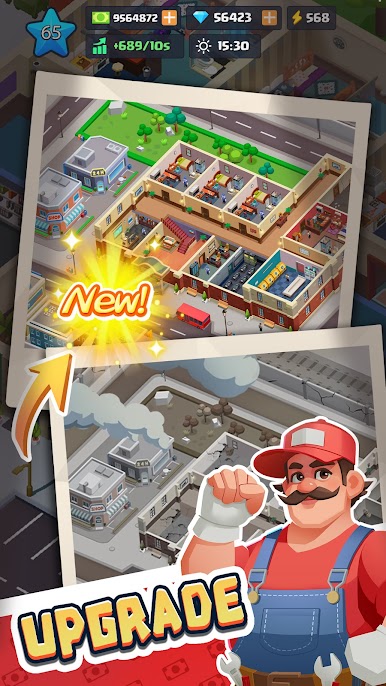
Idle Apartment Tycoon from LEYO is a Simulation game about building a property business one floor, one tenant, and one smart upgrade at a time. You kick things off with a humble building, set up automated systems, and watch the income keep rolling even when you’re not playing. It’s relaxed when you want it to be, but there’s plenty to tinker with—from décor choices to tenant happiness—whenever you’ve got a few extra minutes.
Game Features
- Smart Idle Systems: Automate rent collection, queue upgrades, and keep profits growing while you’re offline so progress never stalls.
- Tap-Easy, Strategy-Deep: Simple controls make it quick to improve rooms and services, but balancing maintenance, expansion, and tenant mood is where the real planning lives.
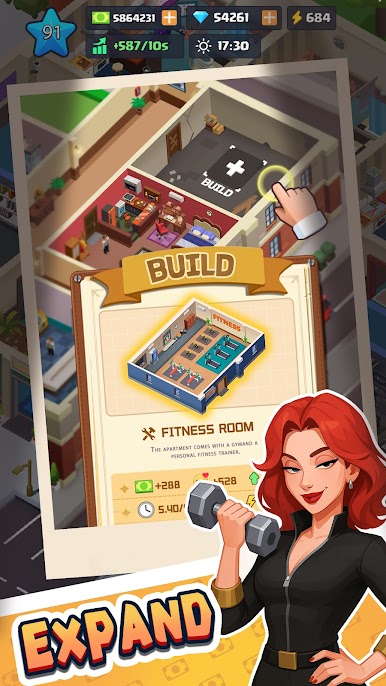
- Amenities That Matter: Add crowd-pleasers like gyms, rooftop gardens, and cozy lounges; hire concierges, cleaners, and security to boost appeal and earnings.
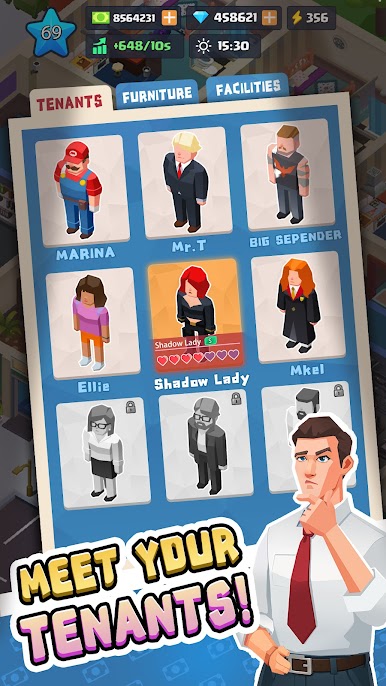
- Tenants With Personality: Fill your units with artists, families, and night owls—each with quirks and changing needs that shape how you manage your place.
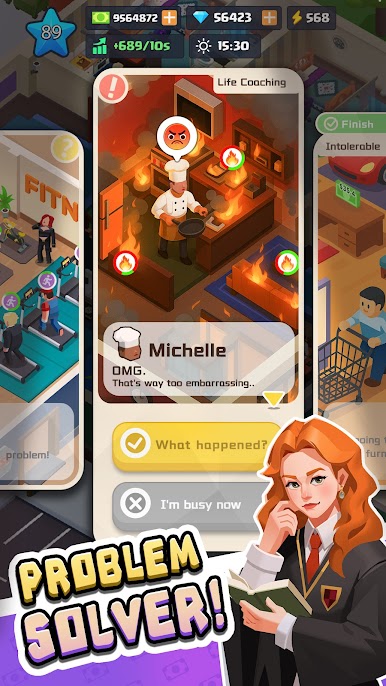
- Quick-Fire Challenges: Handle noise complaints, fix breakdowns, and tackle mini-quests to earn loyalty perks, rare boosts, and extra cash.
- Style It Your Way: Mix and match hundreds of décor options—from vintage charm to sleek minimalist—to refresh apartments, lobbies, and balconies.
- Big-Spender Moments: Treat yourself to luxury cars, claim a penthouse, and snap up nearby buildings to grow from landlord to local legend.
- New Areas to Conquer: Move beyond the first block and master coastal escapes and busy downtown districts, each with unique architecture and resident trends.
- PC-Friendly Option: Prefer a larger screen and keyboard? Manage your portfolio on BlueStacks without changing how you like to play.
Ready to top the leaderboard? We bet you do. Let precise controls and sharp visuals optimized on BlueStacks lead you to victory.
Play Idle Apartment Tycoon on PC. It’s easy to get started.
-
Download and install BlueStacks on your PC
-
Complete Google sign-in to access the Play Store, or do it later
-
Look for Idle Apartment Tycoon in the search bar at the top right corner
-
Click to install Idle Apartment Tycoon from the search results
-
Complete Google sign-in (if you skipped step 2) to install Idle Apartment Tycoon
-
Click the Idle Apartment Tycoon icon on the home screen to start playing

