


Idle Apartment Tycoon
Play on PC with BlueStacks – the Android Gaming Platform, trusted by 500M+ gamers.

Page Modified on: Mar 17, 2026
Main Idle Apartment Tycoon on PC
🏢 Strategic Idle Management
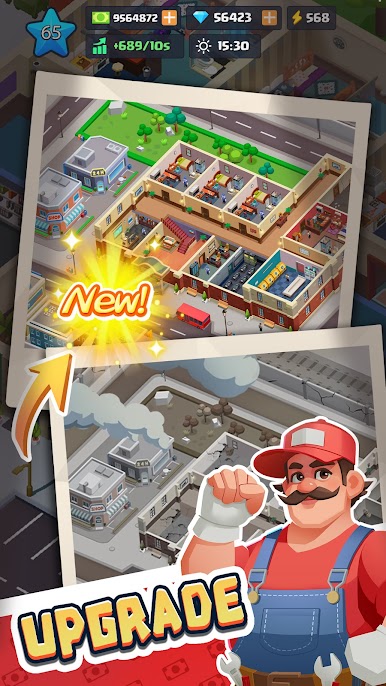
Easy to Learn, Deep to Master: Enjoy simple tap-to-upgrade mechanics balanced with meaningful strategic choices. Automate rent collection, expand your properties, and optimize tenant satisfaction to maximize your profits effortlessly.
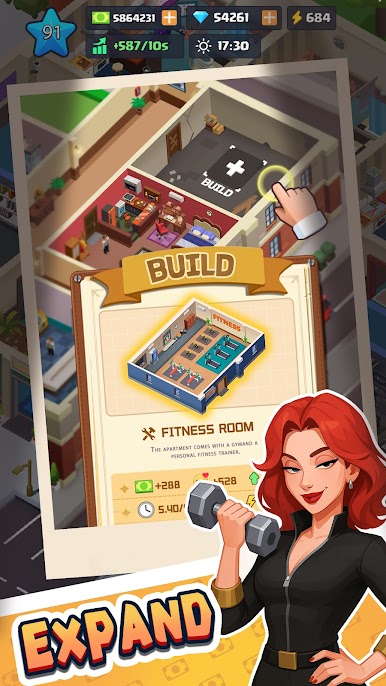
Boost Your Empire: Introduce modern facilities like gyms and rooftop gardens, then hire specialized staff to skyrocket your building's appeal and income.
👨👩👧👦 Tenants with Stories & Personalities
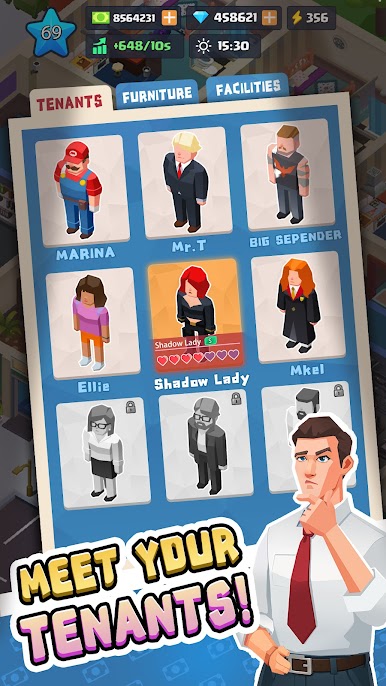
Meet Unique Characters: From artists seeking inspiration to families needing kid-friendly spaces, each quirky tenant has a unique background and evolving demands.
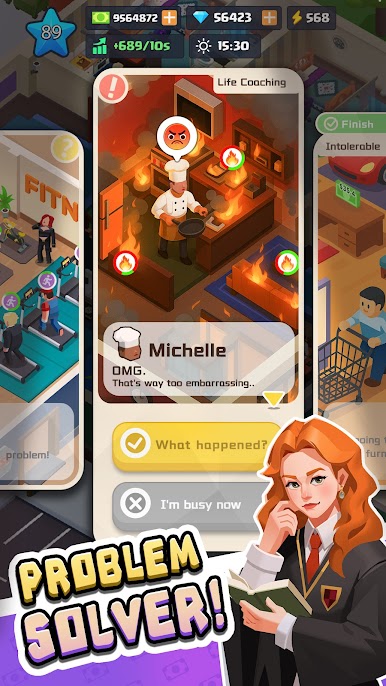
Resolve & Reward: Tackle interactive quests, solve noise complaints, and manage maintenance crises to earn tenant loyalty and unlock rare bonuses.
✨ Customize Every Detail
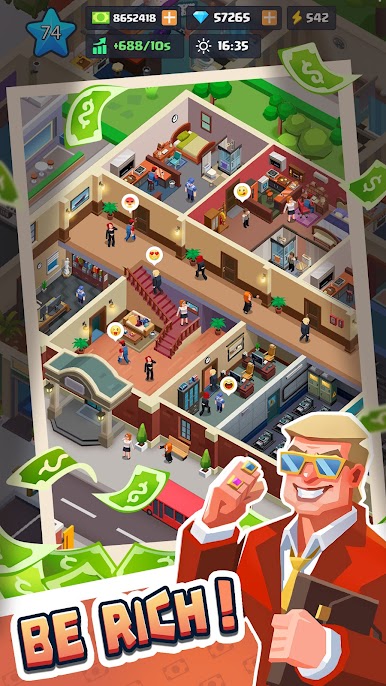
Unlimited Personalization: Choose from hundreds of decor options—from vintage chic to modern minimalist—to personalize apartments, upgrade lobbies, and design balconies.
Live the Mogul Life: Flaunt your success by driving luxury cars, purchasing penthouses, and investing in neighboring properties to dominate the market.
🗺️ Expand to New Horizons
Unlock Dynamic Maps: Grow beyond the city center! Unlock unique coastal retreats and bustling urban hotspots, each with distinct architectural styles and tenant demographics to master.
Play Idle Apartment Tycoon on PC. It’s easy to get started.
-
Download and install BlueStacks on your PC
-
Complete Google sign-in to access the Play Store, or do it later
-
Look for Idle Apartment Tycoon in the search bar at the top right corner
-
Click to install Idle Apartment Tycoon from the search results
-
Complete Google sign-in (if you skipped step 2) to install Idle Apartment Tycoon
-
Click the Idle Apartment Tycoon icon on the home screen to start playing

