


LG XBOOM – 2024 and earlier
Play on PC with BlueStacks – the Android Gaming Platform, trusted by 500M+ gamers.

Page Modified on: Apr 17, 2025
Run LG XBOOM on PC or Mac
Let BlueStacks turn your PC, Mac, or laptop into the perfect home for LG XBOOM, a fun Music & Audio app from LG Electronics, Inc..
About the App
LG XBOOM puts you in control of your music setup, making it super easy to play your favorite tracks wirelessly. Whether you want to tweak your sound or add some flair with lighting effects, this app keeps everything at your fingertips. It’s all about shaking things up—host a party, chill with playlists, or mess around with DJ effects, all straight from your device.
App Features
-
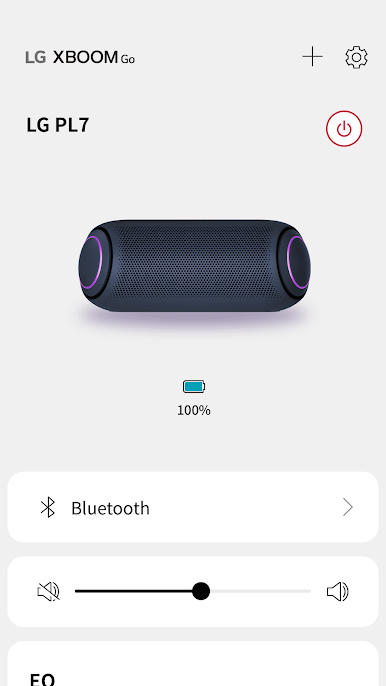
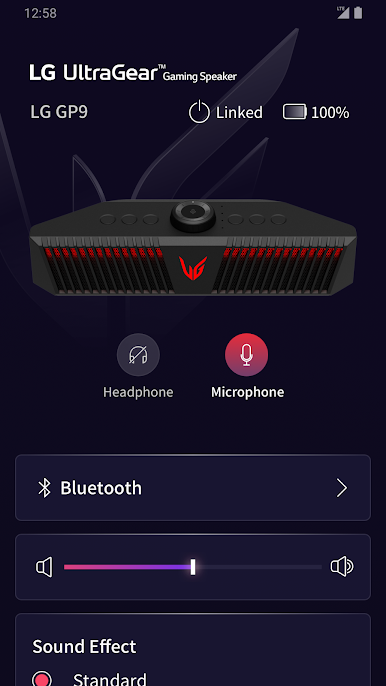
Easy Bluetooth Music Streaming
Hook up your smartphone effortlessly to any compatible speaker using Bluetooth and play music right from your library. There’s no hassle—just get the tunes going. -
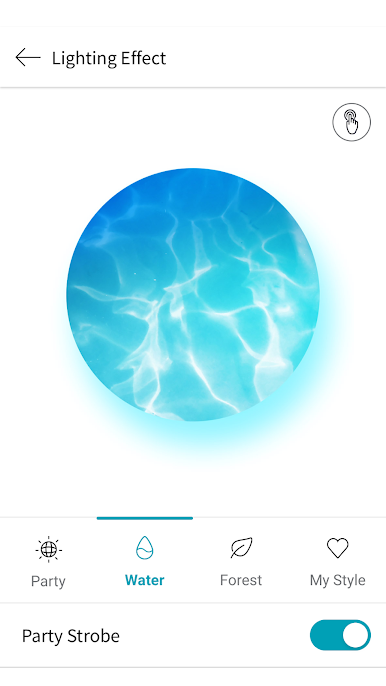
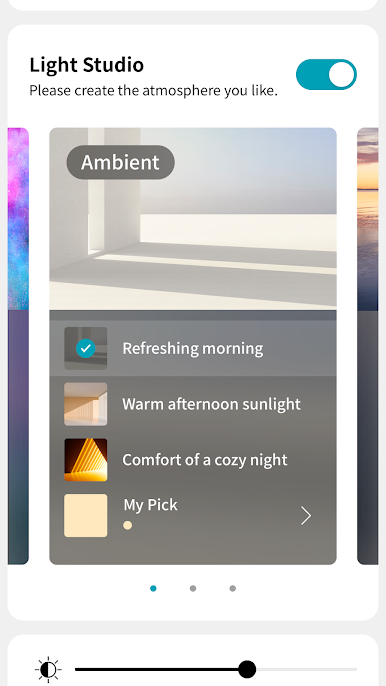
Customizable Lighting Effects
Like to match the mood? Switch up the lighting style and wow your guests with effects that move with your music. -
DJ Mode and Effects
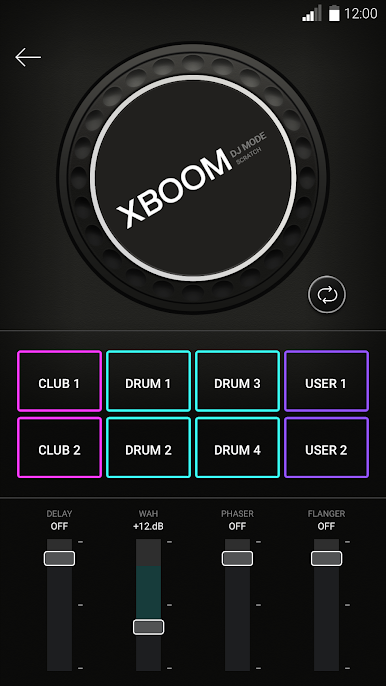
Feeling creative? Try out features like DJ Scratcher or add special sound effects with FLANGER, PHASER, WAH, or DELAY. You don’t need fancy gear—just your phone. -
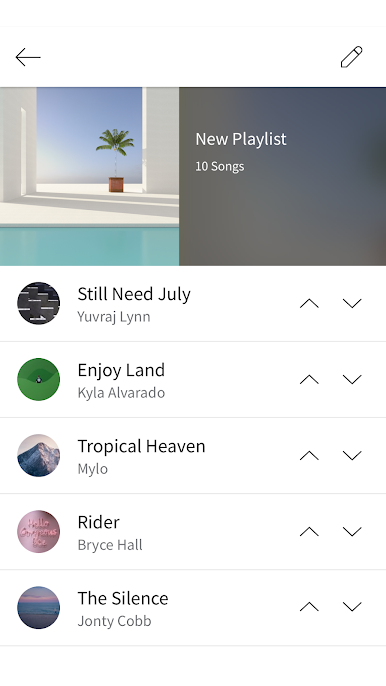
Multi-Jukebox Playlist Control
Build and manage playlists from connected devices, so everybody gets a say in the vibe. No fighting over who’s next—you’ve got it all under control. -
Equalizer Options
Switch between sound presets like STANDARD, BASS BLAST, POP, ROCK, and more. Whether you love heavy bass or something a little brighter, there’s a style for every ear. -
Audio Recording
Use your mic to record audio right from the app. Perfect for capturing those random jam sessions. -
Party Strobe Feature
If your device supports it, you can even use your camera’s flash to join in as a strobe light—great for setting the scene. -
Flexible Permissions & Compatibility
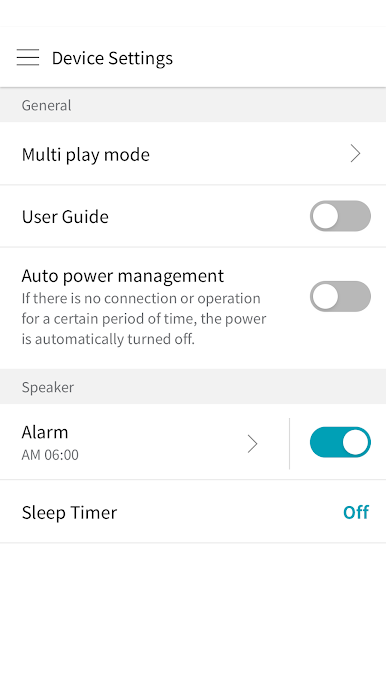
LG XBOOM lets you customize permissions based on what you want to do. Some features depend on your speaker model or Android version. Update your OS for the smoothest ride and keep an eye out for notifications, including software updates.
This music-audio app from LG Electronics, Inc. is even handier when you use it on your desktop through BlueStacks, unlocking a whole new layer of fun.
BlueStacks gives you the much-needed freedom to experience your favorite apps on a bigger screen. Get it now.
Play LG XBOOM – 2024 and earlier on PC. It’s easy to get started.
-
Download and install BlueStacks on your PC
-
Complete Google sign-in to access the Play Store, or do it later
-
Look for LG XBOOM – 2024 and earlier in the search bar at the top right corner
-
Click to install LG XBOOM – 2024 and earlier from the search results
-
Complete Google sign-in (if you skipped step 2) to install LG XBOOM – 2024 and earlier
-
Click the LG XBOOM – 2024 and earlier icon on the home screen to start playing

