

My Puppy Friend - Cute Pet Dog
Play on PC with BlueStacks – the Android Gaming Platform, trusted by 500M+ gamers.

Page Modified on: Oct 28, 2025
Play My Puppy Friend - Cute Pet Dog on PC or Mac
Step into the World of My Puppy Friend – Cute Pet Dog, a thrilling Educational game from the house of Libii. Play this Android game on BlueStacks App Player and experience immersive gaming on PC or Mac.
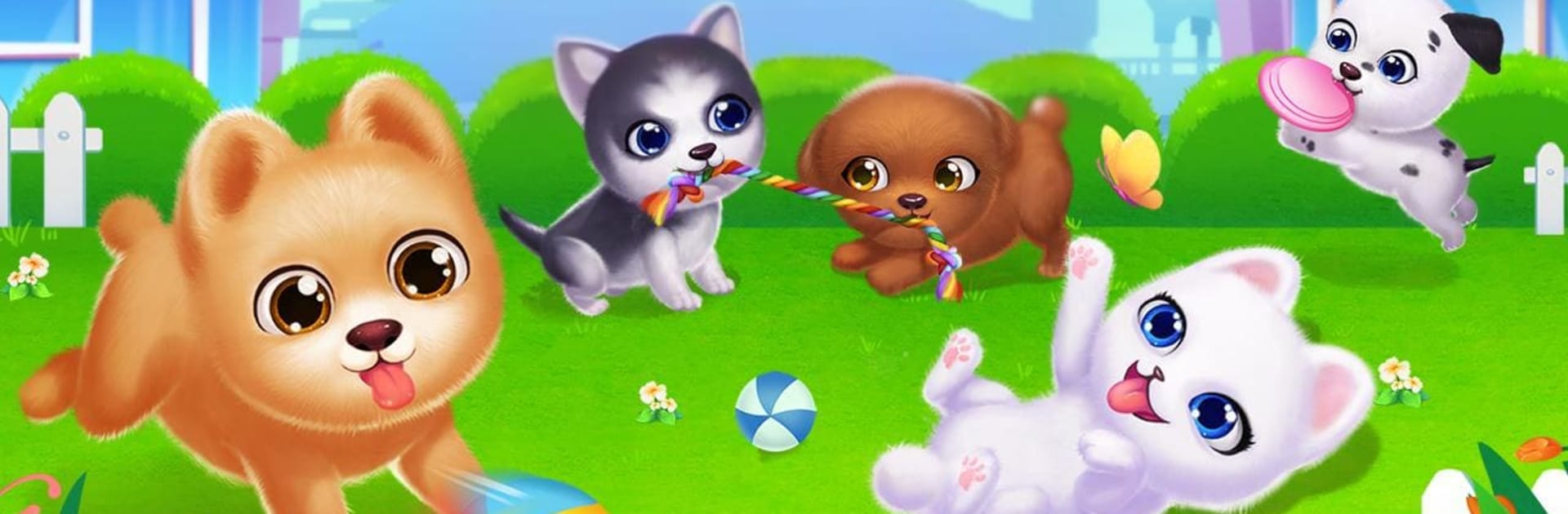
My Puppy Friend is basically a chill puppy care game where players look after a tiny squad of six dogs and fuss over them like crazy. It feels like a mix of dress up, pet sim, and mini game collection. Feed them treats, scrub off the mud in the bath, brush the fur, then go wild with makeup and outfits so they shine in the show. The show is not just for looks either. Playing the mini games earns hearts, and three hearts lets the pups enter the show to win decorations that make their little home look nicer. Coins come from challenges too, and those get traded for food, clothes, and other cute stuff, so there is always a reason to play one more round.
The mini games rotate between simple parkour runs, bone hunting, and other quick taps that feel light and friendly. Nothing stressful here, just bright scenes and a lot of squeaky toy energy. On PC with BlueStacks, the bigger screen makes grooming and outfit picking easier, and the mouse drags feel clean for things like washing or brushing. The art leans super cute without getting noisy, and the feedback loop is clear. Do a few games, collect hearts, hit the show, grab decor, repeat. It does have optional purchases for extra items, so unlocking everything fast will cost, but it plays fine without spending. Great for anyone who wants a low pressure pet routine and a reason to collect adorable outfits and make the dog house look a bit fancy.
Make your gaming sessions memorable with precise controls that give you an edge in close combats and visuals that pop up, bringing every character to life.
















Play My Puppy Friend - Cute Pet Dog on PC. It’s easy to get started.
-
Download and install BlueStacks on your PC
-
Complete Google sign-in to access the Play Store, or do it later
-
Look for My Puppy Friend - Cute Pet Dog in the search bar at the top right corner
-
Click to install My Puppy Friend - Cute Pet Dog from the search results
-
Complete Google sign-in (if you skipped step 2) to install My Puppy Friend - Cute Pet Dog
-
Click the My Puppy Friend - Cute Pet Dog icon on the home screen to start playing

