


LifeMart
Play on PC with BlueStacks – the Android Gaming Platform, trusted by 500M+ gamers.

Page Modified on: Oct 10, 2025
Play LifeMart on PC
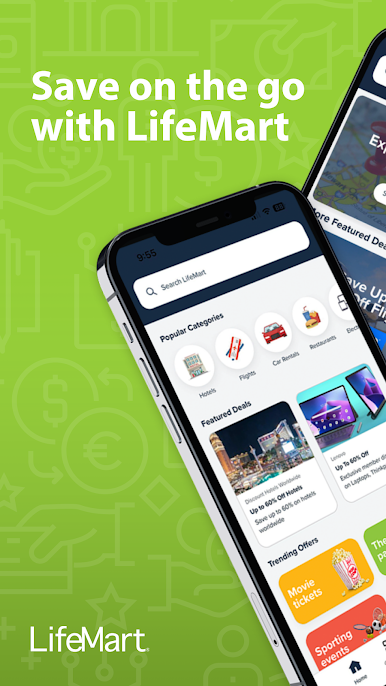
Download The LifeMart App to save on:
- Travel
- Entertainment
- Child, senior, and pet care
- Health and wellness
- Home and auto
- And so much more
Saving is simple:
- Browse discounts by category
- Tap to view offer details
- Follow the instructions to redeem
*Registration required. Access provided by employers or member associations.


Play LifeMart on PC. It’s easy to get started.
-
Download and install BlueStacks on your PC
-
Complete Google sign-in to access the Play Store, or do it later
-
Look for LifeMart in the search bar at the top right corner
-
Click to install LifeMart from the search results
-
Complete Google sign-in (if you skipped step 2) to install LifeMart
-
Click the LifeMart icon on the home screen to start playing

