


Play Tube
Play on PC with BlueStacks – the Android Gaming Platform, trusted by 500M+ gamers.

Page Modified on: Feb 3, 2025
Overview
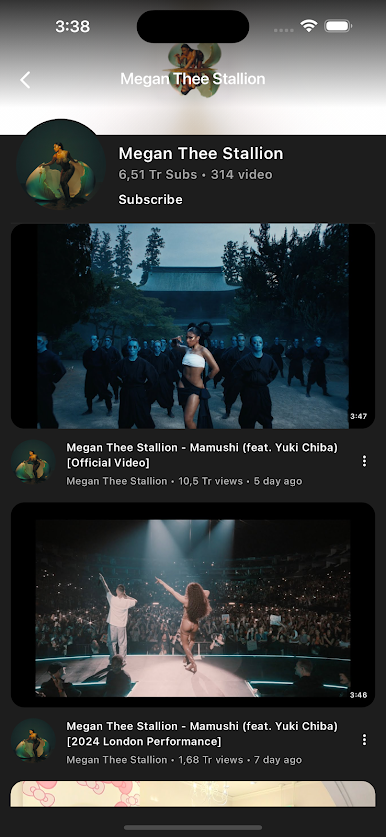
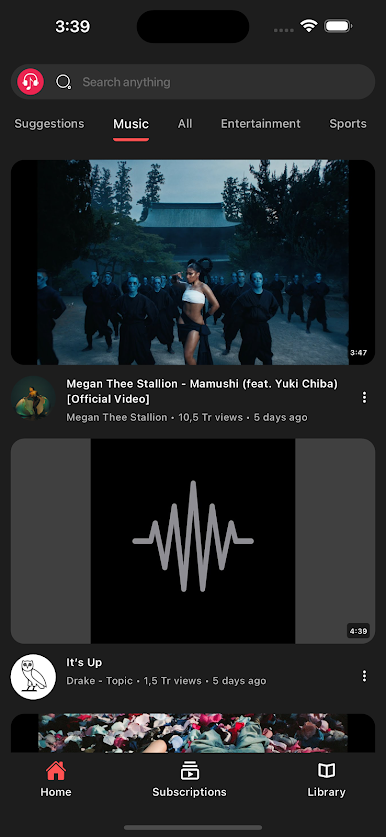
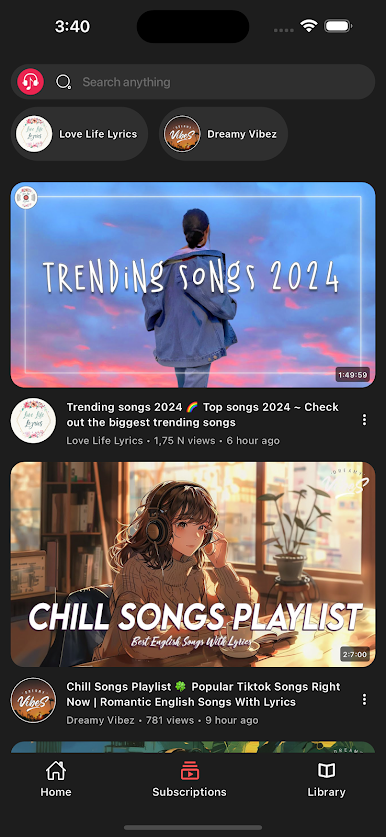
Looking for the ultimate app to watch videos without interruptions? Play Tube lets you stream your favorite content in the background, even with the screen off! Enjoy video playback without limits – all for free.
Key Features:
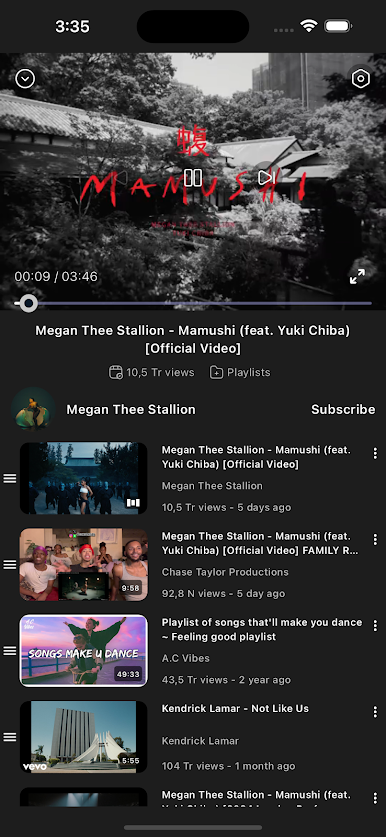
Video & Background Video Player: Continue playing videos and MP3/audio while using other apps or with the screen off.
Free Background Video Playback: Keep videos running in the background without needing the screen on.
Ad-Free Streaming: Experience videos with no ads or interruptions.
Easy to Use: Tap on any video and enjoy instant streaming.
Seamless Video Experience: Smooth video playback from different sources, designed for an uninterrupted entertainment experience.
Disclaimer:
This app streams videos from external platforms and does not host or own any video content.
Play Tube follows YouTube's API Terms of Service and does not allow video downloading.
📛 Important Notice:
Videos are sourced from external APIs, including YouTube.
Play Tube complies with YouTube’s API terms, and downloading videos is not supported.
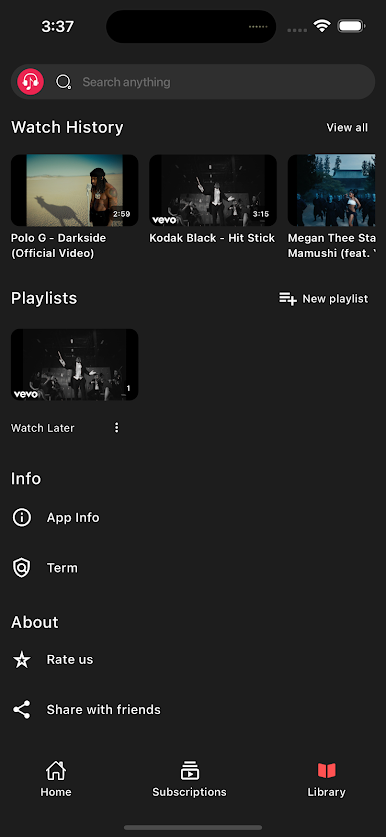
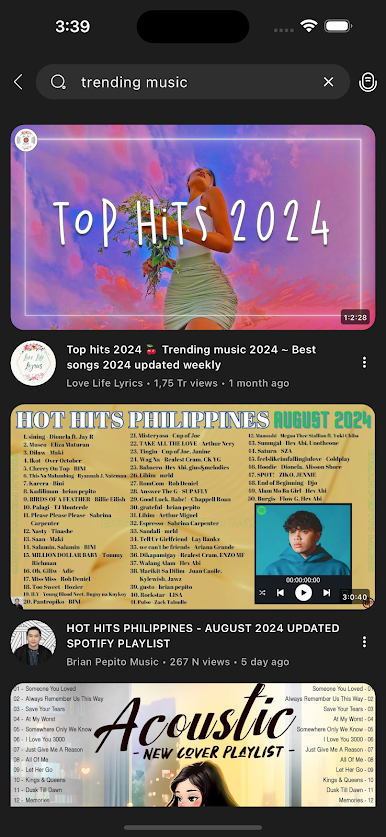
Play Play Tube on PC. It’s easy to get started.
-
Download and install BlueStacks on your PC
-
Complete Google sign-in to access the Play Store, or do it later
-
Look for Play Tube in the search bar at the top right corner
-
Click to install Play Tube from the search results
-
Complete Google sign-in (if you skipped step 2) to install Play Tube
-
Click the Play Tube icon on the home screen to start playing

