


Castle Battles : Fast RTS
Play on PC with BlueStacks – the Android Gaming Platform, trusted by 500M+ gamers.

Page Modified on: Oct 8, 2025
Play Castle Battles : Fast RTS on PC
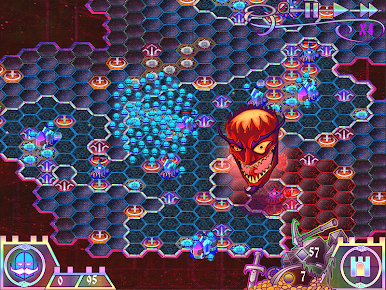
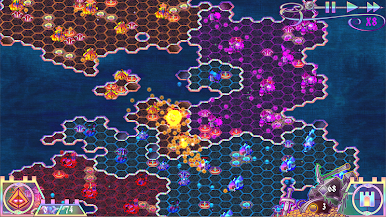
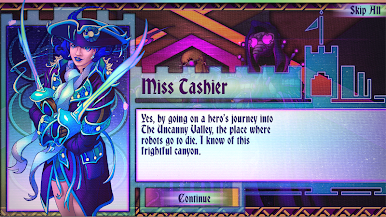
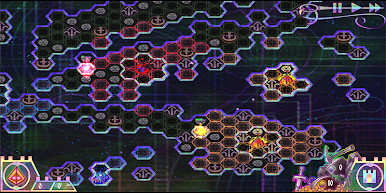
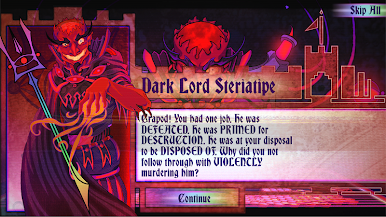
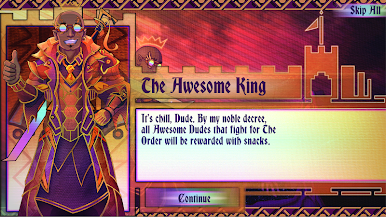
Explore the illustrated world of “The Great Tapestry” through four story-rich campaigns: Fight to reclaim your lost homeland as Les Moustachiers. Laugh maniacally and conquer the world as The Clearly Evil Empire. Discover the astral mysteries of The Purperilous as The Purple King. And finally, set out on a hero’s journey as The Order of Awesome to stop the final narrative from unraveling.
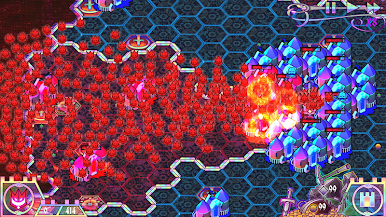
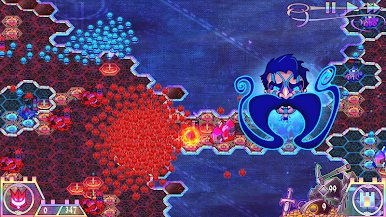
No soulless micro-transactions to help you here! Classic 4X strategy style mechanics from games such as civilization and the settlers are condensed to their strategic core, meaning action packed matches are measured in minutes rather than hours. Thousands of troops can clash in action at the same time leading to all out RTS swarm warfare.
Enjoy the melding of medieval melodies to the pulse of electronica in the Original Soundtrack by Ex-Static: https://xstatic.bandcamp.com/album/the-original-castle-battles-soundtrack
It’s time to play… Castle Battles

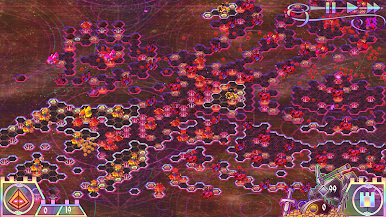
Play Castle Battles : Fast RTS on PC. It’s easy to get started.
-
Download and install BlueStacks on your PC
-
Complete Google sign-in to access the Play Store, or do it later
-
Look for Castle Battles : Fast RTS in the search bar at the top right corner
-
Click to install Castle Battles : Fast RTS from the search results
-
Complete Google sign-in (if you skipped step 2) to install Castle Battles : Fast RTS
-
Click the Castle Battles : Fast RTS icon on the home screen to start playing

