


Last Light
Play on PC with BlueStacks – the Android Gaming Platform, trusted by 500M+ gamers.

Page Modified on: Jul 8, 2026
Play Last Light on PC
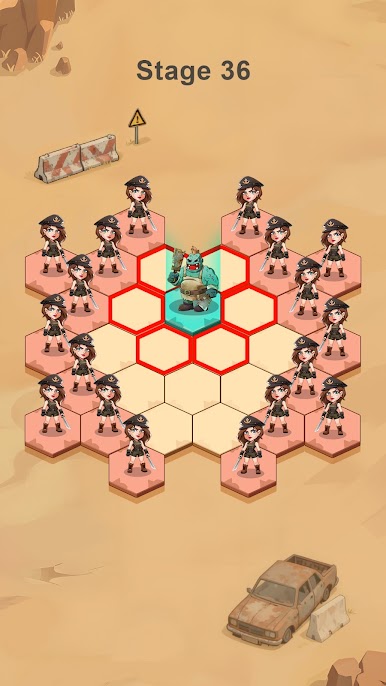
Chess &Escape
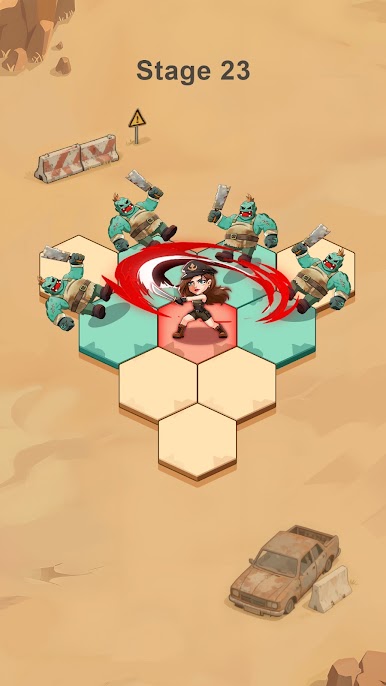
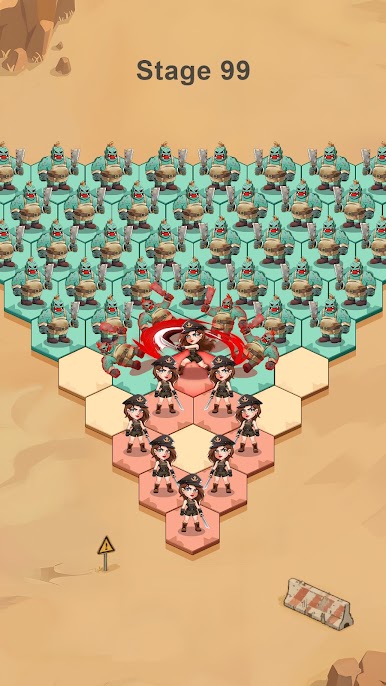
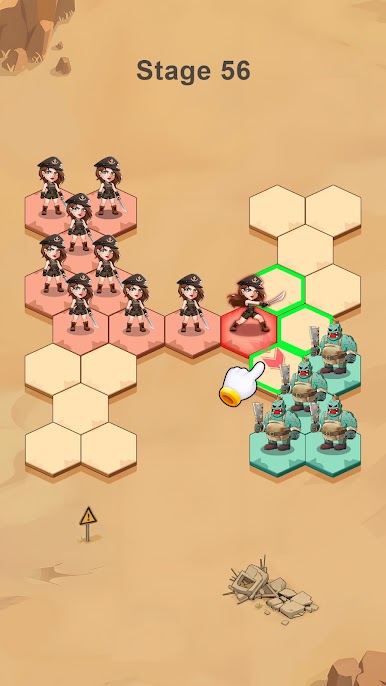
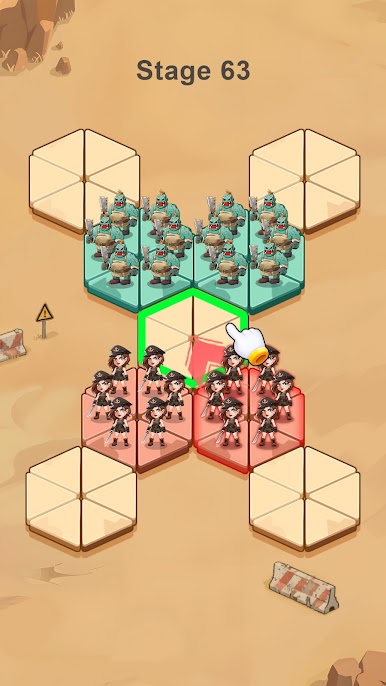
Use clever maneuvering to evade the zombies' pursuit.
Every step you take, every square you choose to move to, may allow you to recruit more manpower or bring you closer to the enemy. The key to success lies in anticipating whether each step you take will bring benefits or put you in greater danger.
Build & Defend
Establish your stronghold in the heart of the apocalypse. Construct fortified walls, set up vital resource stations, and develop advanced technologies to withstand the relentless tide of the undead. Every building you raise and every defense you reinforce could mean the difference between survival and extinction.
Manage & Adapt
Take command of a community of survivors—each with unique skills, traits, and burdens. Assign roles, manage morale, and make life-or-death decisions to keep your sanctuary running. But beware: in this broken world, danger doesn’t only come from the outside.
Explore & Reclaim
Send expeditions into the ruins of the old world. Scavenge for supplies, uncover hidden lore, and encounter other survivors—some willing to trade, others to betray. Expand your influence, reclaim lost territories, and uncover the dark secrets behind the outbreak.
Alliance & Domination
Forge alliances with players worldwide. Coordinate attacks, share resources, and unite to conquer zombie hordes and enemy factions. Together, you can rebuild not just a shelter—but a new civilization.
The end of the world is only the beginning. Will you merely survive… or will you lead humanity into a new dawn?
Play Last Light on PC. It’s easy to get started.
-
Download and install BlueStacks on your PC
-
Complete Google sign-in to access the Play Store, or do it later
-
Look for Last Light in the search bar at the top right corner
-
Click to install Last Light from the search results
-
Complete Google sign-in (if you skipped step 2) to install Last Light
-
Click the Last Light icon on the home screen to start playing

