


AFK Arena
Play on PC with BlueStacks – the Android Gaming Platform, trusted by 500M+ gamers.

Page Modified on: Sep 21, 2026
Play AFK Arena on PC or Mac
AFK Arena is a Role Playing game developed by LilithGames. BlueStacks app player is the best platform to play this Android game on your PC or Mac for an immersive gaming experience.
About the Game
AFK Arena takes you back to the magical world of Esperia, where you can continue your adventure, collect powerful heroes, and build your dream team. Returning players can link their Classic Server account and transfer their heroes, making it easy to pick up where they left off.
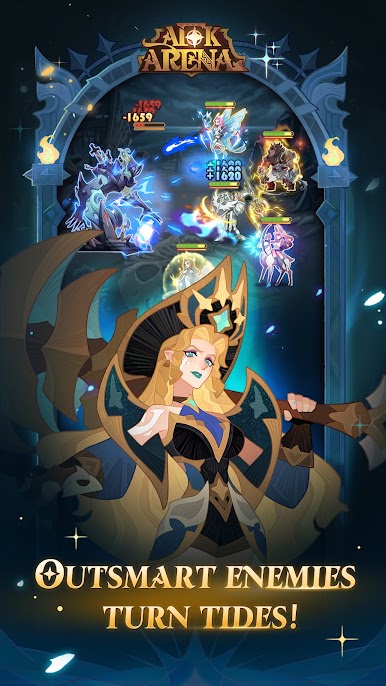
The game offers generous summons, an extensive hero roster, and convenient AFK combat. You can also strengthen your team and progress through the game even when you’re not actively playing.
Game Features
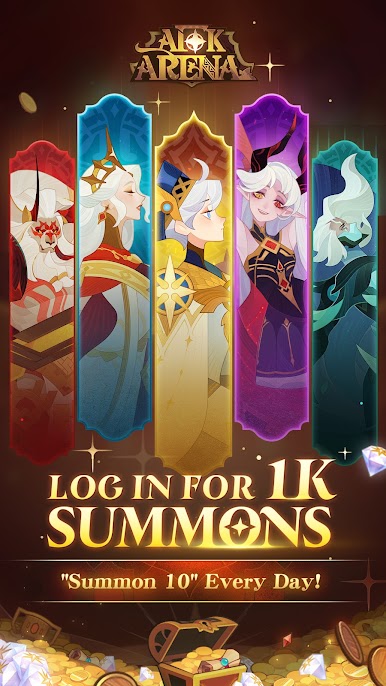
- 1,000 Free Summons: Log in to receive 1,000 free summons, including 10 free summons every day. Use them to recruit your favorite heroes and collect rewards that help strengthen your team.
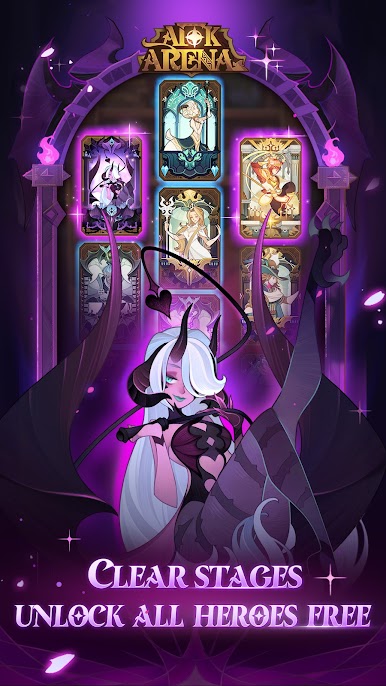
- Unlock All Heroes: Clear stages to unlock heroes throughout the game and build a lineup that matches your preferred strategy. Expand your roster and experiment with different hero combinations.
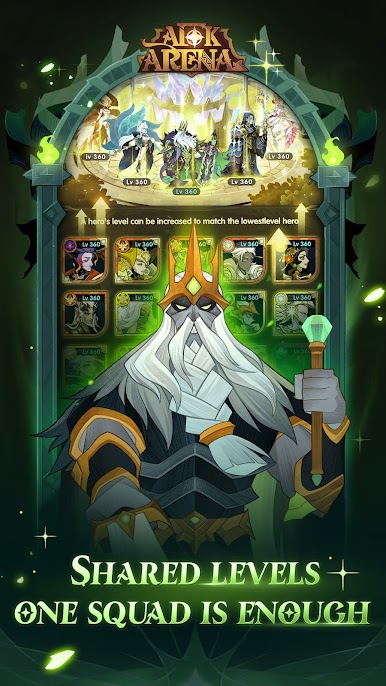
- Shared Hero Pool: Borrow powerful heroes from your friends to help overcome difficult stages. Add stronger characters to your lineup when you need extra support.
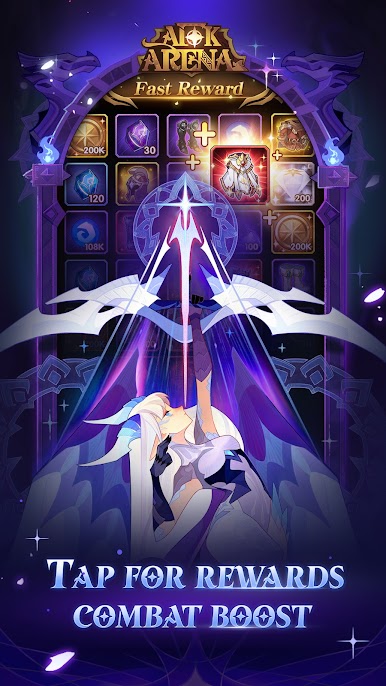
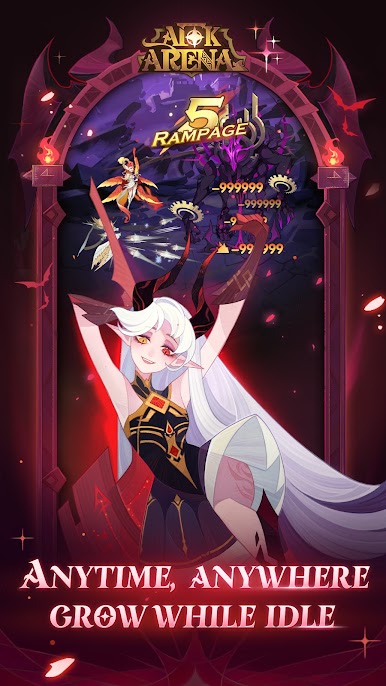
- AFK Combat: Let your heroes battle automatically while you are away. AFK combat allows your team to continue earning rewards even when you’re offline, helping you make progress without constant gameplay.
- Classic Server Account Transfer: Returning players can link their Classic Server account and transfer their heroes to AFK Arena: Companions. Pick up your adventure without having to start from scratch.
How to Play?
Download AFK Arena for free from the Google Play Store using the BlueStacks app player.
What’s New?
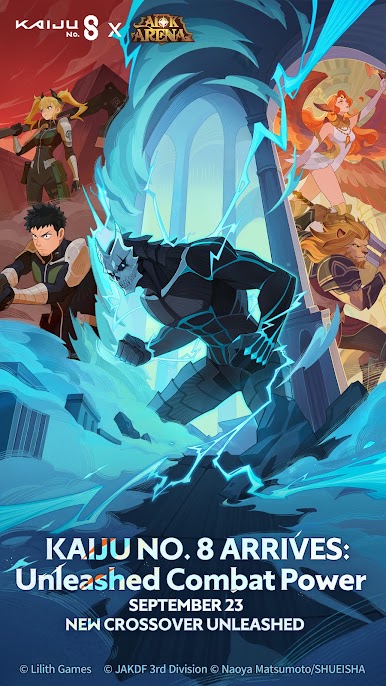
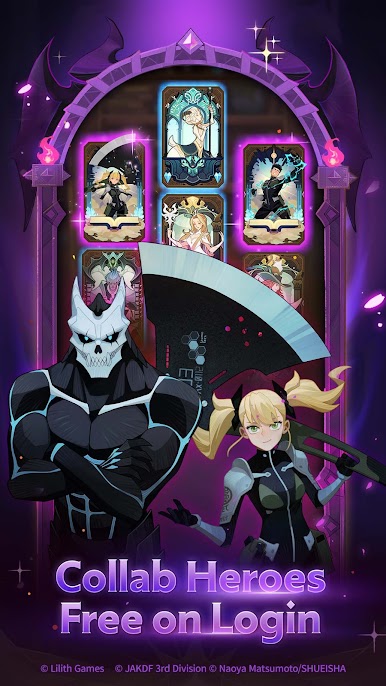
New Dimensional heroes Kafka Hibino – Kaiju No. 8 and Kikoru Shinomiya – Elite Prodigy have been introduced. Participate in the Isle of Gold, Autumn Delights, and Dimensional Destiny Summon events that are now live. Additionally, enjoy the updated Guild Voyage of Secrets. Explore the new seasons of Golden Frontier and Misty Valley, and immerse yourself in the live Isle of Gold event. Campaign Chapter 85 has been added, and the King’s Tower has been expanded to offer more challenges.
Play AFK Arena on PC. It’s easy to get started.
-
Download and install BlueStacks on your PC
-
Complete Google sign-in to access the Play Store, or do it later
-
Look for AFK Arena in the search bar at the top right corner
-
Click to install AFK Arena from the search results
-
Complete Google sign-in (if you skipped step 2) to install AFK Arena
-
Click the AFK Arena icon on the home screen to start playing

