


AFK Arena
Play on PC with BlueStacks – the Android Gaming Platform, trusted by 500M+ gamers.

Page Modified on: Sep 7, 2026
Play AFK Arena on PC or Mac
AFK Arena is a Role Playing game developed by LilithGames. BlueStacks app player is the best platform to play this Android game on your PC or Mac for an immersive gaming experience.
About the Game
AFK Arena immerses you in Esperia, a fantasy land filled with magic and battle. It gives you access to unique heroes and factions that you can choose from to dominate your enemies and claim exciting rewards. The best part is that returning players can easily jump right back to where they left off and keep playing.
Game Features
- Free Summons: Once you log in, AFK Arena gives you 1,000 free summons to boost your chances in battle. Every day, you get 10 free summons to recruit any of your favorite heroes without stress.
- Multiple Playable Heroes: Every time you clear a stage, the game unlocks a hero and adds them to your collection. Doing this frequently can help you build your dream lineup and keep the best heroes in close range.
- Shared Hero Pool: You can borrow strong heroes from your friends to conquer difficult stages and skip the grind. The game also allows you to streamline your resources and win battles faster.
- Offline Progression: The auto-battle feature kicks in when you’re away from the game. This allows your heroes to win battles, earn rewards, and level up before you get back.
How to Play?
Download AFK Arena for free from the Google Play Store using the BlueStacks app player.
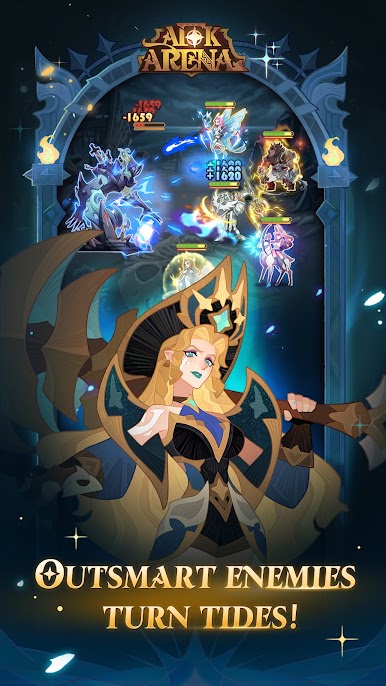

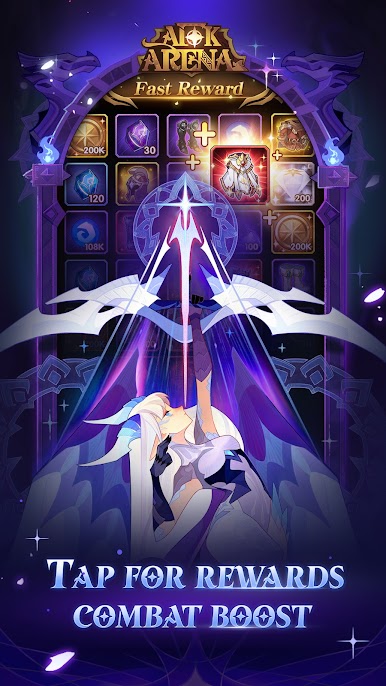




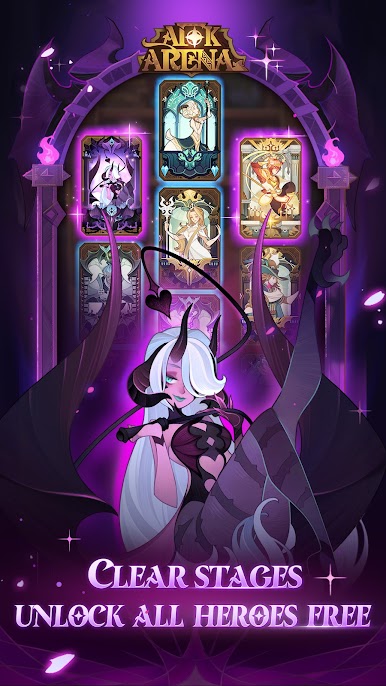
Play AFK Arena on PC. It’s easy to get started.
-
Download and install BlueStacks on your PC
-
Complete Google sign-in to access the Play Store, or do it later
-
Look for AFK Arena in the search bar at the top right corner
-
Click to install AFK Arena from the search results
-
Complete Google sign-in (if you skipped step 2) to install AFK Arena
-
Click the AFK Arena icon on the home screen to start playing

