


Rise of Kingdoms: Lost Crusade
Play on PC with BlueStacks – the Android Gaming Platform, trusted by 500M+ gamers.

Page Modified on: Sep 16, 2026
Play Rise of Kingdoms: Lost Crusade on PC or Mac
Rise of Kingdoms: Lost Crusade is a Strategy game developed by LilithGames. BlueStacks app player is the best platform to play this Android game on your PC or Mac for an immersive gaming experience.
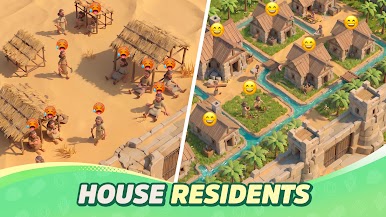
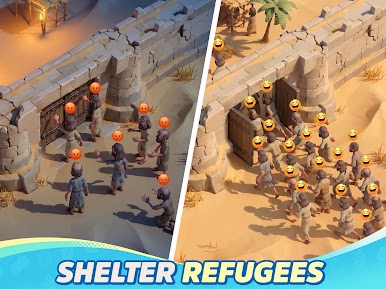
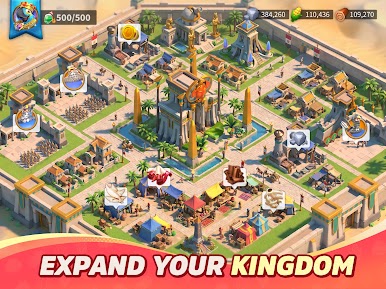
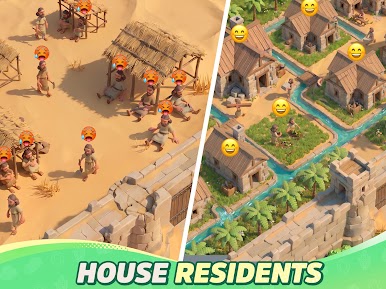
Explore any of 15 different civilizations, including Maya, Vikings, Ottoman, France, Britain, and so much more. Team up with iconic warriors to conquer your enemies and build the greatest empire. You can even showcase your army and unlock rewards by participating in realistic battles with your allies.
About the Game
Rise of Kingdoms: Lost Crusade immerses you in a world of intense battles that test your strategies and skills. It features an intuitive map that lets you see the world from different perspectives. The game is also equipped with a live chat system to help you interact with your allies in real-time.
Gameplay Overview
In your quest to build your kingdom, you need to take advantage of special elements within your civilization. You can summon historical figures to command your army and study your enemies by exploring their caves, villages, and temples. This allows you to launch surprise attacks and seize their territories.
Game Features
- Built-in translation
- Realistic landscapes
- Unrestricted troop movements
How to Play?
Download Rise of Kingdoms: Lost Crusade for free from the Google Play Store using the BlueStacks app player.
What’s New?
Experience the exciting Summer Solstice and World Cup Celebration event series in the latest update, bringing new engaging features for users to enjoy.
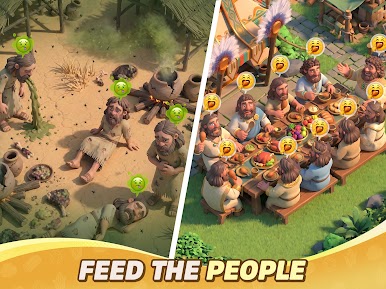

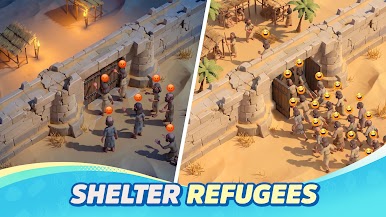
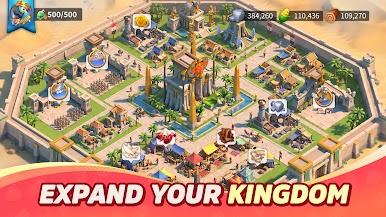

Play Rise of Kingdoms: Lost Crusade on PC. It’s easy to get started.
-
Download and install BlueStacks on your PC
-
Complete Google sign-in to access the Play Store, or do it later
-
Look for Rise of Kingdoms: Lost Crusade in the search bar at the top right corner
-
Click to install Rise of Kingdoms: Lost Crusade from the search results
-
Complete Google sign-in (if you skipped step 2) to install Rise of Kingdoms: Lost Crusade
-
Click the Rise of Kingdoms: Lost Crusade icon on the home screen to start playing

