


Litmatch Lite
Play on PC with BlueStacks – the Android Gaming Platform, trusted by 500M+ gamers.

Page Modified on: Jan 13, 2026
Main Litmatch Lite on PC
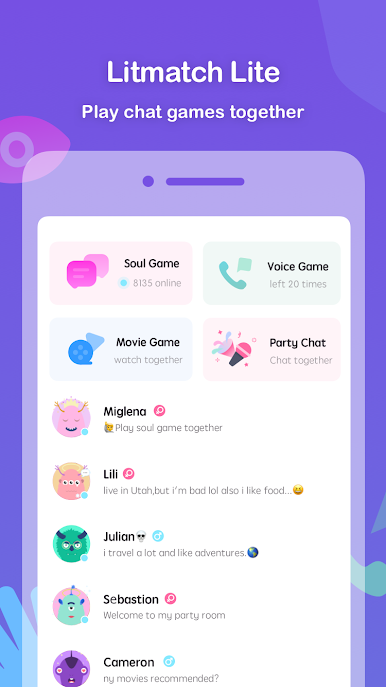
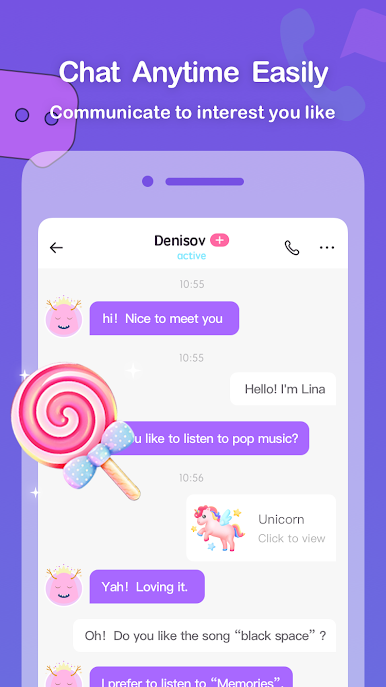
💬 SOUL GAME ✨
Share your story with each other through text conversation in real-time.
🎙 VOICE GAME ✨
Listen to a tender and soft voice whenever and wherever.
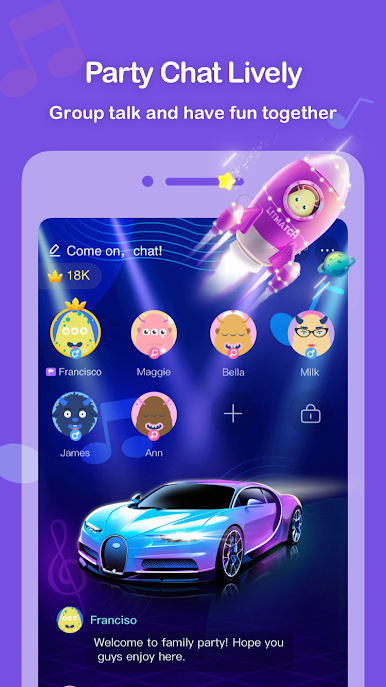
🥳 PARTY CHAT ✨
Unlimited minutes group voice chat. Singing, playing games or sharing your stories. Spend leisure time and have fun in a diverse community!
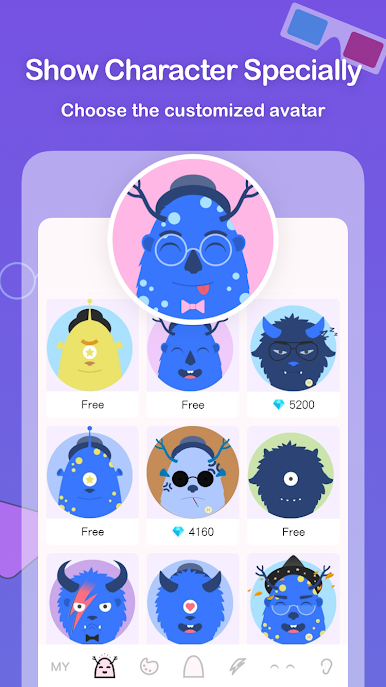
🐶 AVATAR ✨
Customize your avatar to show your special personality
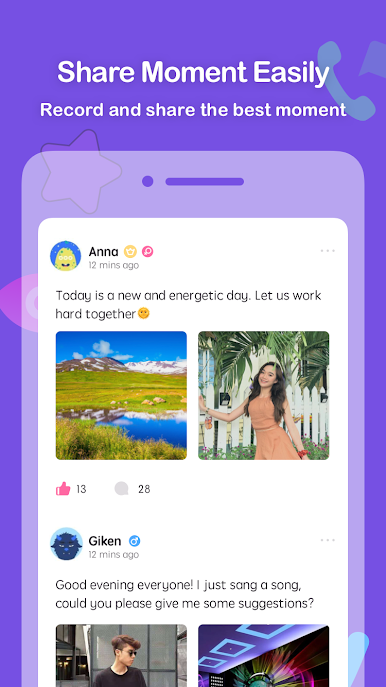
📷 FEED ✨
Share your every little milestone of your life, record each of your highlight moment.
We care and protect your privacy. You can safely share your honest thoughts and feelings on Litmatch Lite.
Play Litmatch Lite on PC. It’s easy to get started.
-
Download and install BlueStacks on your PC
-
Complete Google sign-in to access the Play Store, or do it later
-
Look for Litmatch Lite in the search bar at the top right corner
-
Click to install Litmatch Lite from the search results
-
Complete Google sign-in (if you skipped step 2) to install Litmatch Lite
-
Click the Litmatch Lite icon on the home screen to start playing

