


Frost Valley™: Merge & Story
Play on PC with BlueStacks – the Android Gaming Platform, trusted by 500M+ gamers.

Page Modified on: Oct 23, 2026
Main Frost Valley™: Merge & Story on PC
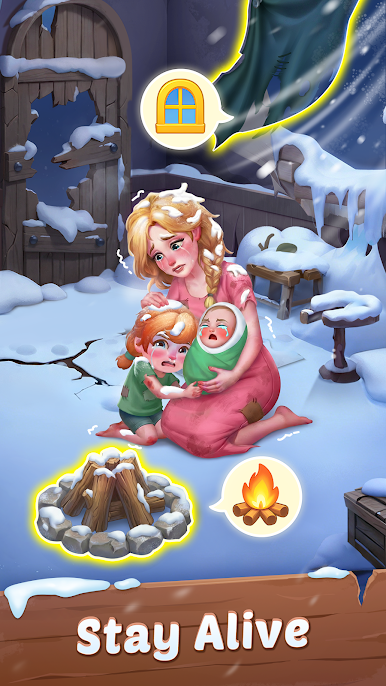
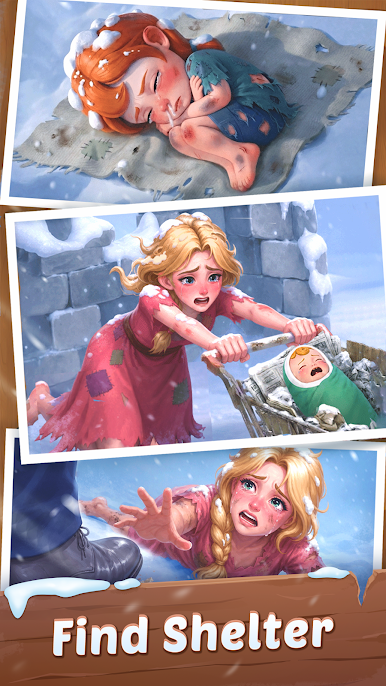
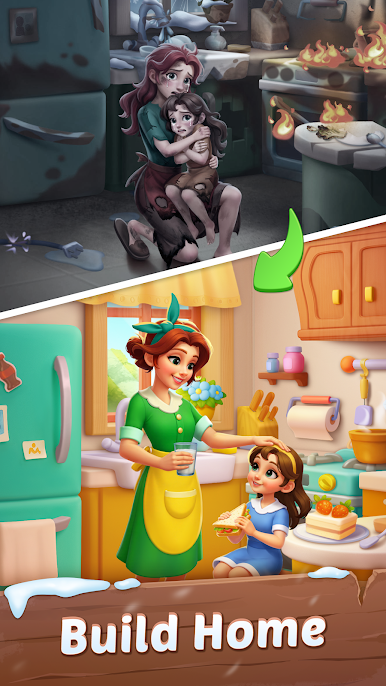
The frost may have slowed things down, but with a little help, warmth and color are ready to return.
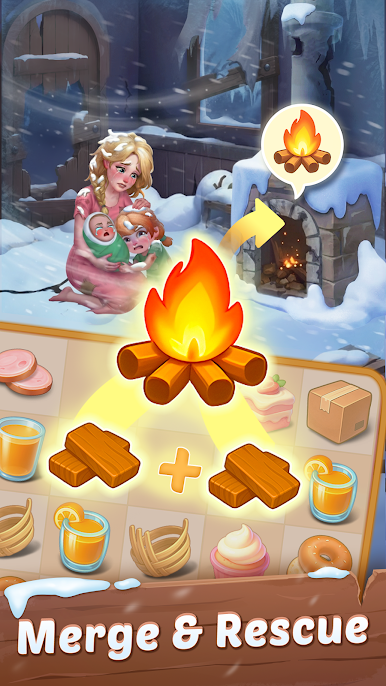
Merge items, follow story steps, and enjoy watching each frozen corner feel alive again.
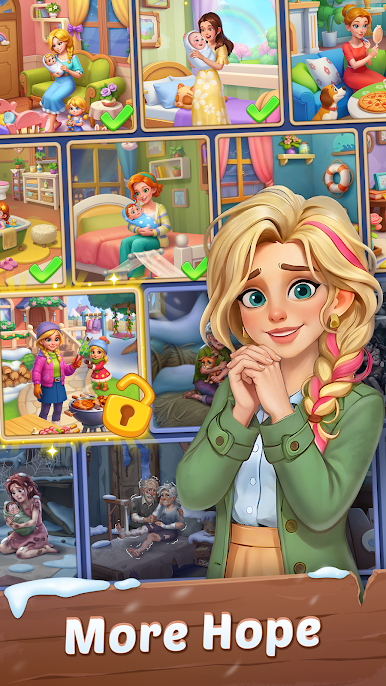
Along the way, you’ll meet friends who are starting over and happy to have your help.
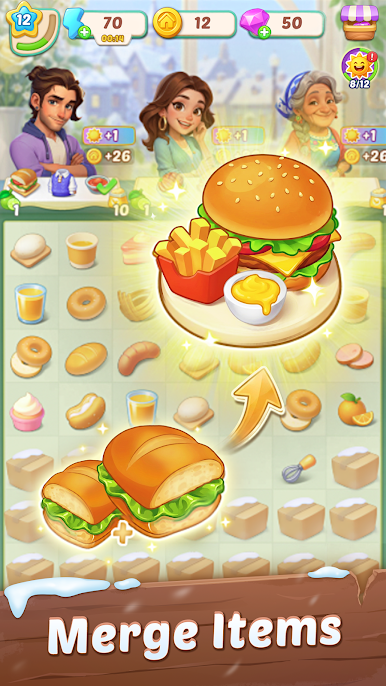
Merge to Discover
Tap, drag, and merge to uncover bigger, better, and more exciting items.
Collect merged items to advance chapters, unlock new scenes, and restore each space step by step.
Restore to Revive
Fix up frosty homes and make each space feel warm and welcoming again.
Each repair opens new rooms and scenes, gently showing the valley coming back to life.
Play to Reward
Join cozy in-game events with new characters, festive themes, and fun little stories.
Collect special rewards that add fun surprises and new moments to enjoy.
Start your journey today and help Frost Valley find its warmth again—one merge at a time.
Privacy Policy: https://tyyxhk.yooyoogame.com/privacy_fv.html
Terms of Service:https://tyyxhk.yooyoogame.com/terms_fv.html
Play Frost Valley™: Merge & Story on PC. It’s easy to get started.
-
Download and install BlueStacks on your PC
-
Complete Google sign-in to access the Play Store, or do it later
-
Look for Frost Valley™: Merge & Story in the search bar at the top right corner
-
Click to install Frost Valley™: Merge & Story from the search results
-
Complete Google sign-in (if you skipped step 2) to install Frost Valley™: Merge & Story
-
Click the Frost Valley™: Merge & Story icon on the home screen to start playing

