


Lottery Result for TV
Play on PC with BlueStacks – the Android Gaming Platform, trusted by 500M+ gamers.

Page Modified on: Jul 12, 2025
Play Lottery Result for TV on PC
Additional Features:
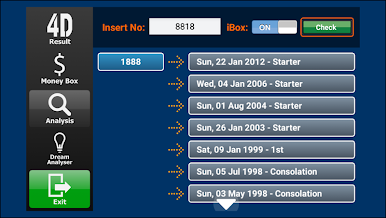
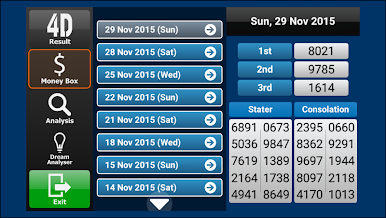
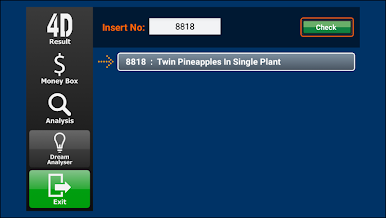
4D Number Search - Check past winning numbers, including frequency and hit history.
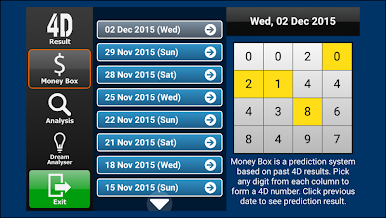
Money Box 4D Prediction - Access unique predictions to enhance your 4D gameplay.
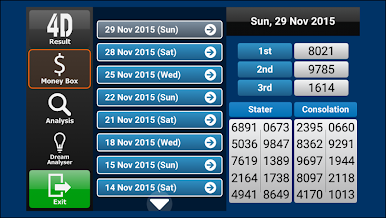
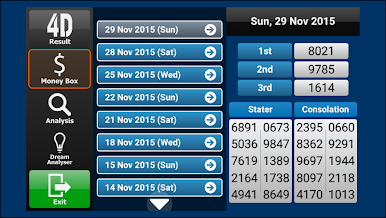
Extensive Number History - Explore over 30 years of past results, providing a comprehensive historical database.
This app operates independently and is not associated with Singapore pools or any government entity.
All information, including 4D results is sourced from the official Singapore pools website. https://www.singaporepools.com.sg/
Play Lottery Result for TV on PC. It’s easy to get started.
-
Download and install BlueStacks on your PC
-
Complete Google sign-in to access the Play Store, or do it later
-
Look for Lottery Result for TV in the search bar at the top right corner
-
Click to install Lottery Result for TV from the search results
-
Complete Google sign-in (if you skipped step 2) to install Lottery Result for TV
-
Click the Lottery Result for TV icon on the home screen to start playing

