


BitTV: Android Digital TV
Play on PC with BlueStacks – the Android Gaming Platform, trusted by 500M+ gamers.

Page Modified on: Jan 21, 2024
Overview
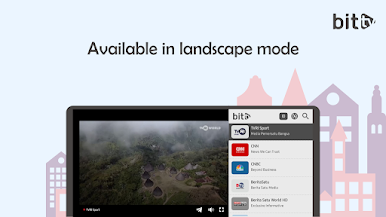
With BitTV, you don't need to pay a subscription fee or install a satellite dish. You just need to have a stable internet connection and a suitable device. You can watch online tv on your smartphone, tablet, computer or smart television. You can also adjust the video quality according to your internet speed.
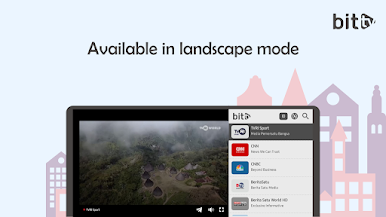
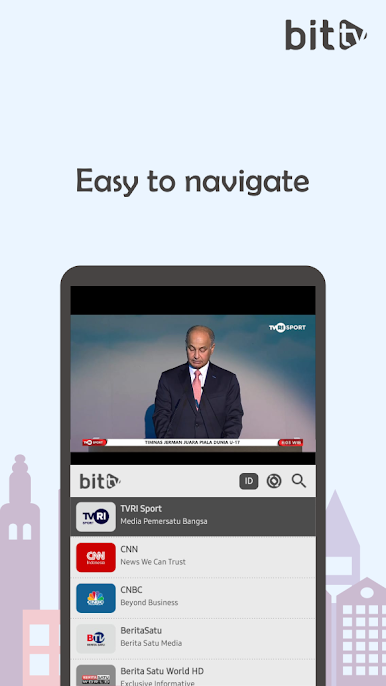
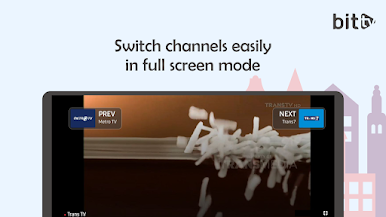
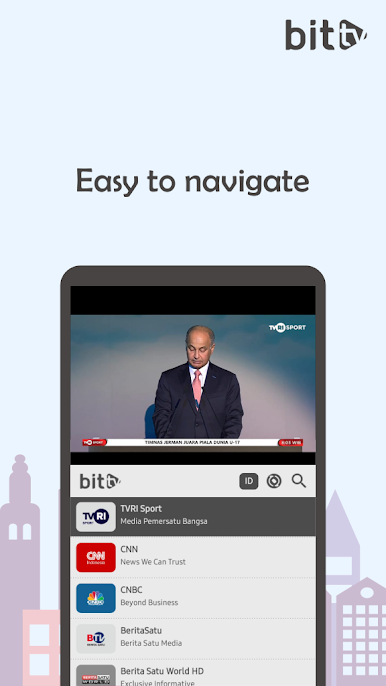
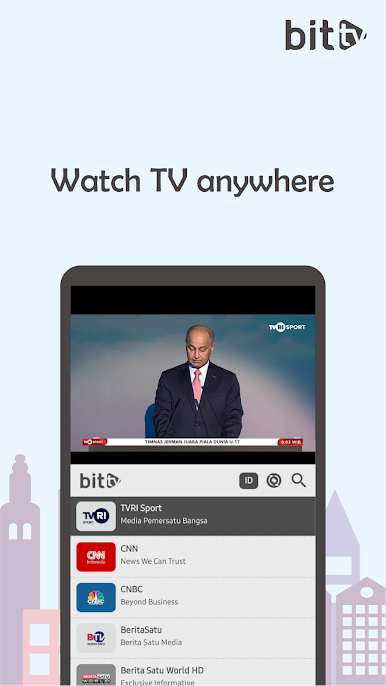
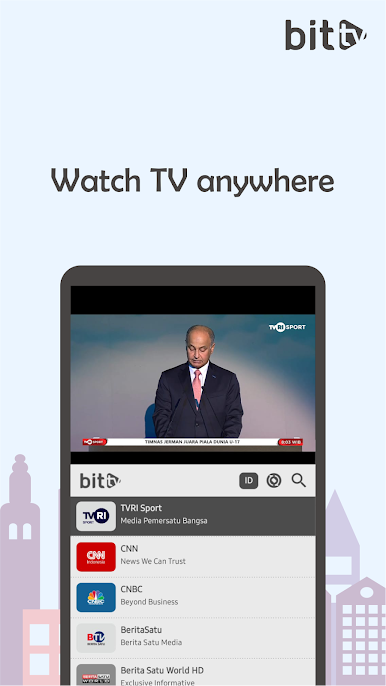
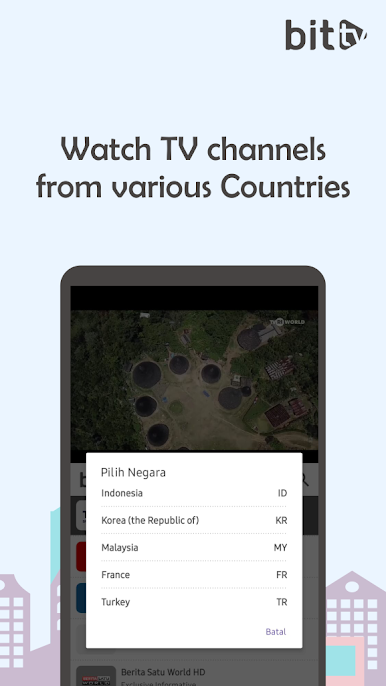
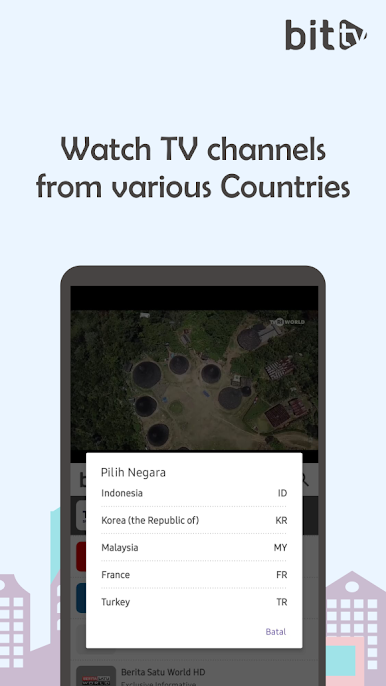
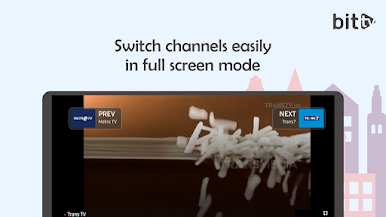
BitTV offers more than 100 online tv channels from Malaysia and other countries. You can choose the channel you like from the available list or search for a channel by using the search function. You can also add your favorite channels to the favorite list for easy access. You can also share the channels you are watching with your friends via social media.
BitTV is an easy-to-use, lightweight and user-friendly application. You do not need to register or log in to watch online tv. You just need to download this application from playstore and start watching online tv immediately. You can also update this application automatically to get the latest channels and additional features.
If you like to watch online tv, BitTV is the right application for you. Download this app now and enjoy unlimited online tv watching!
Play BitTV: Android Digital TV on PC. It’s easy to get started.
-
Download and install BlueStacks on your PC
-
Complete Google sign-in to access the Play Store, or do it later
-
Look for BitTV: Android Digital TV in the search bar at the top right corner
-
Click to install BitTV: Android Digital TV from the search results
-
Complete Google sign-in (if you skipped step 2) to install BitTV: Android Digital TV
-
Click the BitTV: Android Digital TV icon on the home screen to start playing

