


IgeBlock - Tube ad blocker
Play on PC with BlueStacks – the Android Gaming Platform, trusted by 500M+ gamers.

Page Modified on: Sep 28, 2026
Main IgeBlock - Tube ad blocker on PC
Why you should install IgeBlock!!
1. Block ads
- Automatically skip annoying video ads.
- Automatically skip ads even in audio mode and pop-up player.
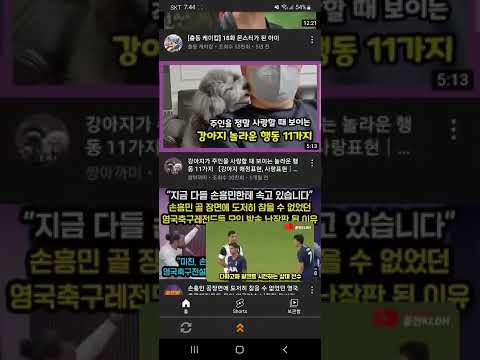
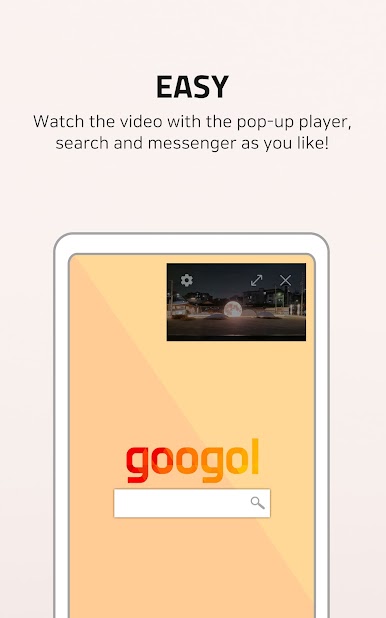
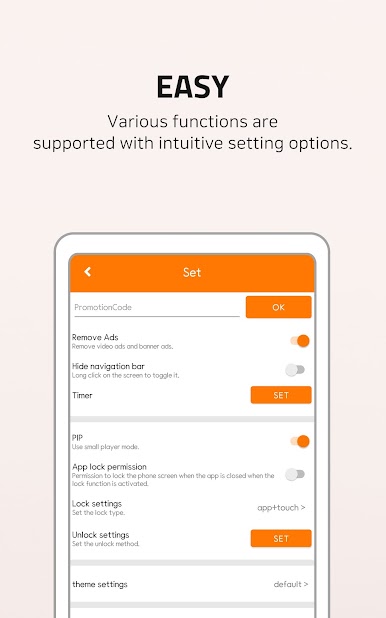
2. Pop-up Player (PIP)
- You can play videos in floating mode without additional permission.
3. Possibility of adding
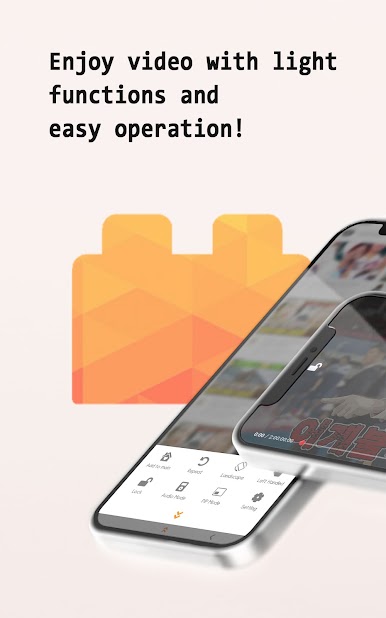
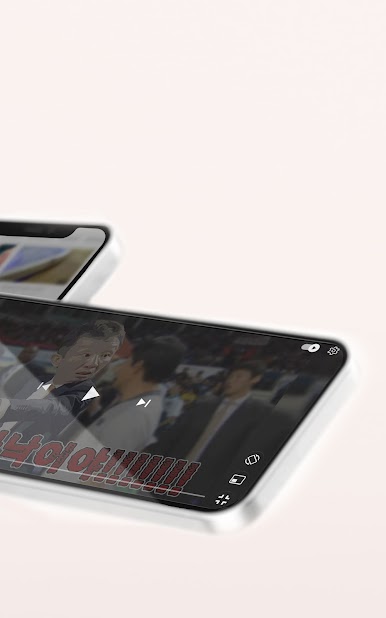
- Full screen touch lock function
- video repeat
- Bookmark function without login
- App shutdown timer
- Create shortcuts to your favorite videos on the desktop
4. Accounts and Security
- If you log in with your Tube account, you can use the same playlist on IgeBlock.
- IgeBlock does not collect or store any Tube account information.
※ Chromecast function is currently not working properly. I'll fix it soon.
※ If you have any problems while using it, or if you need additional features, please send your comments to the developer.
Play IgeBlock - Tube ad blocker on PC. It’s easy to get started.
-
Download and install BlueStacks on your PC
-
Complete Google sign-in to access the Play Store, or do it later
-
Look for IgeBlock - Tube ad blocker in the search bar at the top right corner
-
Click to install IgeBlock - Tube ad blocker from the search results
-
Complete Google sign-in (if you skipped step 2) to install IgeBlock - Tube ad blocker
-
Click the IgeBlock - Tube ad blocker icon on the home screen to start playing

