

MyET, My English Tutor
Play on PC with BlueStacks – the Android Gaming Platform, trusted by 500M+ gamers.

Page Modified on: Aug 28, 2026
Run MyET, My English Tutor on PC or Mac
Get freedom from your phone’s obvious limitations. Use MyET, My English Tutor, made by L Labs Inc., a Education app on your PC or Mac with BlueStacks, and level up your experience.
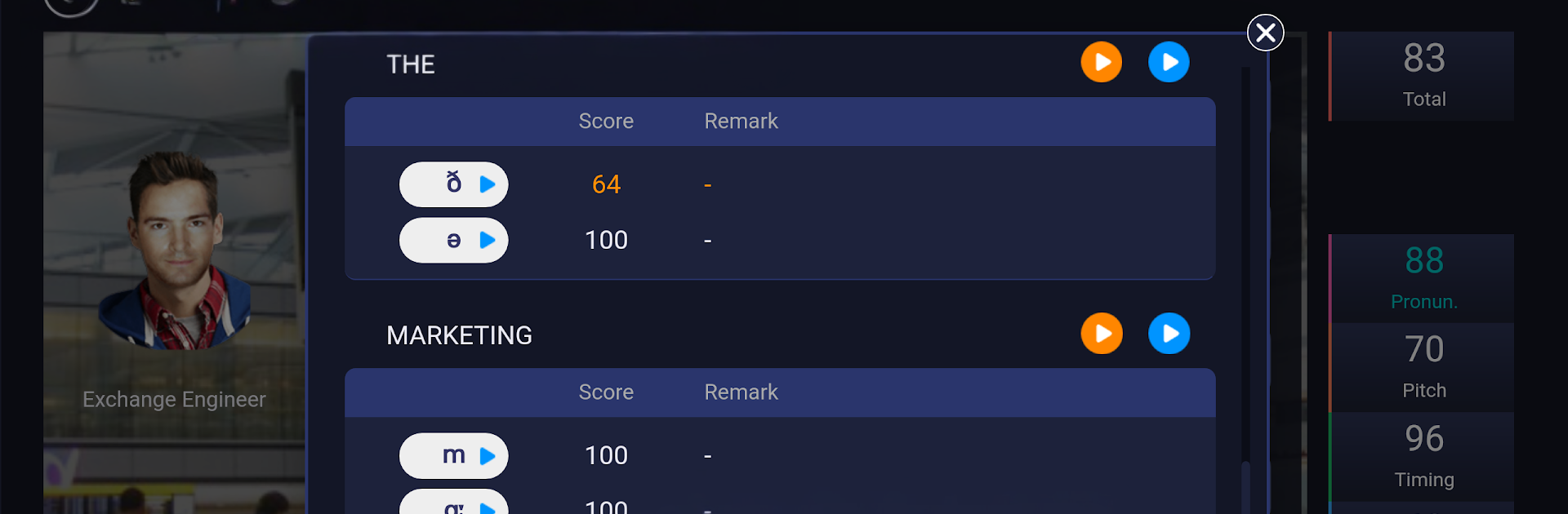
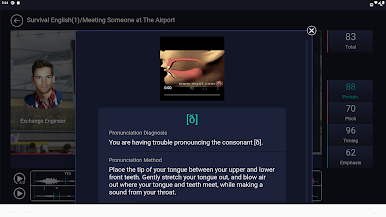
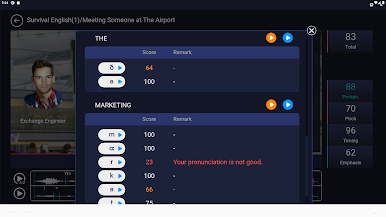
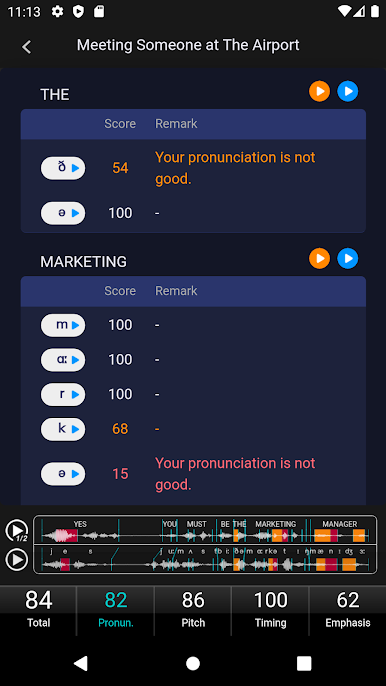
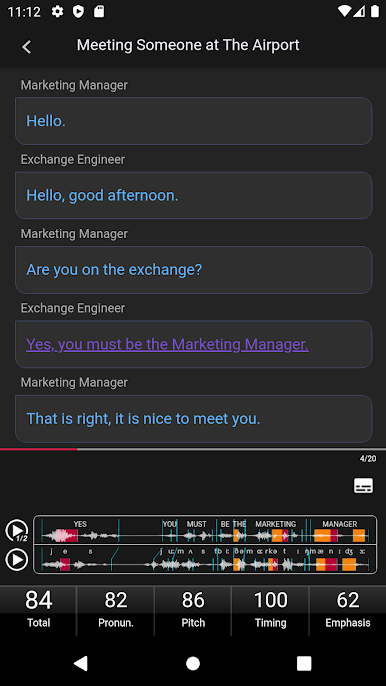
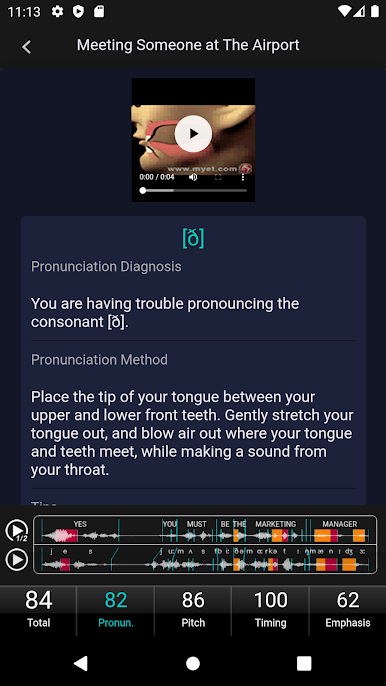
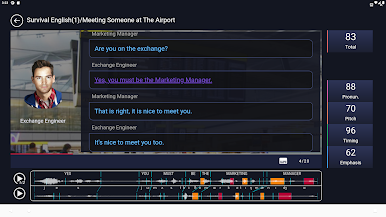
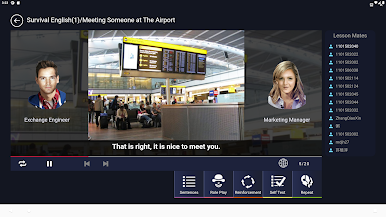
MyET feels like a straight-up speaking coach on the phone, only it listens way closer than a person usually would. You pick a line or a short passage, listen to it, then record your take. Right after you talk, it scores you and shows where the pronunciation, pitch, timing, and stress went off. It even zooms in to single sounds, so you see that the vowel in that one word is the thing tripping you up, not the whole sentence. The feedback is direct and practical, more like, slow this part, lift your pitch here, hit this consonant cleaner, then try again. Beginners can keep it simple with shorter lines, advanced learners can chew on longer scripts without the app getting lost.
On a PC with BlueStacks, the bigger screen makes the graphs and color highlights easier to read, and a decent mic helps the analysis feel more accurate. It is not flashy, which is nice, just record, check the score, fix the parts it points out, repeat until it sounds right. The whole thing aims to make speaking out loud feel normal instead of awkward. There is no wall of grammar rules or long videos, the focus stays on practice. For anyone wondering about tech stuff, it runs on Android 6.0 and up, and they recommend 8.0 or higher, so BlueStacks handles it fine as long as mic permissions are on.
Ready to experience MyET, My English Tutor on a bigger screen, in all its glory? Download BlueStacks now.
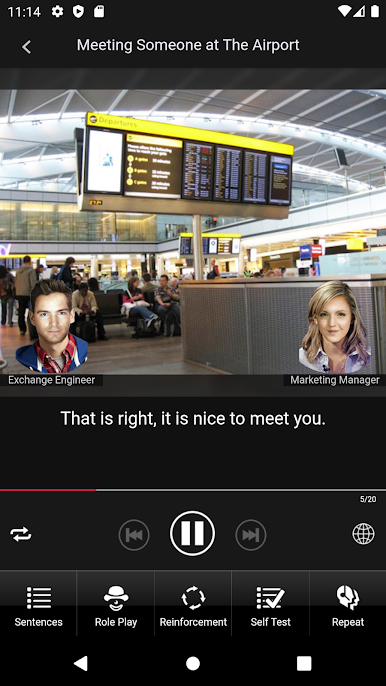
Play MyET, My English Tutor on PC. It’s easy to get started.
-
Download and install BlueStacks on your PC
-
Complete Google sign-in to access the Play Store, or do it later
-
Look for MyET, My English Tutor in the search bar at the top right corner
-
Click to install MyET, My English Tutor from the search results
-
Complete Google sign-in (if you skipped step 2) to install MyET, My English Tutor
-
Click the MyET, My English Tutor icon on the home screen to start playing

