

Last Fiefdom
Play on PC with BlueStacks – the Android Gaming Platform, trusted by 500M+ gamers.

Page Modified on: Mar 27, 2026
Play Last Fiefdom on PC or Mac
Last Fiefdom is a Strategy game developed by Bravo Games Limited. BlueStacks app player is the best platform to play this Android game on your PC or Mac for an immersive gaming experience.
The realms have turned into an intense battleground as the rival lords wage war to claim the throne. Only you can restore balance and end the war — but you need allies, dragons, and a formidable fortress. Do you have what it takes to wear the crown of Fiefdom and rule the people?
What’s New?
New levels have been added to enhance the gaming experience, allowing players to explore exciting challenges. New characters with unique skills are also introduced, offering diverse gameplay strategies.
About the Game
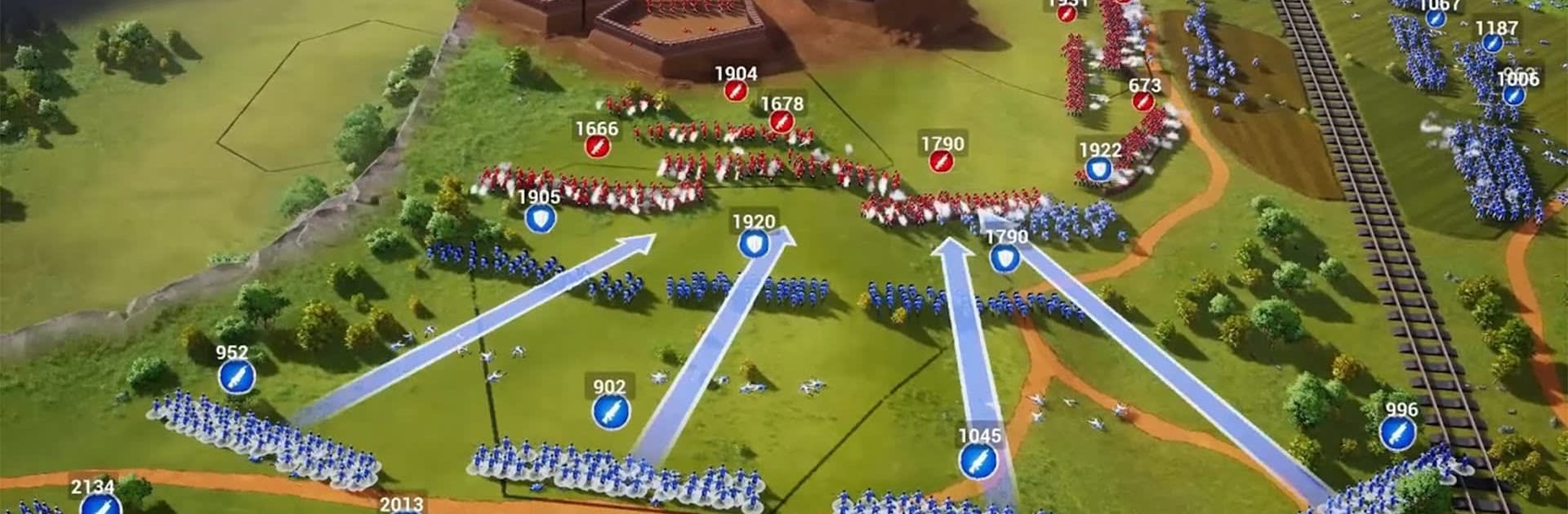
Last Fiefdom immerses in intense battles where your strategies determine your survival. It gives you access to different types of dragons that you can tame and train to dominate battlefields. The game also lets you team up with other players to explore castle assaults.
Gameplay Overview
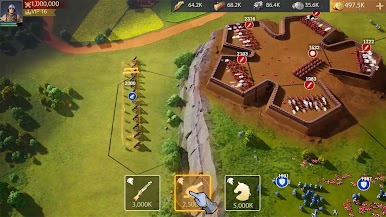
In your quest to unite the shattered realms, you need to forge alliances. But be careful, as any ally can turn into a foe when Excalibur comes into the picture. You can also build citadels that are guarded to withstand the imminent siege. Devise strategies to smash enemy walls and turn the tides of every battle.
Game Features
- Realistic graphics
- Intuitive user interface
- Epic 100 v 100 battles
How to Play?
Download Last Fiefdom for free from the Google Play Store using the BlueStacks app player.




Play Last Fiefdom on PC. It’s easy to get started.
-
Download and install BlueStacks on your PC
-
Complete Google sign-in to access the Play Store, or do it later
-
Look for Last Fiefdom in the search bar at the top right corner
-
Click to install Last Fiefdom from the search results
-
Complete Google sign-in (if you skipped step 2) to install Last Fiefdom
-
Click the Last Fiefdom icon on the home screen to start playing

