


Parking Loop
Play on PC with BlueStacks – the Android Gaming Platform, trusted by 500M+ gamers.

Page Modified on: Nov 7, 2026
Play Parking Loop on PC
Plan your moves carefully, avoid getting stuck, and clear each level as efficiently as possible.
The rules are simple, but every new level brings a fresh challenge. Think ahead, find the right order, and master increasingly tricky levels.
Easy to learn, satisfying to master!
• Simple and intuitive gameplay
• Satisfying mechanics
• Clever puzzles that challenge your strategy
• Colorful and polished levels
• Hundreds of puzzles to solve
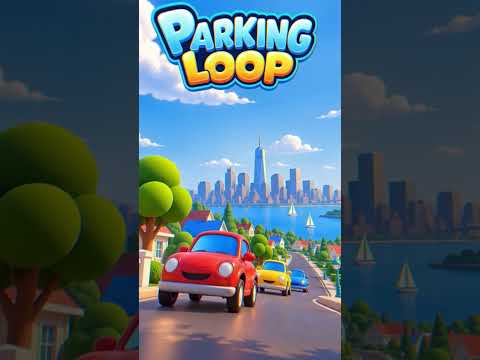


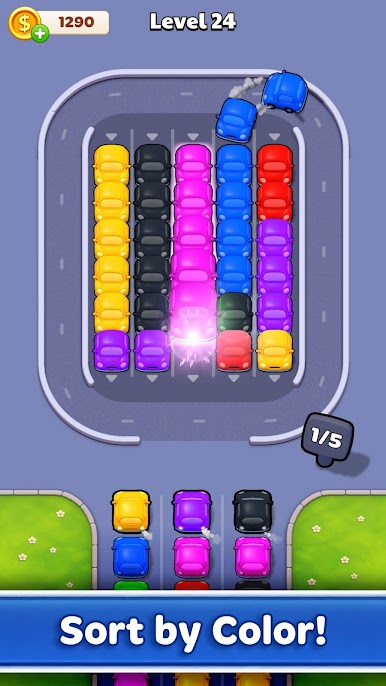
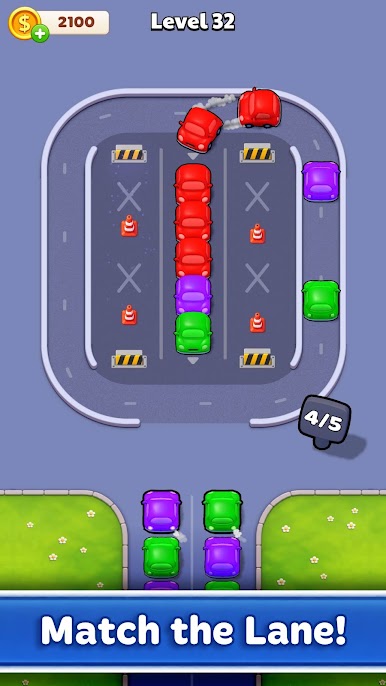
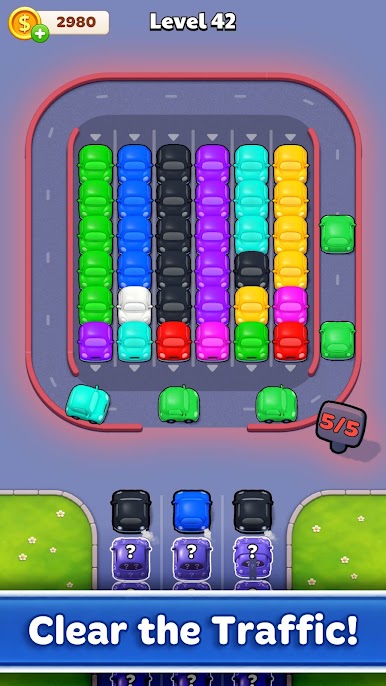

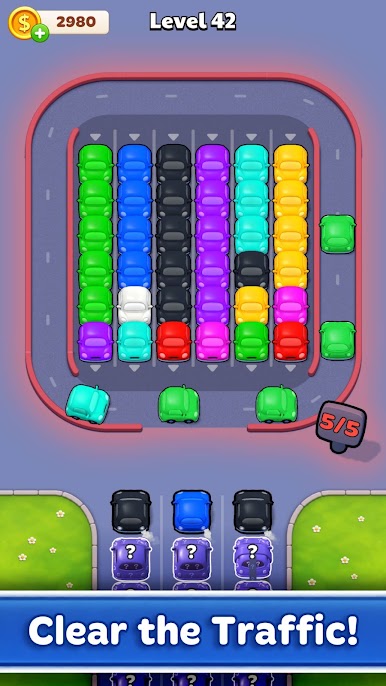


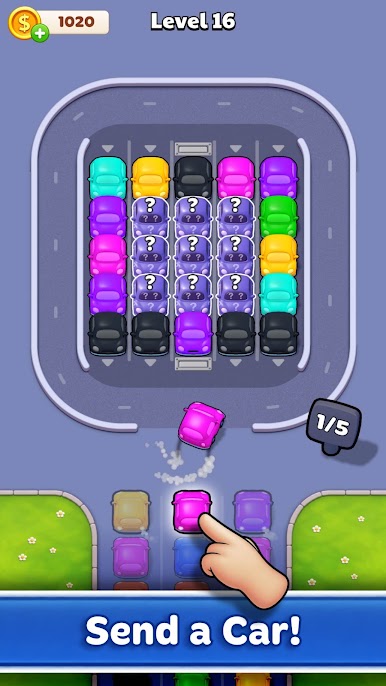


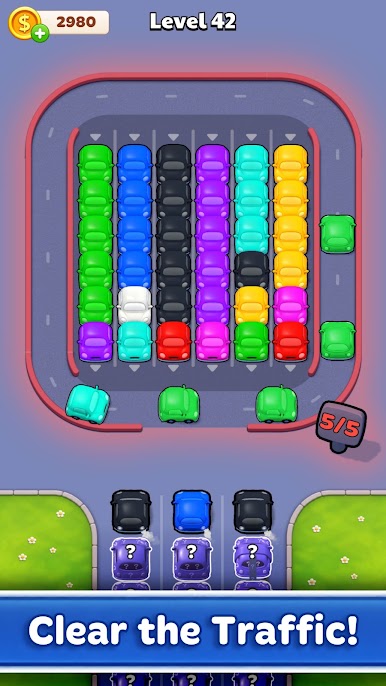


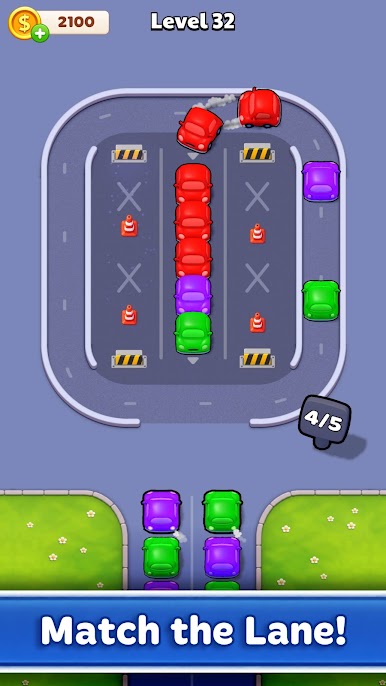
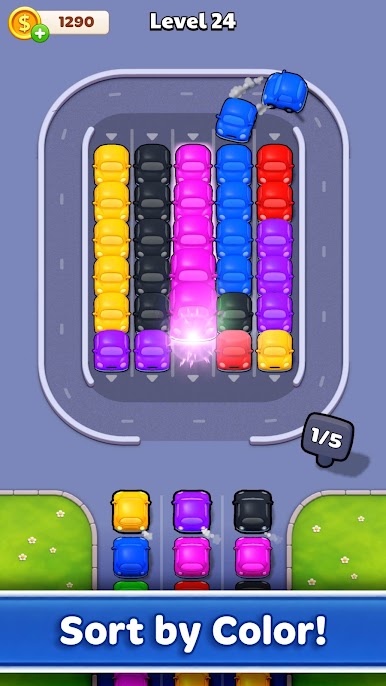

Play Parking Loop on PC. It’s easy to get started.
-
Download and install BlueStacks on your PC
-
Complete Google sign-in to access the Play Store, or do it later
-
Look for Parking Loop in the search bar at the top right corner
-
Click to install Parking Loop from the search results
-
Complete Google sign-in (if you skipped step 2) to install Parking Loop
-
Click the Parking Loop icon on the home screen to start playing

