


Lords War
Play on PC with BlueStacks – the Android Gaming Platform, trusted by 500M+ gamers.

Page Modified on: Apr 19, 2026
Play Lords War on PC
Dark forces are relentless, leaving nothing but ruin behind. In this high-stakes war, your tactical genius is the only thing that matters. Every move counts. Strategize, command, and conquer! Do you have what it takes?
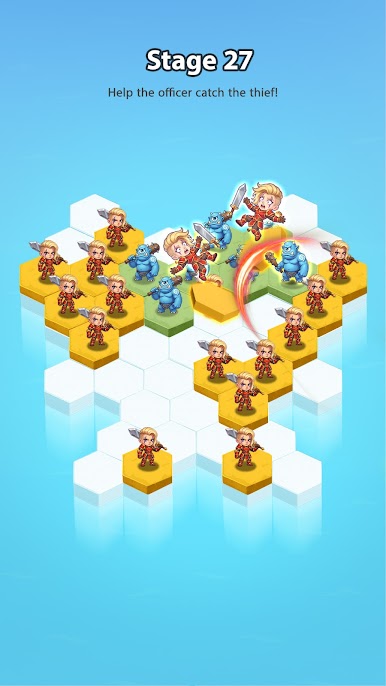
1.Goblin Hunt
Stop the gold-stealing thieves in their tracks! Use your intuition and act fast to reclaim your riches. A challenge for the brave and the clever awaits.
2.Gate of Multiplication
Launch your assault on the zombie hordes. Use simple math on the fly to choose the best path. Hit the multiplier gates to swell your numbers and overwhelm the enemy with sheer force!
3.Massive Legions
Why settle for dozens when you can lead thousands? Dive into epic clashes with over 2,000 units on screen. With 11 unique troop classes and powerful heroes, the power is in your hands.
4.Ultimate Conquest
Claim the Dark Throne, revive the dragon, and rule this fantasy world as the undisputed King of Kings!
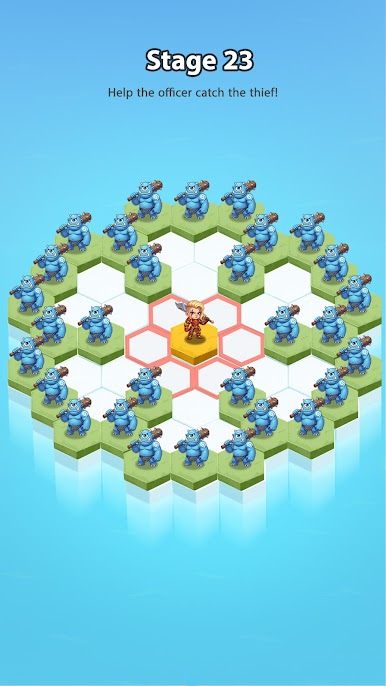
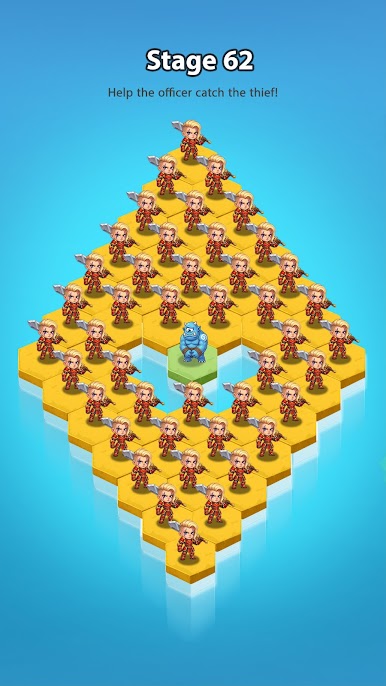
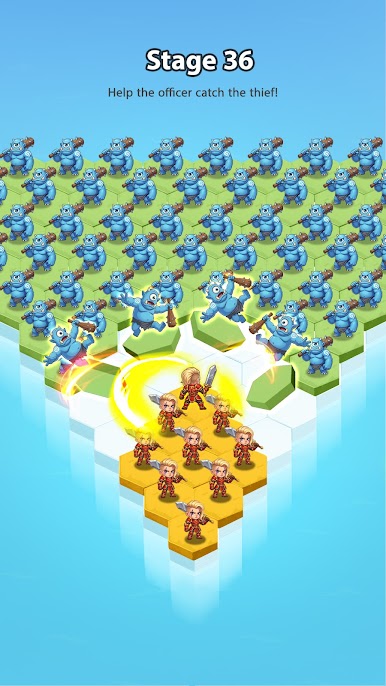
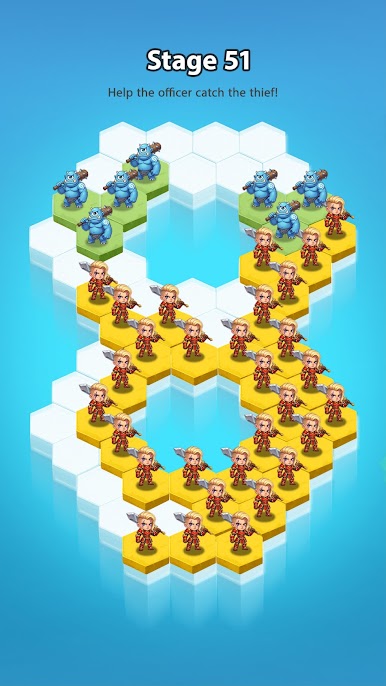
Play Lords War on PC. It’s easy to get started.
-
Download and install BlueStacks on your PC
-
Complete Google sign-in to access the Play Store, or do it later
-
Look for Lords War in the search bar at the top right corner
-
Click to install Lords War from the search results
-
Complete Google sign-in (if you skipped step 2) to install Lords War
-
Click the Lords War icon on the home screen to start playing

