


Car Down
Play on PC with BlueStacks – the Android Gaming Platform, trusted by 500M+ gamers.

Page Modified on: Apr 16, 2026
Main Car Down on PC
Follow all the news on our social media and stay up-to-date on every stage of the project's development.
Download now and participate in the development by sharing your suggestions to help shape the final experience!

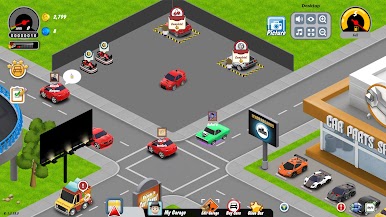
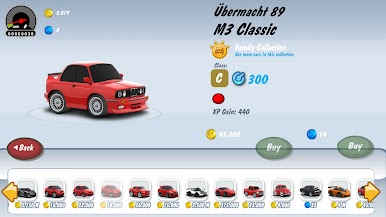
Play Car Down on PC. It’s easy to get started.
-
Download and install BlueStacks on your PC
-
Complete Google sign-in to access the Play Store, or do it later
-
Look for Car Down in the search bar at the top right corner
-
Click to install Car Down from the search results
-
Complete Google sign-in (if you skipped step 2) to install Car Down
-
Click the Car Down icon on the home screen to start playing

