


Dootchi: Chat with AI Chars
Play on PC with BlueStacks – the Android Gaming Platform, trusted by 500M+ gamers.

Page Modified on: Sep 9, 2026
Run Dootchi: Chat with AI Chars on PC or Mac
Let BlueStacks turn your PC, Mac, or laptop into the perfect home for Dootchi: Chat with AI Chars, a fun Entertainment app from Hello Kirana.
About the App
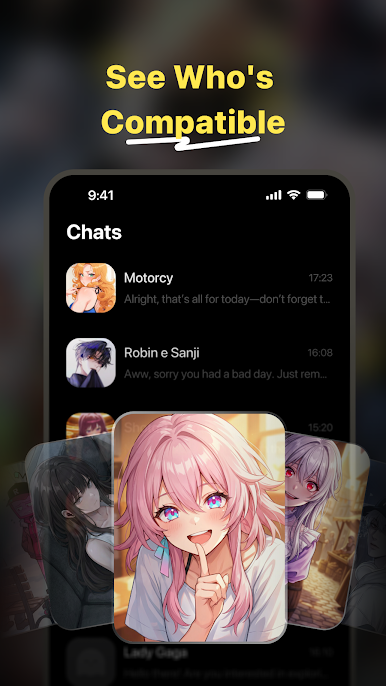
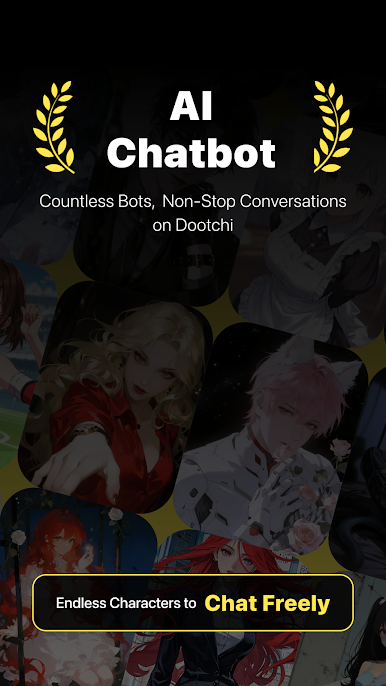
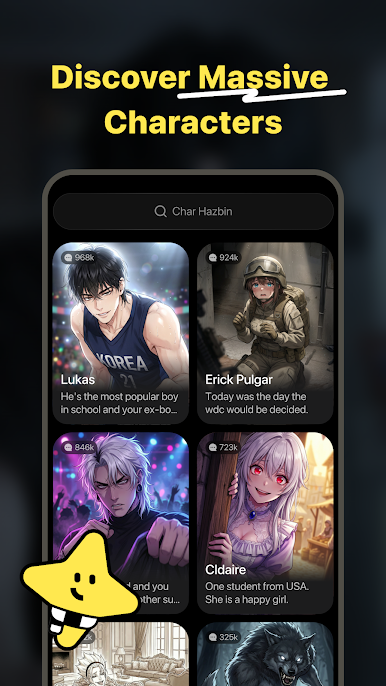
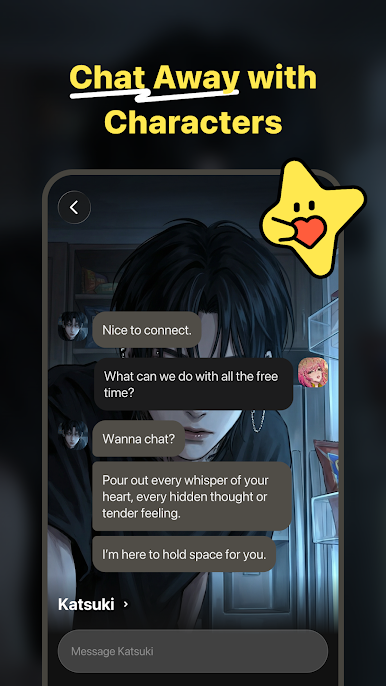
Dootchi: Chat with AI Chars is a cozy place to talk, vent, or roleplay with an AI that actually feels present. Built for Entertainment, it turns everyday moments into meaningful chats—whether you’re after comfort, a thoughtful back-and-forth, or a playful scenario. Prefer a bigger keyboard? It also works great with BlueStacks.
App Features
- Genuine empathy: The AI picks up on your mood and tone, replying with warmth and nuance so conversations feel natural—not canned.
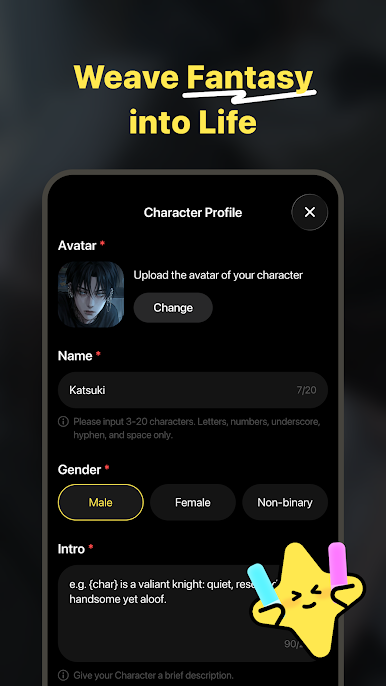
- Roleplay your way: Choose who Dootchi is to you—confidant, friend, mentor, and more—then guide the vibe and direction as you chat.
- Immersive stories: Step into personalized roleplay threads that evolve with your choices and pick up right where you left off.
- Privacy you can trust: Chats are end-to-end encrypted, and there’s no manual access to your messages, so you can open up freely.
- You set the pace: Start, pause, or linger as long as you want—Dootchi comfortably follows your rhythm, never rushing you.
- Remembers what matters: It keeps track of your preferences and past moments to build richer context over time.
- Always ready: Day or night, jump into a fresh conversation or return to a familiar storyline whenever you want company.
Big screen. Bigger performance. Use BlueStacks on your PC or Mac to run your favorite apps.
Play Dootchi: Chat with AI Chars on PC. It’s easy to get started.
-
Download and install BlueStacks on your PC
-
Complete Google sign-in to access the Play Store, or do it later
-
Look for Dootchi: Chat with AI Chars in the search bar at the top right corner
-
Click to install Dootchi: Chat with AI Chars from the search results
-
Complete Google sign-in (if you skipped step 2) to install Dootchi: Chat with AI Chars
-
Click the Dootchi: Chat with AI Chars icon on the home screen to start playing

