


Dootchi: Chat with AI Chars
Play on PC with BlueStacks – the Android Gaming Platform, trusted by 500M+ gamers.

Page Modified on: Jun 25, 2026
Play Dootchi: Chat with AI Chars on PC
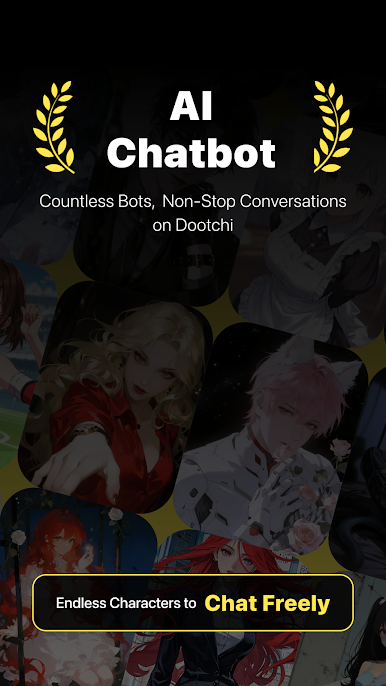
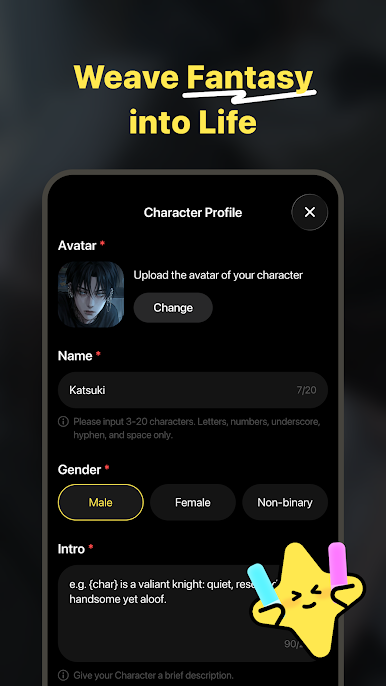
No one to talk to? Dootchi’s gentle AI companionship fills every warm moment you need.
Core Roleplay Experience
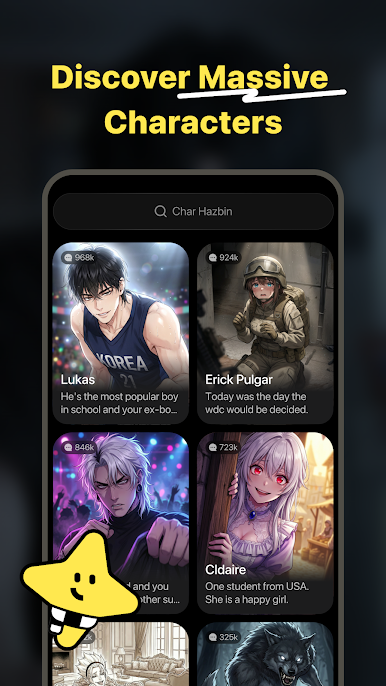
- Diverse Roleplay Options: Confidant, friend, mentor & more;
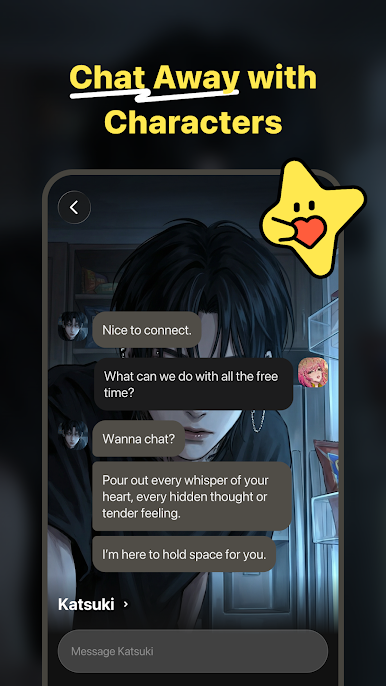
- Immersive Chat: Dive into personalized roleplay stories anytime;
Privacy-First Security
- End-to-end encrypted chats, no manual access. Confide freely with peace of mind.
Why Dootchi?
- Intelligent Empathy: Accurate emotion recognition for understanding responses;
- Stress-Free Chat: You control the rhythm, no awkward silences;
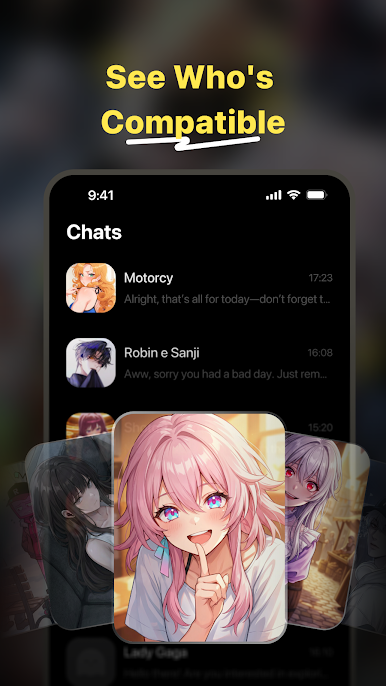
- Powerful Memory: Remember your preferences and chat details for deeper details;
Say goodbye to loneliness! Download Dootchi now for your exclusive warm companionship journey .
Play Dootchi: Chat with AI Chars on PC. It’s easy to get started.
-
Download and install BlueStacks on your PC
-
Complete Google sign-in to access the Play Store, or do it later
-
Look for Dootchi: Chat with AI Chars in the search bar at the top right corner
-
Click to install Dootchi: Chat with AI Chars from the search results
-
Complete Google sign-in (if you skipped step 2) to install Dootchi: Chat with AI Chars
-
Click the Dootchi: Chat with AI Chars icon on the home screen to start playing

