


Joking Hazard
Play on PC with BlueStacks – the Android Gaming Platform, trusted by 500M+ gamers.

Page Modified on: Feb 11, 2026
Play Joking Hazard on PC or Mac
Joking Hazard is a Stickman game developed by Lucky Duck Games. BlueStacks app player is the best platform to play this Android game on your PC or Mac for an immersive gaming experience.
Showcase your funny side and climb to the top of the leaderboard. Paint pictures of awful jokes to entertain yourself, other players, and judge to win tons of unique rewards and become the best player.
About the Game
This game is based on a popular webcomic called Cyanide and Happiness. Its atmosphere lets you challenge your friends and other players to see who has the funniest jokes. The game’s rules are straightforward, making it easy for you to learn & start winning.
Gameplay Overview
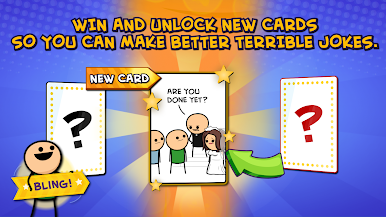
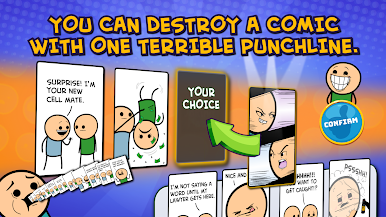
The goal in Joking Hazard is to create a three-panel comic from a deck of cards. Start by selecting the first judge to flip the top cards, either with black or red borders. If it’s a black border card, the judge gives you a regular round; meanwhile, red rewards you with a bonus round. At the end, the judge will pick a winner, and the role will then switch to the next player.
Game Features
- Smooth game controls
- High-quality 2D graphics
- Competitive leaderboard
How to Play?
Download Joking Hazard for free from the Google Play Store using the BlueStacks app player.




Play Joking Hazard on PC. It’s easy to get started.
-
Download and install BlueStacks on your PC
-
Complete Google sign-in to access the Play Store, or do it later
-
Look for Joking Hazard in the search bar at the top right corner
-
Click to install Joking Hazard from the search results
-
Complete Google sign-in (if you skipped step 2) to install Joking Hazard
-
Click the Joking Hazard icon on the home screen to start playing

