


Lumberjack Driver
Play on PC with BlueStacks – the Android Gaming Platform, trusted by 500M+ gamers.

Page Modified on: Apr 1, 2026
Play Lumberjack Driver on PC or Mac
Bring your A-game to Lumberjack Driver, the Simulation game sensation from Skyloft Yazılım Bilişim ve Anonim Şirketi. Give your gameplay the much-needed boost with precise game controls, high FPS graphics, and top-tier features on your PC or Mac with BlueStacks.
About the Game
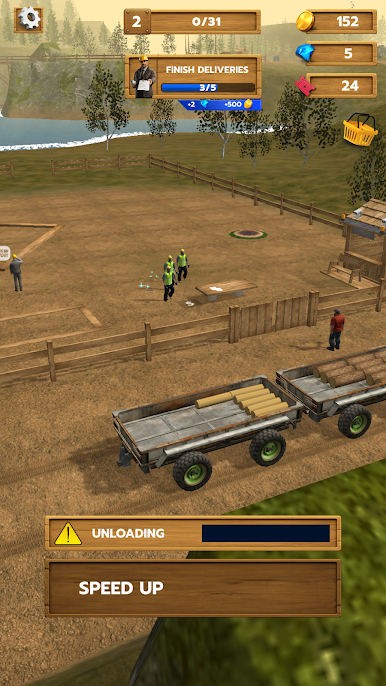
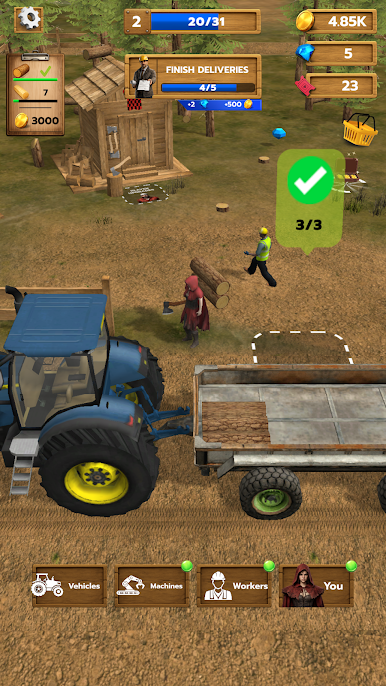
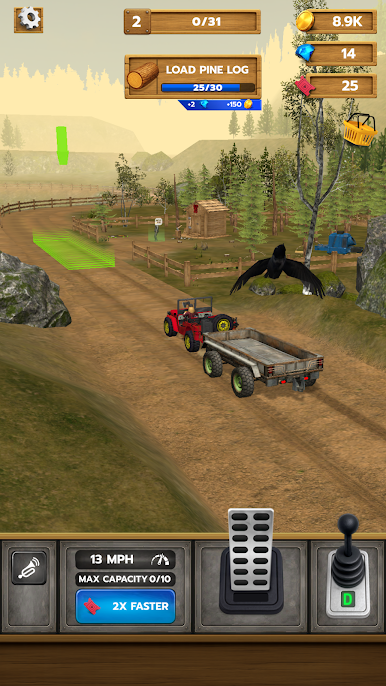
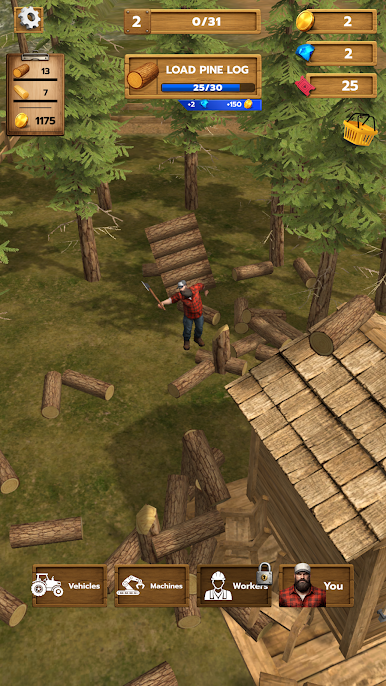
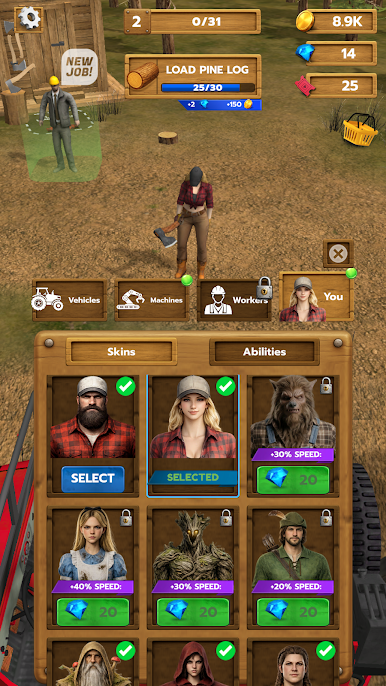
Lumberjack Driver drops you into the woods with a truck to run and a business to grow. This Simulation from Skyloft Yazılım Bilişim ve Anonim Şirketi blends hands-on driving with chill, tycoon-style management—saw trees, haul the good stuff, and turn deliveries into real progress for nearby towns. Prefer a bigger screen and keyboard? It plays nicely on BlueStacks, too.
Game Features
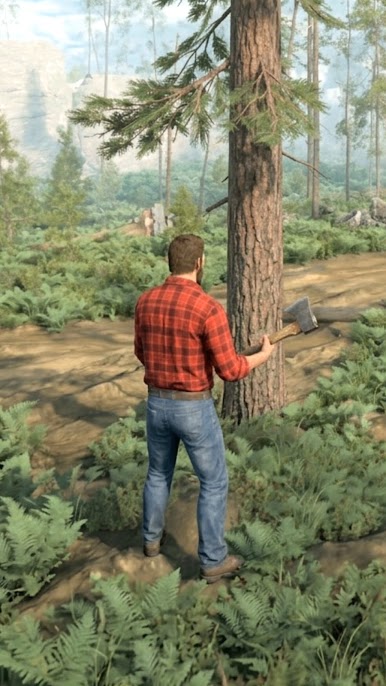
- Hands-on Woodcutting: Grab the tools, fell trees, clean up the site, and keep the timber flowing without bottlenecks.
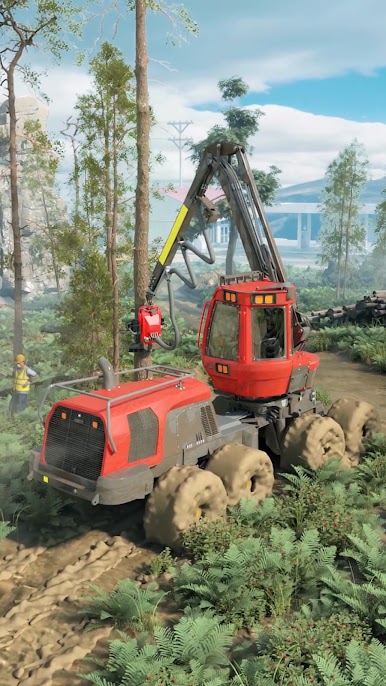
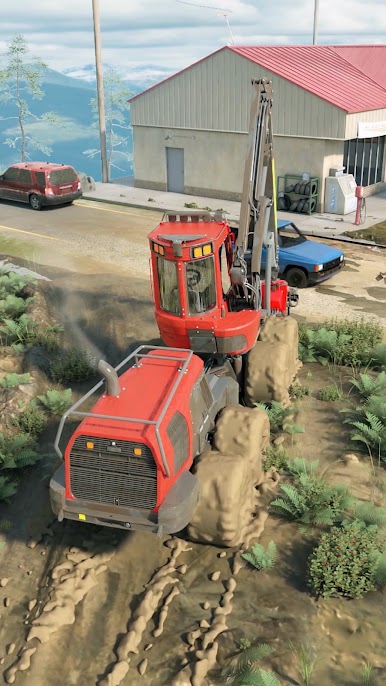
- Realistic Hauling: Navigate forest paths and work roads as you load up and move heavy logs to sawmills and build sites.
- Deliveries That Matter: Every load helps raise houses, expand infrastructure, and unlock fresh opportunities around the map.
- Contracts That Scale: Start with quick drop-offs, then take on multi-stop jobs and longer supply chains that reward careful planning.
- Upgrades That Count: Invest profits in trucks, trailers, tools, and processing gear to boost speed, capacity, and reliability.
- Smart Automation: Unlock helpers and automated steps for a steady trickle of income while you focus on the big-picture decisions.
- New Regions to Explore: Open up bigger areas with tougher terrain, tighter deadlines, and better-paying work.
- Route Planning & Logistics: Choose paths, manage fuel and time, and balance risk versus reward to keep your margins healthy.
- Satisfying Loop: Cut, haul, process, and deliver—then watch towns grow and your operation scale into something seriously impressive.
Get ready for a buttery smooth, high-performance gaming action only on BlueStacks.
Play Lumberjack Driver on PC. It’s easy to get started.
-
Download and install BlueStacks on your PC
-
Complete Google sign-in to access the Play Store, or do it later
-
Look for Lumberjack Driver in the search bar at the top right corner
-
Click to install Lumberjack Driver from the search results
-
Complete Google sign-in (if you skipped step 2) to install Lumberjack Driver
-
Click the Lumberjack Driver icon on the home screen to start playing

