


Lumeet
Play on PC with BlueStacks – the Android Gaming Platform, trusted by 500M+ gamers.

Page Modified on: Apr 8, 2026
Play Lumeet on PC
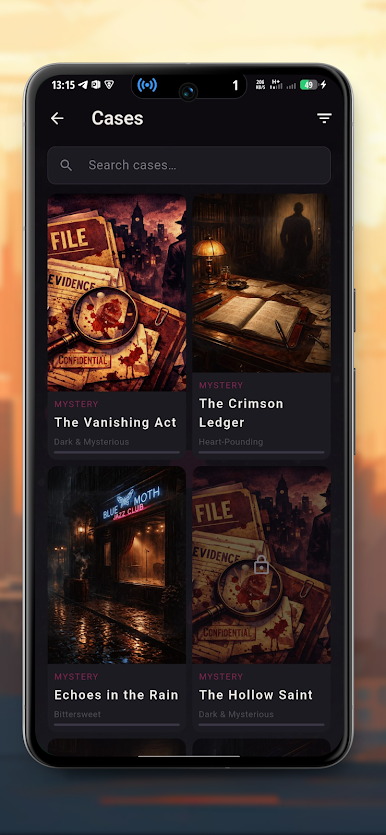
Read dialogues, explore different story paths, and make decisions that change the direction of the narrative.
Story and choices
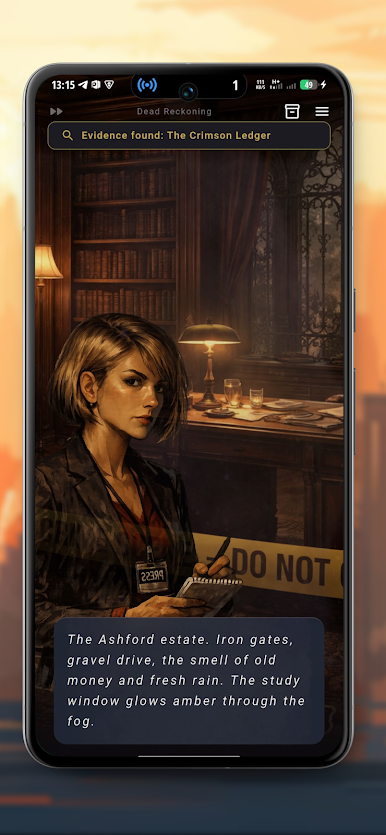
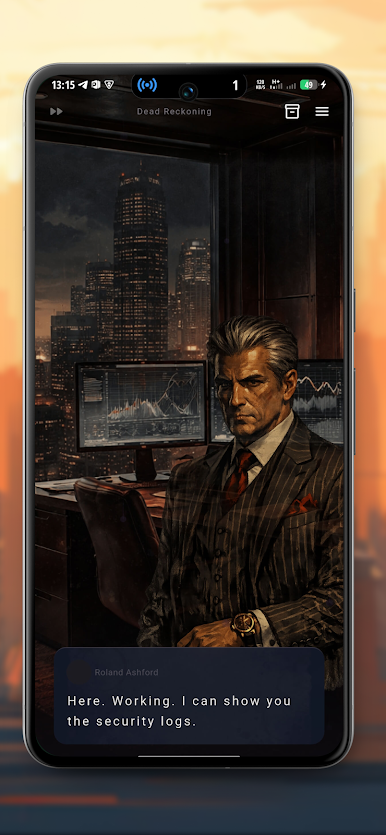
The story is presented as a visual novel. Players move through episodes by reading conversations and selecting choices that affect the plot.
Different decisions can lead to different scenes and outcomes, allowing players to experience multiple story paths.
Investigation elements
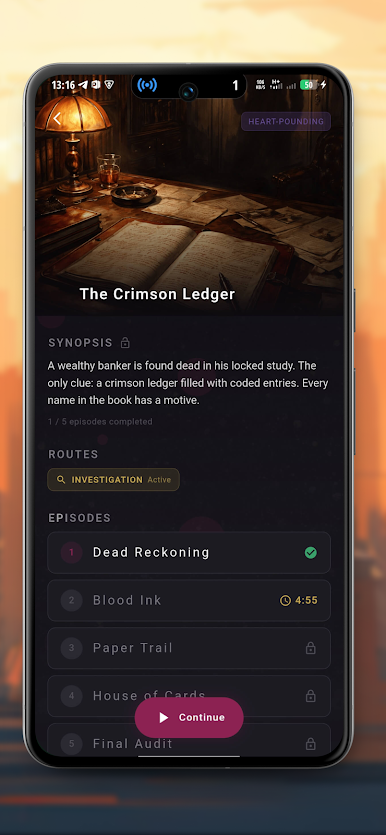
During the story you will collect clues and information related to the case. These clues help reveal new details and move the investigation forward.
Players can review discovered clues and use them to better understand the events of the story.
Characters
Throughout the story you interact with different characters. Your decisions influence how these characters respond and how the story develops.
Multiple endings
The story includes several possible endings depending on the choices you make during the investigation.
Players can replay the story to discover different outcomes and explore alternative paths.
Timeline and progress
The game keeps track of important events and story progress, helping players review what has happened during the investigation.
Lumeet is a story-driven detective experience focused on choices, exploration, and discovering different endings.



Play Lumeet on PC. It’s easy to get started.
-
Download and install BlueStacks on your PC
-
Complete Google sign-in to access the Play Store, or do it later
-
Look for Lumeet in the search bar at the top right corner
-
Click to install Lumeet from the search results
-
Complete Google sign-in (if you skipped step 2) to install Lumeet
-
Click the Lumeet icon on the home screen to start playing

