


Bread Barbershop Hidden Object
Play on PC with BlueStacks – the Android Gaming Platform, trusted by 500M+ gamers.

Page Modified on: Oct 20, 2025
Main Bread Barbershop Hidden Object on PC
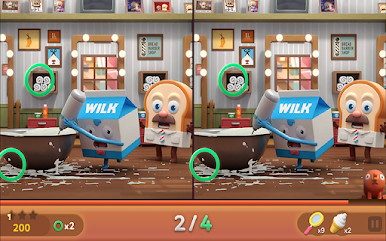
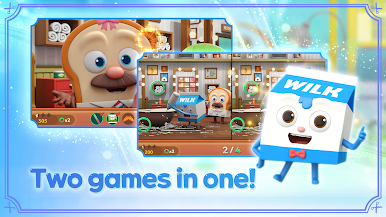
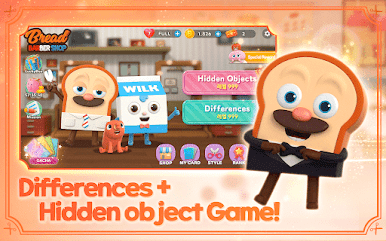
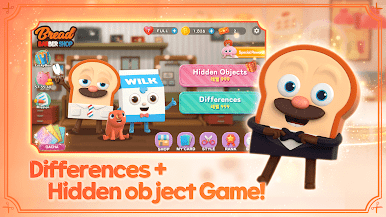
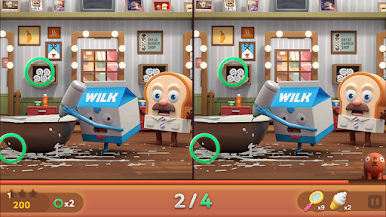
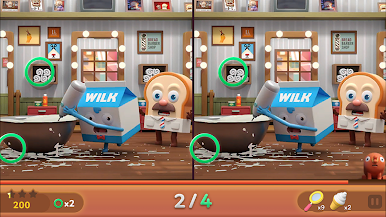
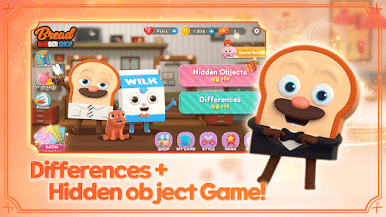
▪Enjoy both the hidden objects and spot the difference in one game!
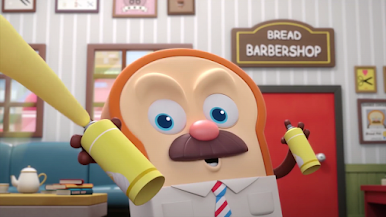
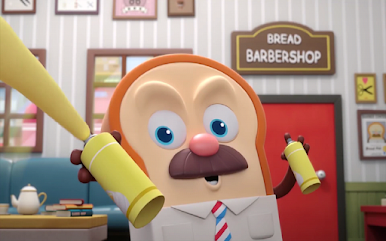
▪Puzzle game enjoyed with the animation 'Bread Barbershop'
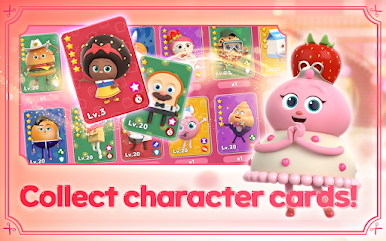
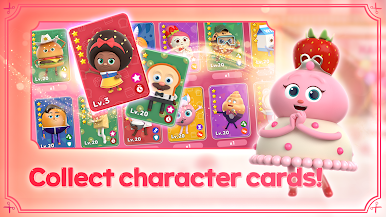
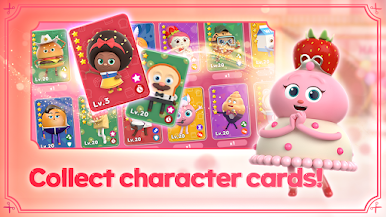
▪Collect your own characters by drawing cards!
▪Cute and adorable scenes from the animation await!
▪Meet Bread, Choco, Wilk, and Sausage in-game!
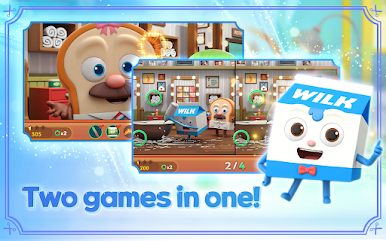
▶ Hidden objects and spot the difference all in one!
Over 1,000 levels and lots of stories previously seen in the animation!
Hidden objects and spot the difference combo leaves no room for boredom!
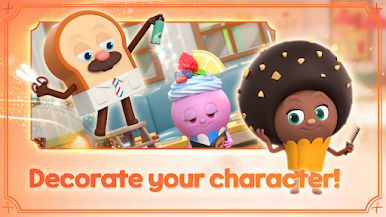
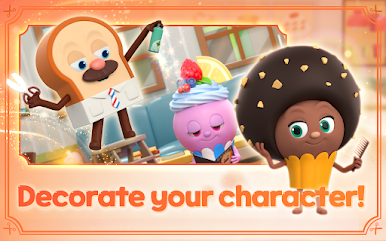
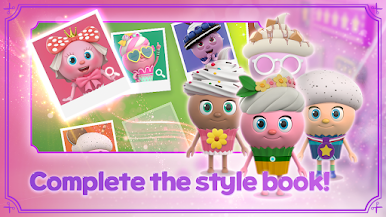
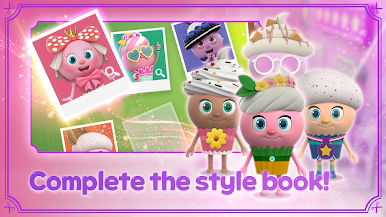
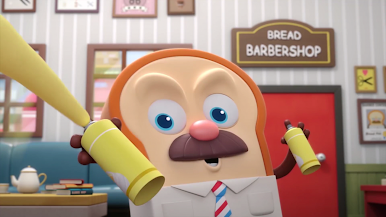
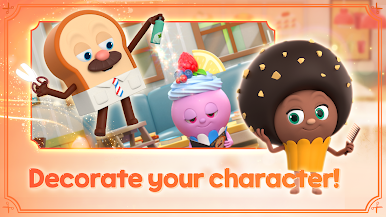
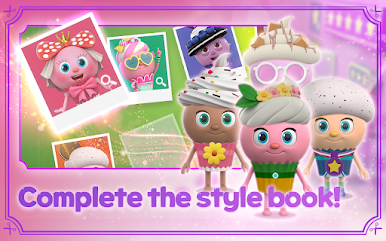
▶ Complete your stylebook by helping Bread give a haircut~
Receive a gift of character cards by completing a style!
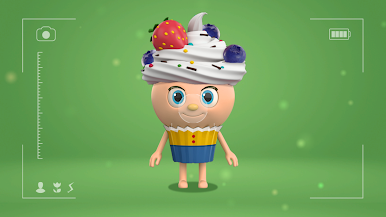
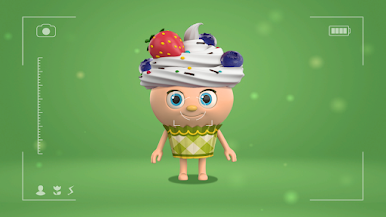
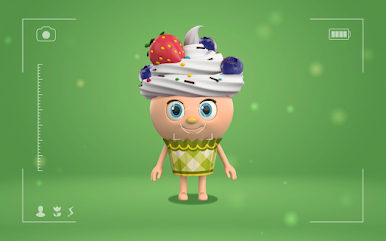
Spectacular transformations of adorable cupcakes!
▶ Increase your experience level by collecting character cards!
Receive random rewards by meeting the Cake Princess!
Enjoy right away with Bread and Barbershop friends!
▶ Enjoy a popular animation, Bread Barbershop, in the form of a game!
Conquer both the hidden objects and spot the difference in one game!
▶ Have a great time with the genius barber, Bread~
- Enjoy a variety of real animation episodes in-game!
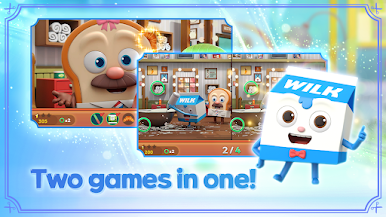
- Two games in one leaves no room for boredom!
- Proceed with giving haircuts while clearing stages!
- Complete your very own stylebook!
- Collect Bread Barbershop character cards!
©Monster Studio, LUNOSOFT, PLAYAPPS

Play Bread Barbershop Hidden Object on PC. It’s easy to get started.
-
Download and install BlueStacks on your PC
-
Complete Google sign-in to access the Play Store, or do it later
-
Look for Bread Barbershop Hidden Object in the search bar at the top right corner
-
Click to install Bread Barbershop Hidden Object from the search results
-
Complete Google sign-in (if you skipped step 2) to install Bread Barbershop Hidden Object
-
Click the Bread Barbershop Hidden Object icon on the home screen to start playing

