


Lutron App
Play on PC with BlueStacks – the Android Gaming Platform, trusted by 500M+ gamers.

Page Modified on: Oct 2, 2026
Play Lutron App on PC
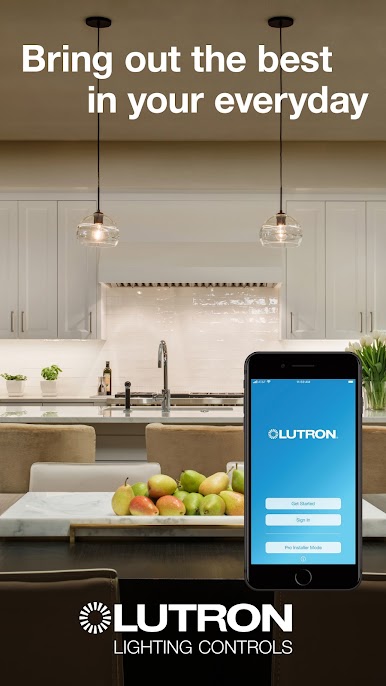
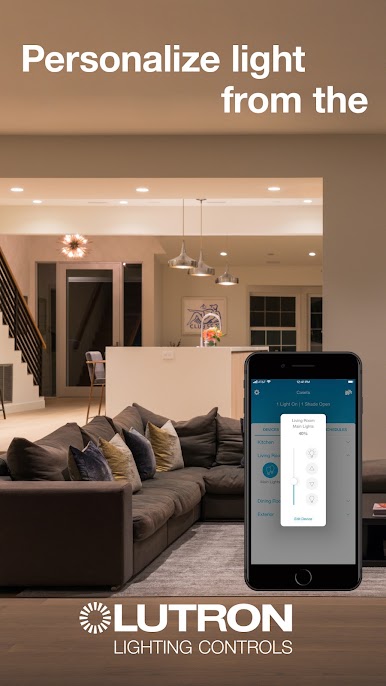
Simply and securely control lights, shades and other smart devices from anywhere in the world with the Lutron app on your iOS or Android device.
The Lutron app requires a Lutron system and compatible Lutron smart lighting products. To learn more or hire a professional installer visit www.lutron.com.
Copyright 2014-2022 Lutron Electronics Co., Inc. All rights reserved.
Unless otherwise noted, these files and the information contained herein are confidential and proprietary to Lutron Electronics Co., Inc. Unauthorized possession or use of files owned by Lutron Electronics Co., Inc. or the information contained herein is prohibited. No reproduction may be made of these files without the express written permission of Lutron Electronics Co., Inc.
By using or downloading this software, you agree that you will not decompile, disassemble, reverse engineer, or in any way modify the software.


Play Lutron App on PC. It’s easy to get started.
-
Download and install BlueStacks on your PC
-
Complete Google sign-in to access the Play Store, or do it later
-
Look for Lutron App in the search bar at the top right corner
-
Click to install Lutron App from the search results
-
Complete Google sign-in (if you skipped step 2) to install Lutron App
-
Click the Lutron App icon on the home screen to start playing

