


Play N Guess: Earn Money
Play on PC with BlueStacks – the Android Gaming Platform, trusted by 500M+ gamers.

Page Modified on: Aug 28, 2026
Play Play N Guess: Earn Money on PC
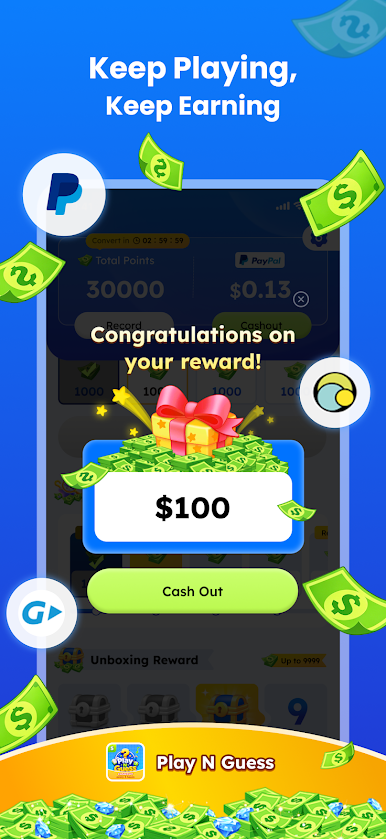
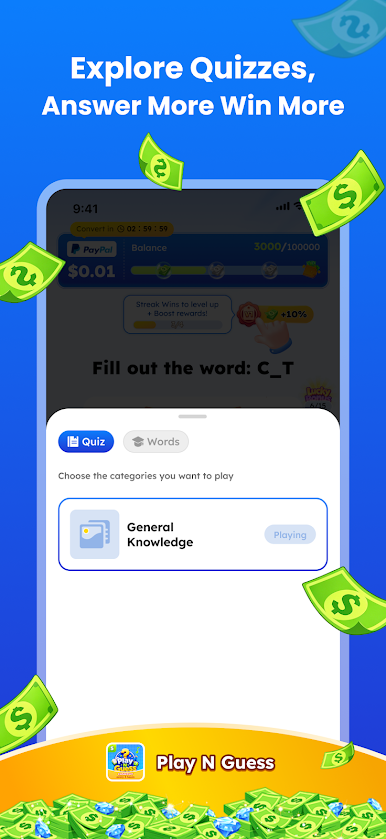
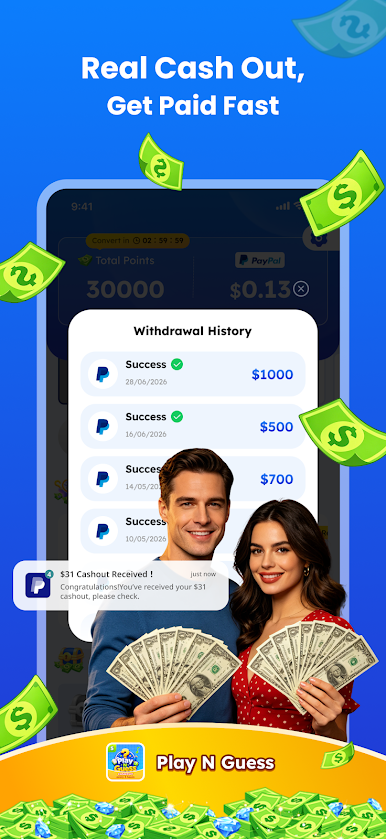
Welcome to Play N Guess, the trivia platform where your knowledge and passion for quiz lead to exciting prizes! Whether you can love answering fun everyday quizzes, Play N Guess is designed to turn your skills into fantastic rewards.
### Key Features:
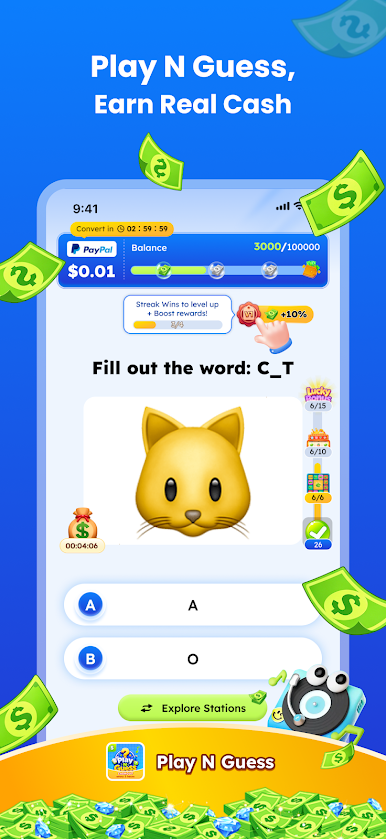
🎵 Answer simple, hilarious trivia questions. The more you answer correctly, the more reward points you gather in your balance!
🚀 Level Up for Multipliers Keep playing to level up your account! As you reach higher levels, you unlock "Reward Multipliers"—meaning every correct answer yields double or even triple the rewards!
🎡 Daily Mini-Games for Extra Rewards Take a quick break from quizzes and boost your reward balance with our interactive task zone:
-Lucky Spin: Give the wheel a daily spin to win big point bonuses.
-Satisfying Scratch: Scratch off cards to instantly reveal hidden surprise rewards.
-Lucky Flip: Test your luck with card flips for exclusive bonus multipliers.
-Mystery Airdrop: Catch random gift boxes dropped throughout the day!
### Why You'll Love Play N Guess:
-100% Free to Play: Jump into the challenge immediately without any entry fees.
-Fun & Relaxing: Discover interesting facts while relaxing your mind.
-Instant Entertainment: The perfect game for commutes, coffee breaks, or whenever you have a few minutes to spare.
Stop idling and start winning! Download Play N Guess today, and claim your rewards now!
Play Play N Guess: Earn Money on PC. It’s easy to get started.
-
Download and install BlueStacks on your PC
-
Complete Google sign-in to access the Play Store, or do it later
-
Look for Play N Guess: Earn Money in the search bar at the top right corner
-
Click to install Play N Guess: Earn Money from the search results
-
Complete Google sign-in (if you skipped step 2) to install Play N Guess: Earn Money
-
Click the Play N Guess: Earn Money icon on the home screen to start playing

