


Pocket Pixel
Play on PC with BlueStacks – the Android Gaming Platform, trusted by 500M+ gamers.

Page Modified on: Sep 27, 2024
Overview
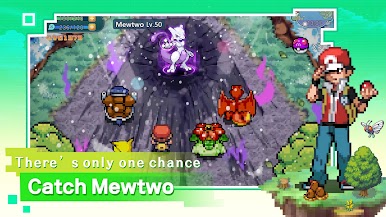
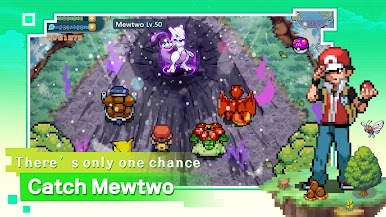
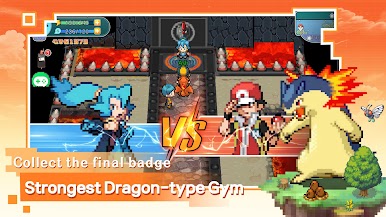
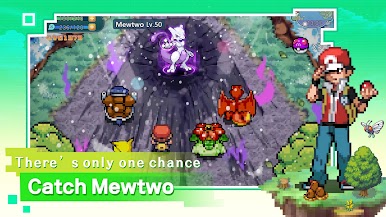
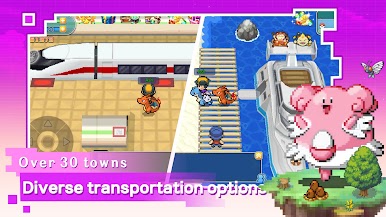
The game restores 100% of the GBA handheld elements, allowing you to relive the joys of childhood console gaming. Experience the highly replayable single-player elements and enjoy the second week too!
Creative Home, Ocean View Villas with Various Styles
Move into your dream neighborhood and gather with friends. In this vast sandbox world, each map has diverse terrains, including caves, lakeshores, grasslands, forests, mountains, wetlands, and more, allowing for the creation of luxurious homes like modern apartments, ocean view villas, and European castles.
Collect All Generations
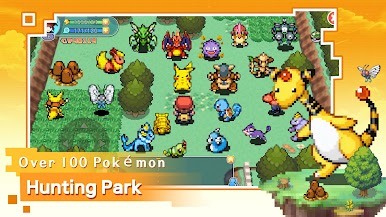
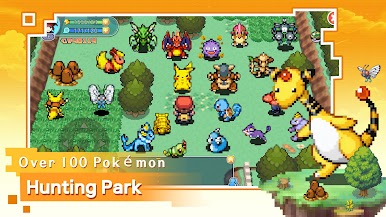
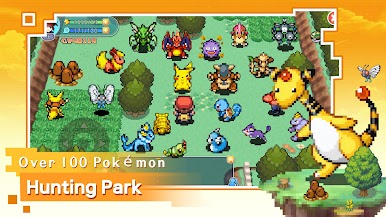
The game includes Pokémon from all single-player generations, with each Pokémon featuring its own shiny variant, greatly enhancing the collecting fun.

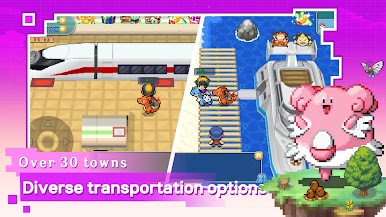

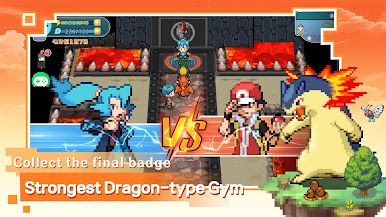
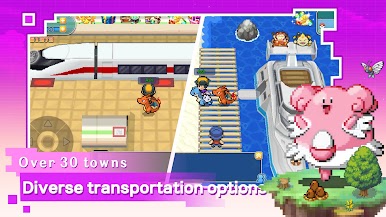
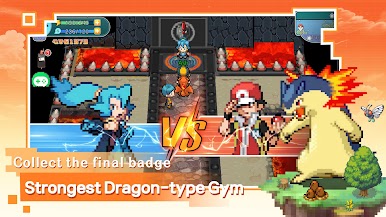

Play Pocket Pixel on PC. It’s easy to get started.
-
Download and install BlueStacks on your PC
-
Complete Google sign-in to access the Play Store, or do it later
-
Look for Pocket Pixel in the search bar at the top right corner
-
Click to install Pocket Pixel from the search results
-
Complete Google sign-in (if you skipped step 2) to install Pocket Pixel
-
Click the Pocket Pixel icon on the home screen to start playing

