


Photo Editor Collage: Picsa
Play on PC with BlueStacks – the Android Gaming Platform, trusted by 500M+ gamers.

Page Modified on: Dec 30, 2025
Run Photo Editor & Photo Collage Maker: Photo Grid on PC or Mac
Upgrade your experience. Try Photo Editor & Photo Collage Maker: Photo Grid, the fantastic Photography app from Lyrebird Studio, from the comfort of your laptop, PC, or Mac, only on BlueStacks.
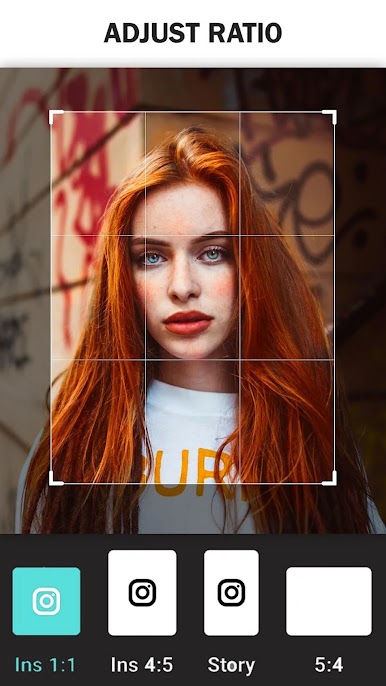
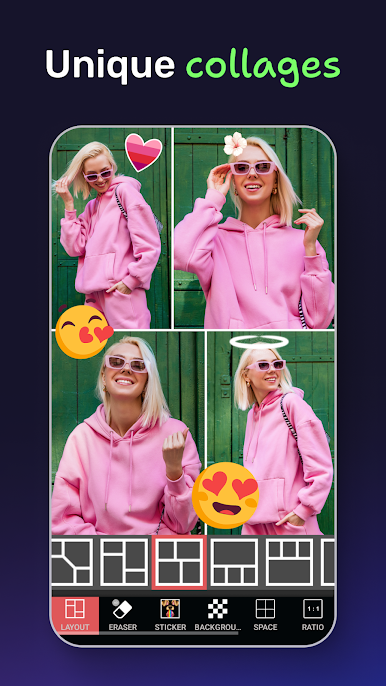
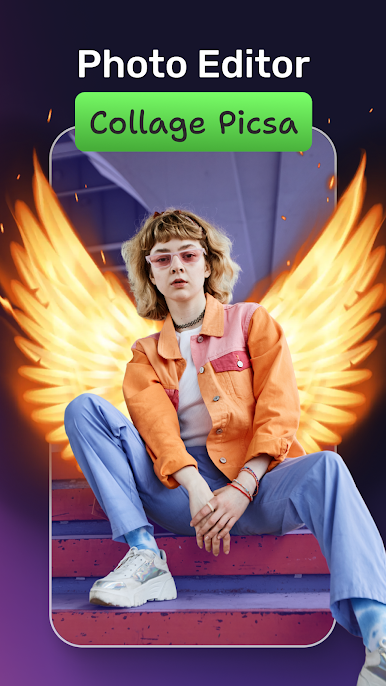
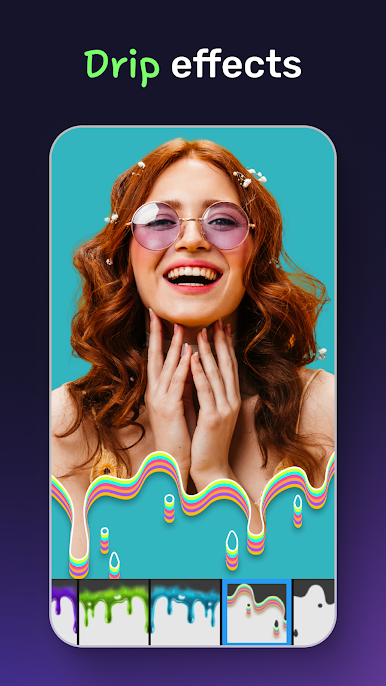
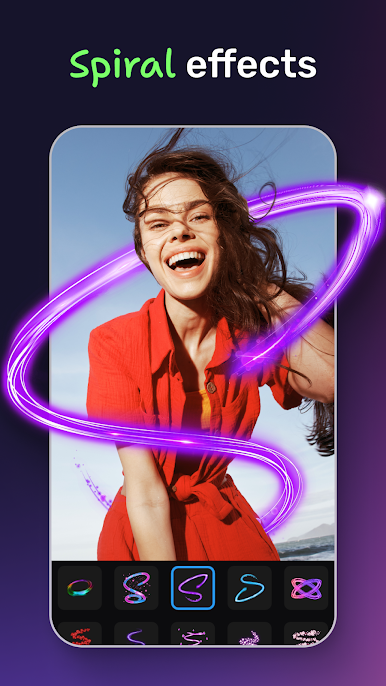
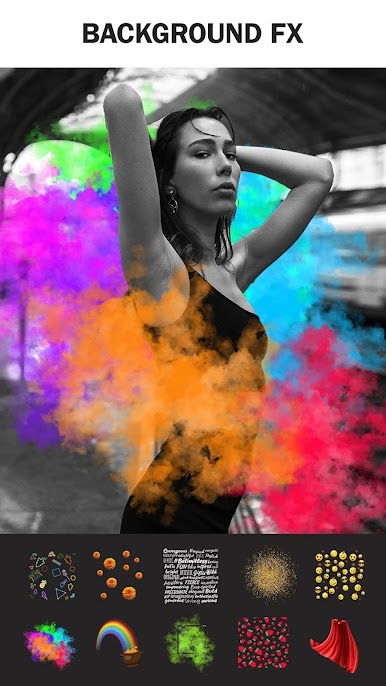
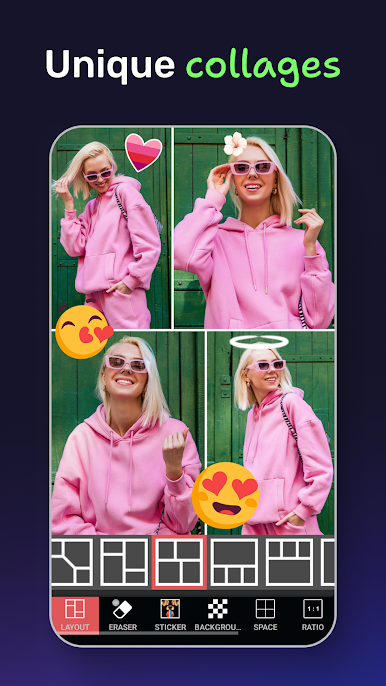
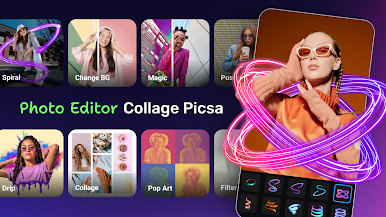
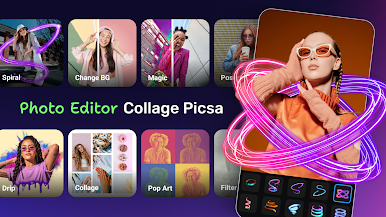
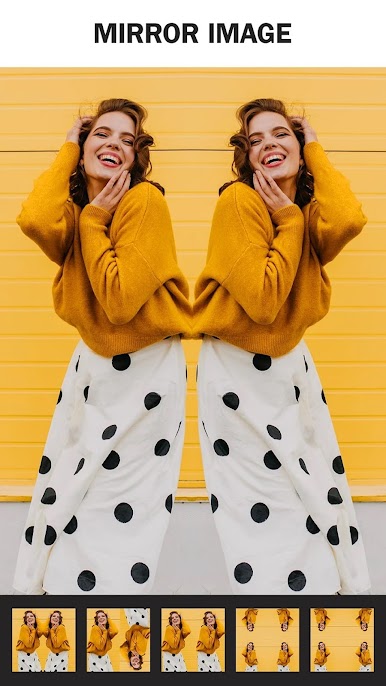
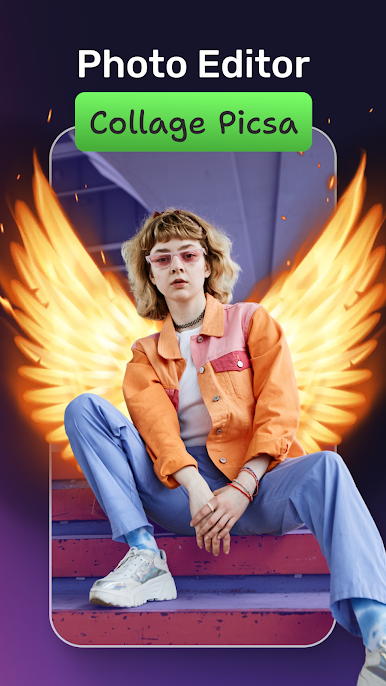
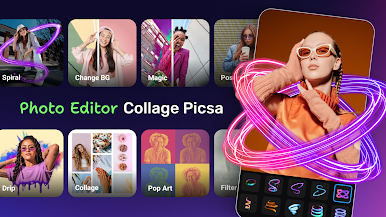
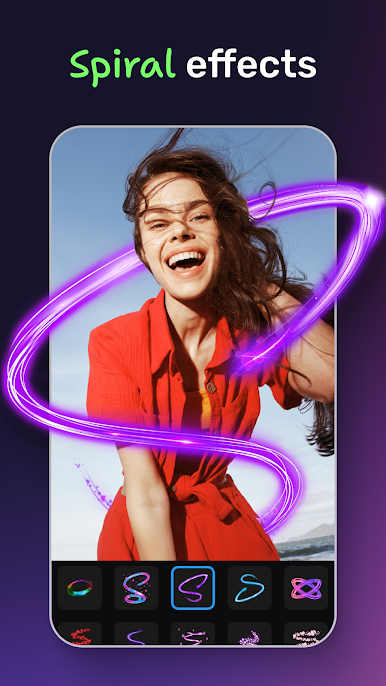
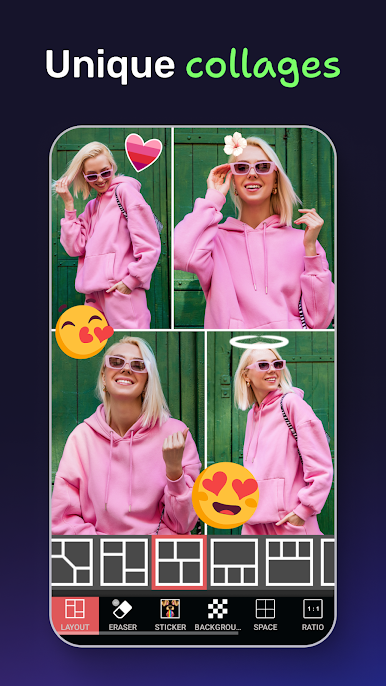
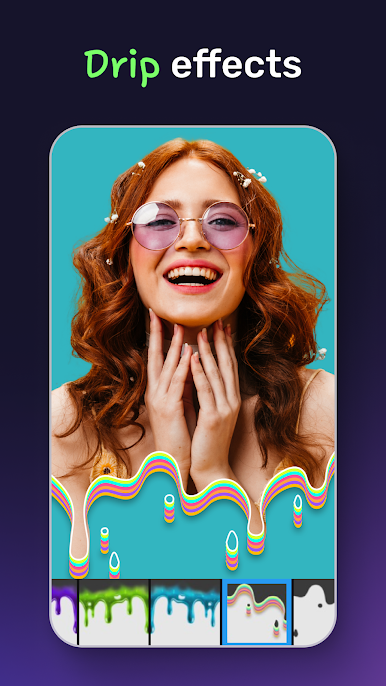
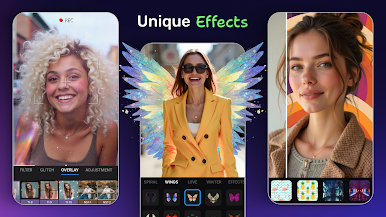
Photo Editor & Photo Collage Maker: Photo Grid is the kind of app that makes editing photos feel simple, but with results that actually look polished, even if someone has never used a more complicated program before. On PC with BlueStacks, it’s nice having more space to mess around with the tools and see the edits in detail. The main draw is how many features are packed in: there are tons of collage layouts to pick from, with up to 15 photos added at once, and full freedom to shuffle them around, change backgrounds, and throw on effects so everything stands out.
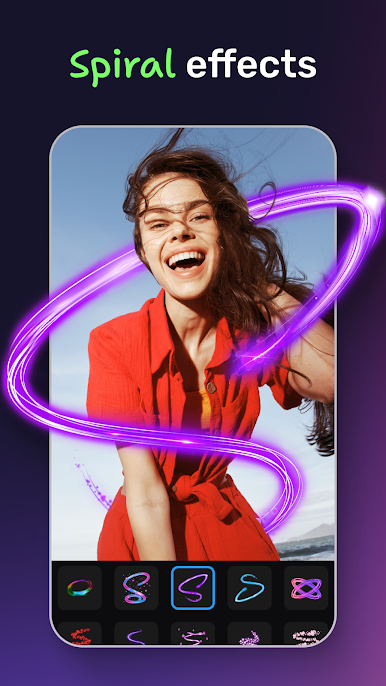
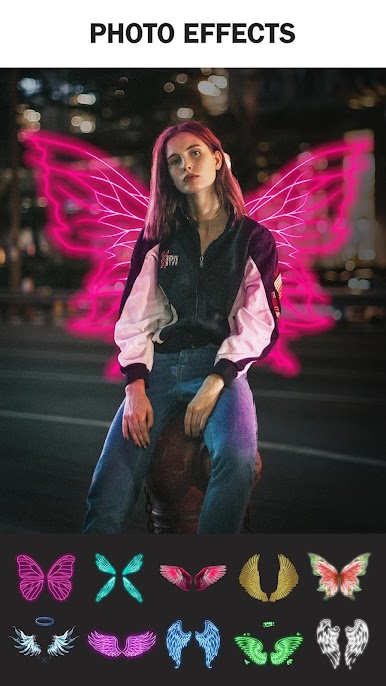
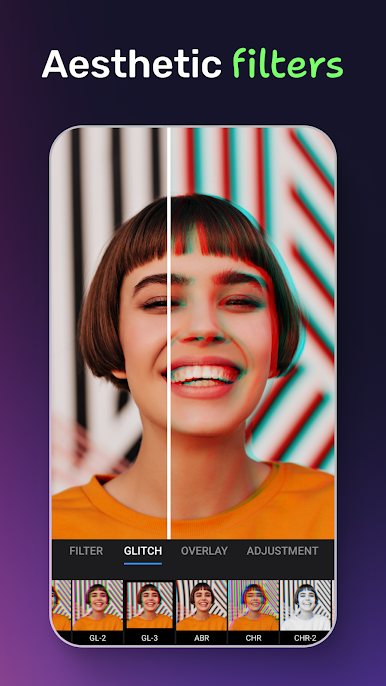
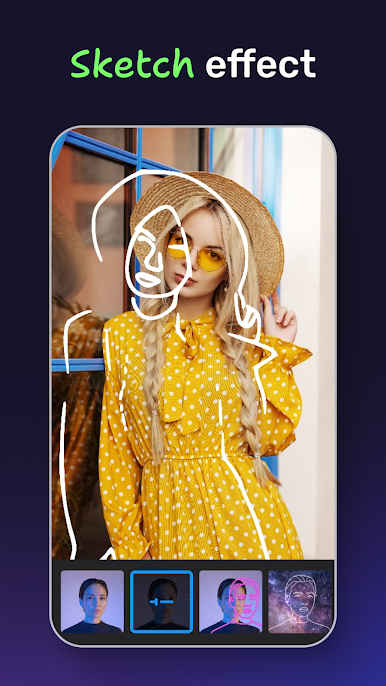
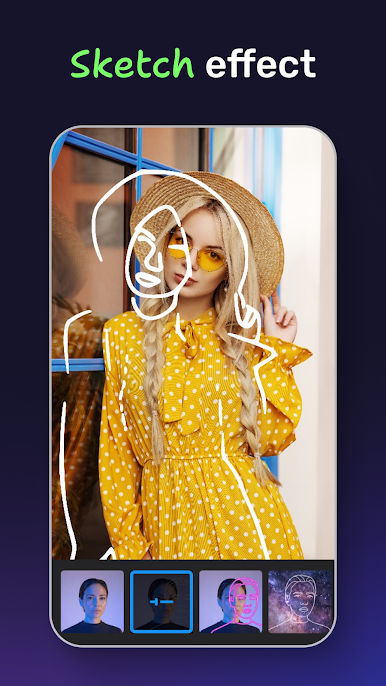
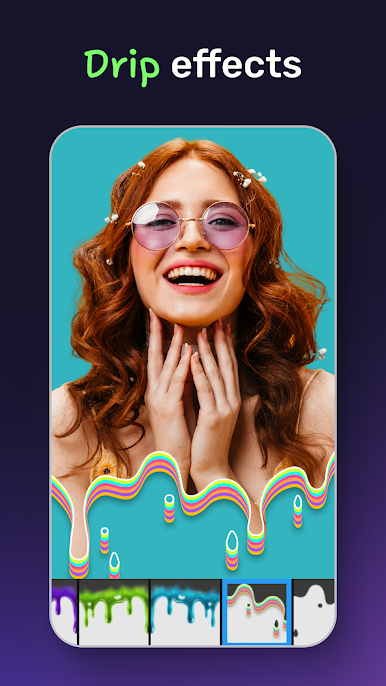
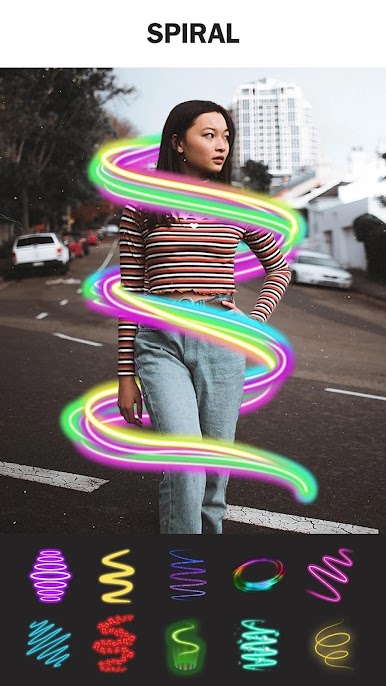
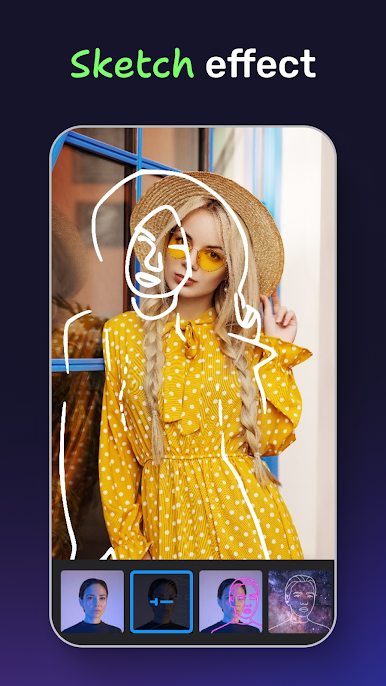
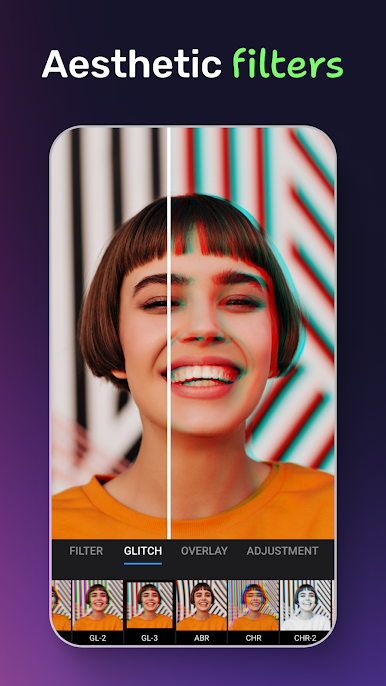
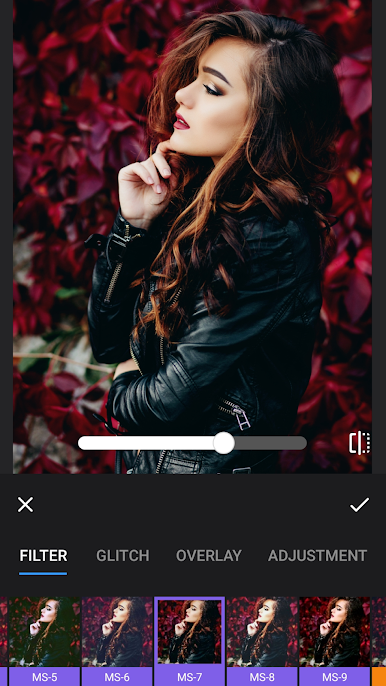
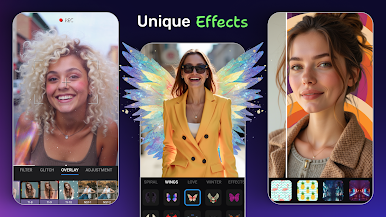
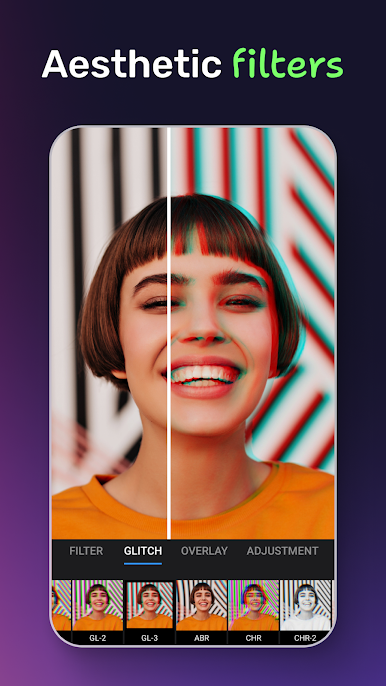
There’s a big emphasis on playful edits too—think funny animal face stickers or themed seasonal stickers, all pretty easy to just drag and drop. The makeup tools go beyond basic filters; you can almost treat it like a digital makeover. Things like changing eye or lip color, smoothing skin, resizing face features, whitening teeth, or even removing blemishes are all built-in and don’t need much fiddling. Advanced stuff like neon outlines and sketch effects are surprisingly fun to try, and the controls let you tweak exactly how bold you want those looks. There are plenty of standard photo tweaks as well, so light, contrast, filters, and blur are handled smoothly, and sharing straight to social media is basically an afterthought—one button, and it goes wherever you want. For anyone who gets a kick out of tweaking selfies or making photo collages without much hassle, this one covers most of what’s needed and then some.
Ready to experience Photo Editor & Photo Collage Maker: Photo Grid on a bigger screen, in all its glory? Download BlueStacks now.



Play Photo Editor Collage: Picsa on PC. It’s easy to get started.
-
Download and install BlueStacks on your PC
-
Complete Google sign-in to access the Play Store, or do it later
-
Look for Photo Editor Collage: Picsa in the search bar at the top right corner
-
Click to install Photo Editor Collage: Picsa from the search results
-
Complete Google sign-in (if you skipped step 2) to install Photo Editor Collage: Picsa
-
Click the Photo Editor Collage: Picsa icon on the home screen to start playing

