


Mods & Skins for Minecraft PE
Play on PC with BlueStacks – the Android Gaming Platform, trusted by 500M+ gamers.

Page Modified on: Jul 26, 2026
Main Mods & Skins for Minecraft PE on PC
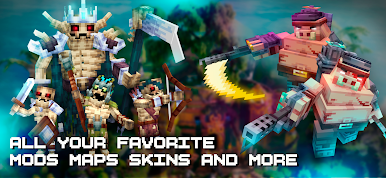
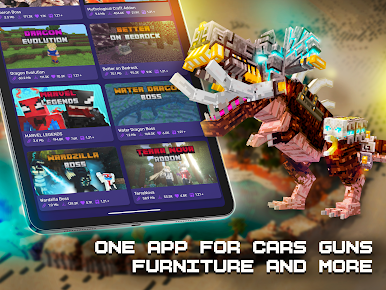
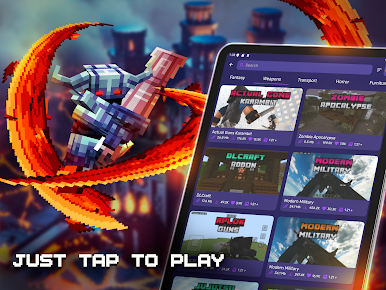
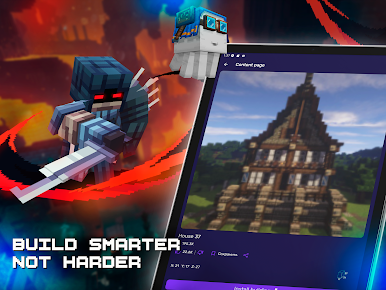
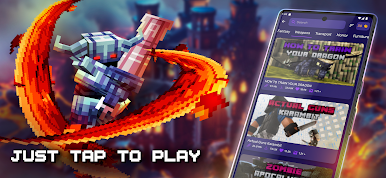
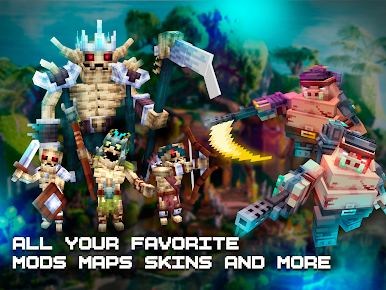
Find a large collection of content for Minecraft PE in one app: mods, addons, maps, skins, buildings, textures, shaders and seeds. Browse categories, preview content and quickly add it to your Bedrock worlds.
MODS & ADDONS FOR MINECRAFT PE
Explore MCPE mods and addons for Minecraft Bedrock Edition:
✅ Furniture and house addons
✅ Animals and mobs
✅ Weapons and equipment
✅ Cars, vehicles and transport
✅ Lucky Block addons
✅ Survival content
✅ Adventure addons
✅ Horror and monster mods
✅ Dragons and fantasy content
✅ Redstone and technology
✅ New blocks, items and crafting features
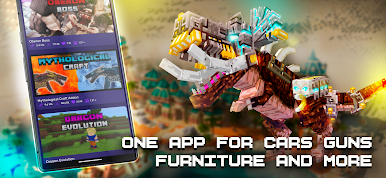
Install a mod for Minecraft PE or explore MCPE addons directly from the app. Find everything from a furniture mod for Minecraft to animals, vehicles, weapons and adventure content.
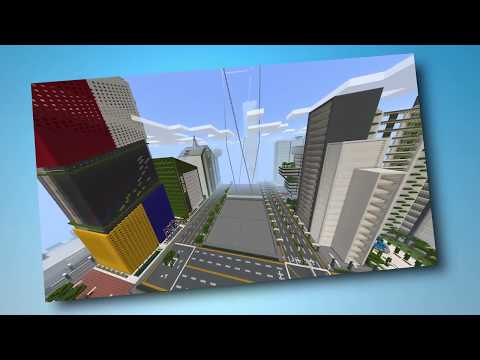
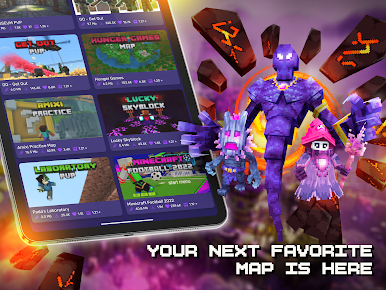
MAPS & SEEDS
Explore Minecraft worlds, maps and seeds for different types of gameplay:
✅ Survival maps
✅ Adventure worlds
✅ Cities and towns
✅ Parkour maps
✅ PVP arenas
✅ Hide and Seek
✅ Skyblock worlds
✅ Floating islands
✅ Villages and structures
✅ Multiplayer maps
✅ Creative builds
Browse maps for Minecraft and quickly find new worlds to explore.
SKINS
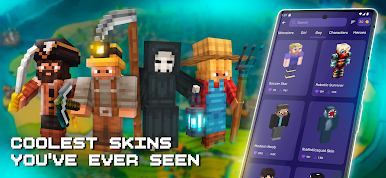
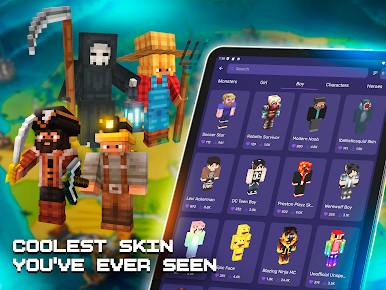
Customize your character with a large collection of skins for Minecraft PE:
✅ Boys and girls
✅ PVP skins
✅ Superheroes
✅ Anime-inspired skins
✅ Military
✅ Monsters
✅ Robots
✅ Fantasy characters
✅ Skin packs
Preview skins in 3D with 360-degree rotation before using them.
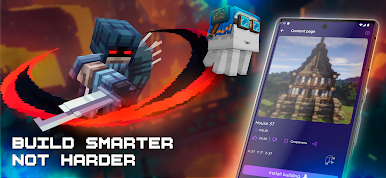
BUILDINGS FOR MCPE
Add ready-made buildings and structures to your Bedrock worlds.
Choose from:
✅ Houses
✅ Mansions
✅ Castles
✅ Modern buildings
✅ Medieval structures
✅ Furnished houses
✅ Aircraft and helicopters
✅ Other unique constructions
Place buildings into your world without spending hours constructing everything block by block.
TEXTURE PACKS & SHADERS
Discover texture packs for Minecraft PE, including realistic textures, vanilla-style packs and Minecraft shaders.
Find different styles and resolutions:
✅ 16x16
✅ 32x32
✅ 64x64
✅ HD textures
✅ Vanilla-style packs
✅ Realistic textures
✅ Lighting and shader packs
Change lighting, blocks and the visual style of your Bedrock world with textures and shaders.
CONTENT FOR MCPE & BEDROCK
Use one catalog for Minecraft PE / MCPE content:
✅ Mods
✅ MCPE addons
✅ Maps
✅ Skins
✅ Buildings
✅ Texture packs
✅ Shaders
✅ Seeds
New content is added regularly, so you can keep discovering different ways to customize and expand Minecraft Bedrock Edition.
Minecraft Pocket Edition / Bedrock Edition is required to use downloaded content.
DISCLAIMER
This is an unofficial application for Minecraft. This application is not affiliated with, approved by, or associated with Mojang or Microsoft.
The Minecraft name, trademark and related assets are the property of their respective owners. All rights are reserved by their respective owners.
All downloadable content provided through the application is distributed according to the terms of its applicable licenses.
Play Mods & Skins for Minecraft PE on PC. It’s easy to get started.
-
Download and install BlueStacks on your PC
-
Complete Google sign-in to access the Play Store, or do it later
-
Look for Mods & Skins for Minecraft PE in the search bar at the top right corner
-
Click to install Mods & Skins for Minecraft PE from the search results
-
Complete Google sign-in (if you skipped step 2) to install Mods & Skins for Minecraft PE
-
Click the Mods & Skins for Minecraft PE icon on the home screen to start playing

