


Mods & Skins for Minecraft PE
Play on PC with BlueStacks – the Android Gaming Platform, trusted by 500M+ gamers.

Page Modified on: Oct 20, 2026
Run Mods addon skins for Minecraft on PC or Mac
Why limit yourself to your small screen on the phone? Run Mods addon skins for Minecraft, an app by Lyxoto Studios, best experienced on your PC or Mac with BlueStacks, the world’s #1 Android emulator.
About the App
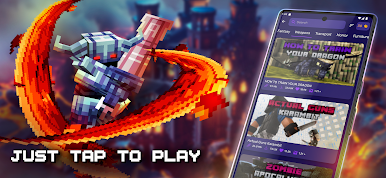
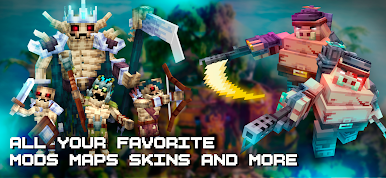
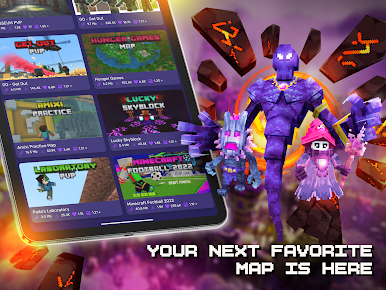
If you love switching up your Minecraft experience and want a faster way to add something new, Mods addon skins for Minecraft from Lyxoto Studios might be just what you’ve been looking for. This app makes it a breeze to browse, download, and install mods, skins, maps, and way more—all in just a few taps. Dive into all sorts of fresh content for Minecraft PE, whether you’re chasing crazy worlds or just want that perfect skin for your next multiplayer match.
App Features
-
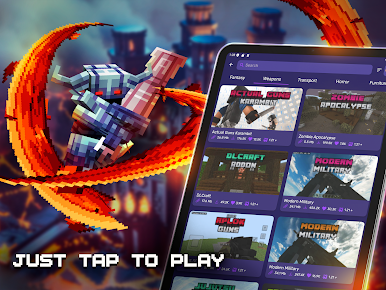
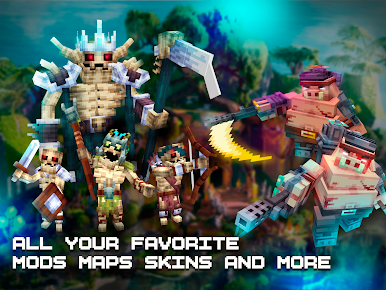
Huge Mod Library
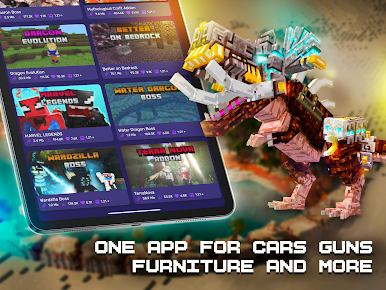
Tons of add-ons, mods, and tweaks—think new animals, epic weapons, cool vehicles, and even custom furniture. There’s always something different to try out. -
Easy, Automatic Installs
Picking out and installing your favorites is super simple. Most mods and add-ons slide right into the game automatically without a fuss, thanks to the built-in launcher. -
Creative Maps & Seeds
In the mood for something new? Scroll through creative maps—mini-games, parkour, survival worlds, and more. Seeds for everything from massive villages to sky-high floating islands. -
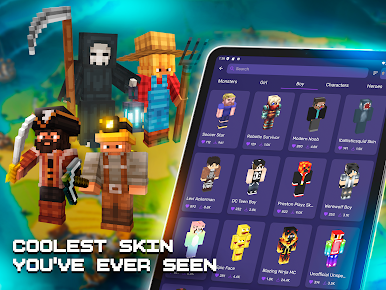
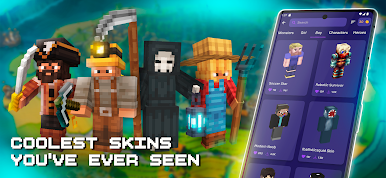
Unique Skins & Customizer
Pick from loads of skins, including superheroes, robots, or classic characters—or use the 3D preview and rotation features to build your own look from scratch. -
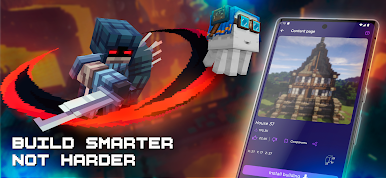
One-Tap Building
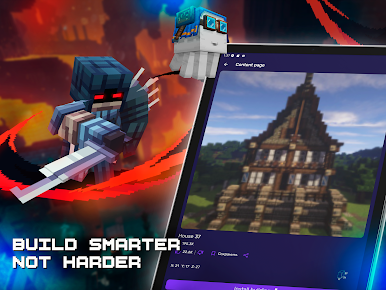
Ever wanted to plop a castle or mansion into your world without all the long hours? Select a ready-to-go build and drop it into your map with just one tap. -
Texture Packs and Shaders
Swap out basic graphics for HD or custom textures in different resolutions, plus shaders that totally refresh the look and feel of your world.
Best of all, you won’t have to leave the app for anything—it all works together, and you can use it on different devices. It’s especially smooth with BlueStacks if you’d rather play on a bigger screen. Just remember, you’ll need Minecraft PE to use everything, and that’s not included.
Eager to take your app experience to the next level? Start right away by downloading BlueStacks on your PC or Mac.

Play Mods & Skins for Minecraft PE on PC. It’s easy to get started.
-
Download and install BlueStacks on your PC
-
Complete Google sign-in to access the Play Store, or do it later
-
Look for Mods & Skins for Minecraft PE in the search bar at the top right corner
-
Click to install Mods & Skins for Minecraft PE from the search results
-
Complete Google sign-in (if you skipped step 2) to install Mods & Skins for Minecraft PE
-
Click the Mods & Skins for Minecraft PE icon on the home screen to start playing

