


Sand ASMR Coloring
Play on PC with BlueStacks – the Android Gaming Platform, trusted by 500M+ gamers.

Page Modified on: Oct 21, 2026
Play Sand ASMR Coloring on PC
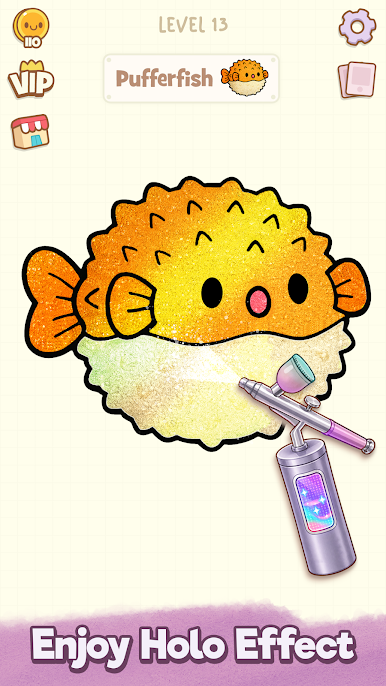
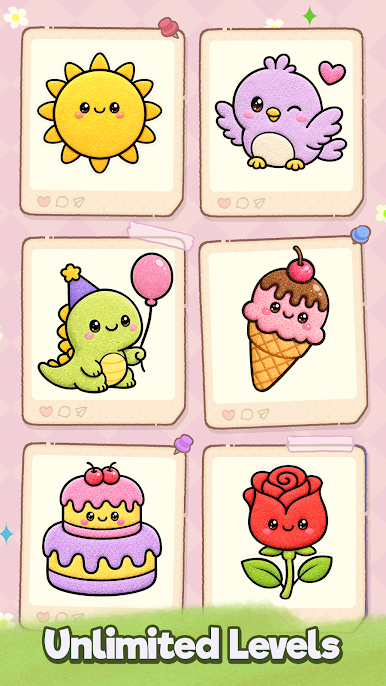
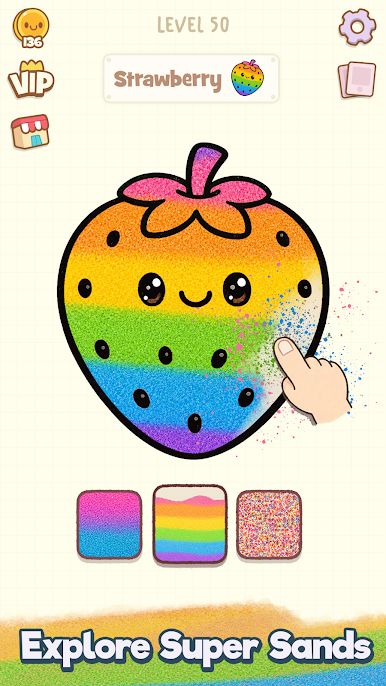
Unlock VIP levels, explore unique drawings, and fill them with colorful sand. Every 5th level is a bonus level, so play it and make your creative journey more stylish. Enhance your artwork with a holographic effect and particles after coloring. If you want to make your sand image more colorful, you can use a dual color effect after coloring.
Features:
Peel a sticker to reveal a section of the drawing.
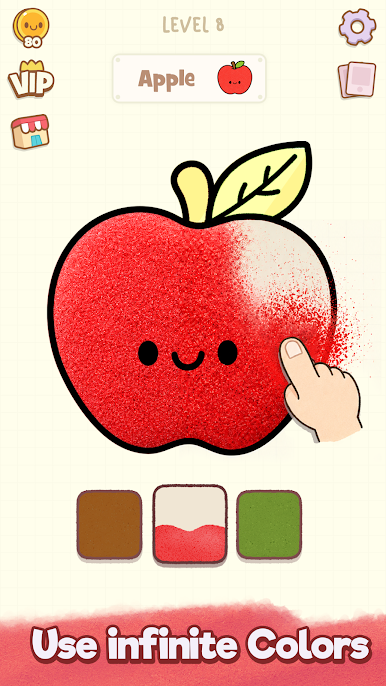
Choose the right color and pour sand to fill it.
Just tap, drag, color, and relax, no extra skills needed.
Once colored, peel the next sticker and repeat until the entire image is complete!
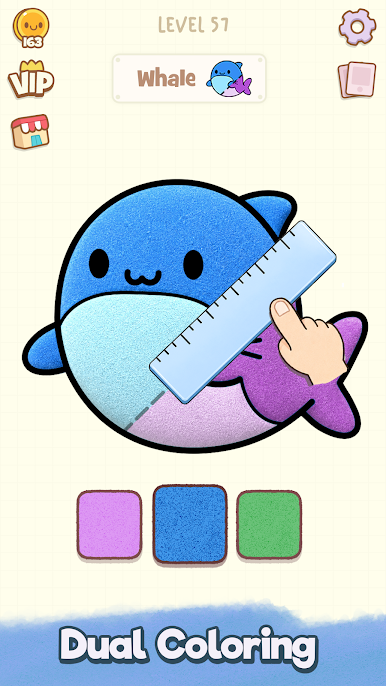
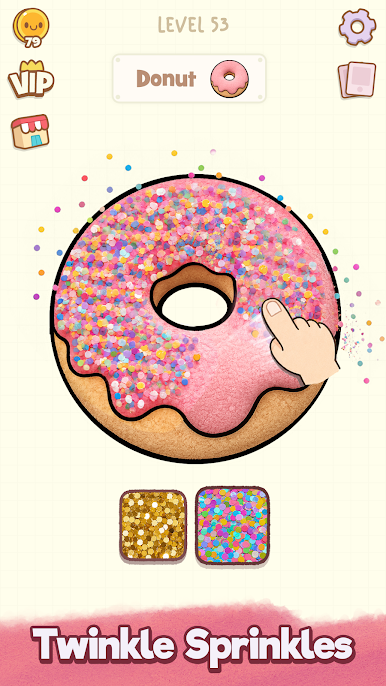
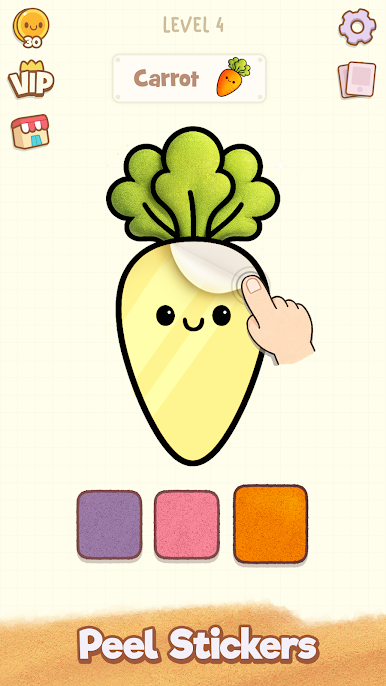
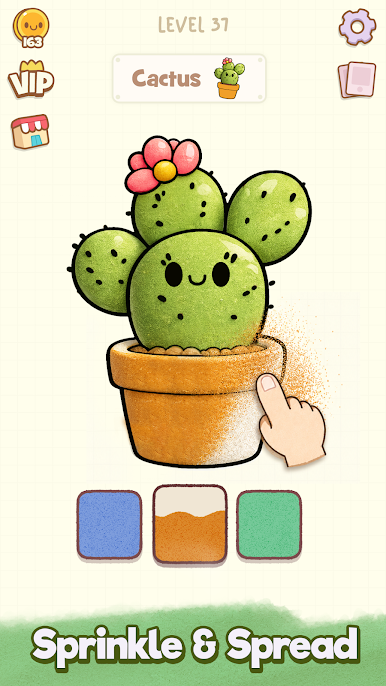
Play Sand ASMR Coloring on PC. It’s easy to get started.
-
Download and install BlueStacks on your PC
-
Complete Google sign-in to access the Play Store, or do it later
-
Look for Sand ASMR Coloring in the search bar at the top right corner
-
Click to install Sand ASMR Coloring from the search results
-
Complete Google sign-in (if you skipped step 2) to install Sand ASMR Coloring
-
Click the Sand ASMR Coloring icon on the home screen to start playing

