

Mud Rush
Play on PC with BlueStacks – the Android Gaming Platform, trusted by 500M+ gamers.

Page Modified on: Jul 1, 2026
Play Mud Rush on PC or Mac
Step into the World of Mud Rush, a thrilling Racing game from the house of Mad Weasel. Play this Android game on BlueStacks App Player and experience immersive gaming on PC or Mac.
About the Game
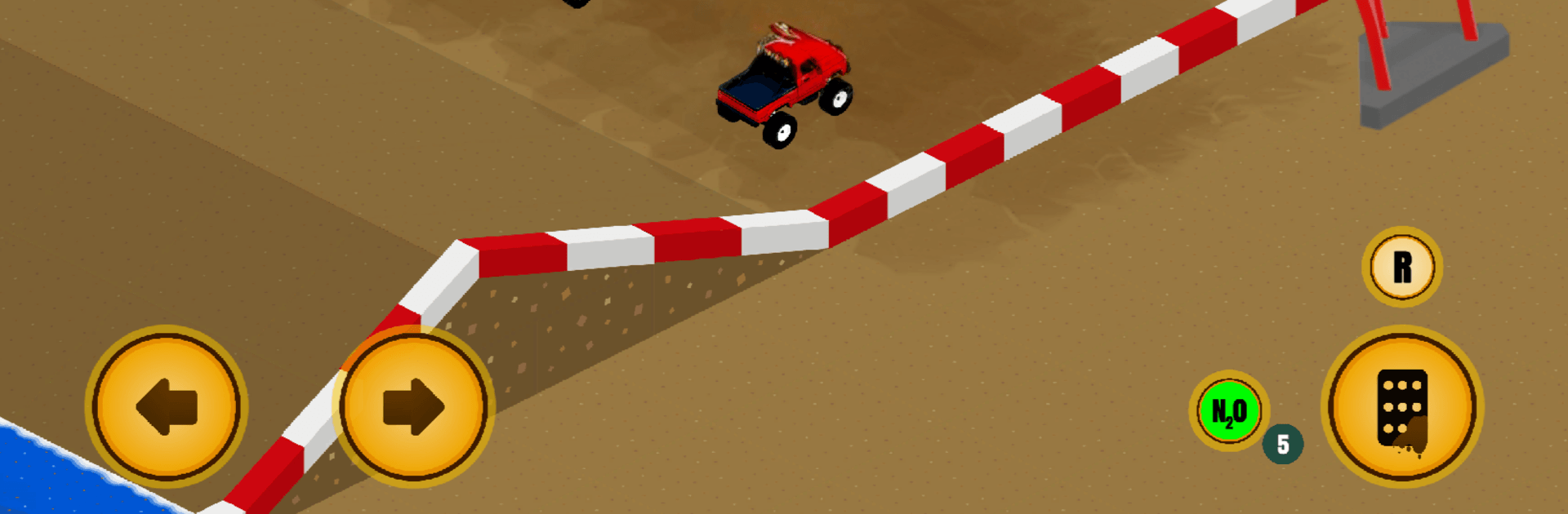
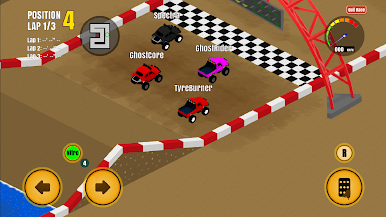
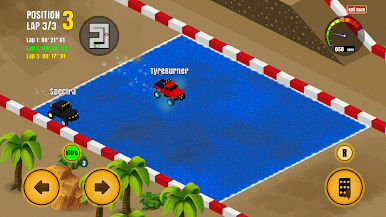
Mud Rush from Mad Weasel is a scrappy Racing throwback built for people who like their laps loud, dirty, and a little unpredictable. It’s played from a clean isometric view, packing that old-school arcade rush with a smart twist: every bump and shortcut has a cost. You’ll battle real rivals, squeeze through tight corners, and then head back to the garage to fix what the track just punished. Prefer a bigger screen and precise inputs? It runs smoothly on BlueStacks, too.
Game Features
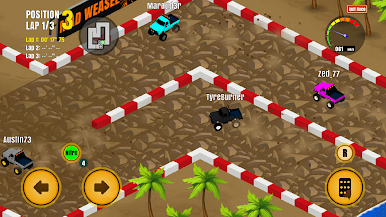
- Retro isometric chaos: A stylish, top-down look that keeps the whole track in view while the mud, sparks, and fender-benders fly.
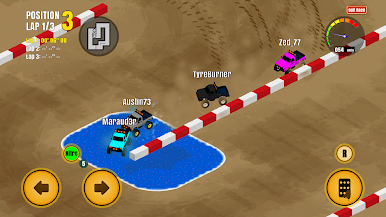
- Online head-to-head: Jump into multiplayer races where human drivers fight for the same line you do—no mercy, no freebies.
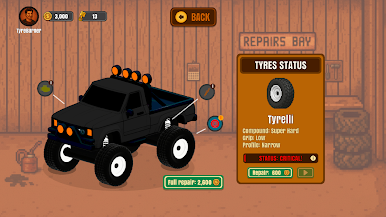
- Wear-and-tear that matters: Engines fade, tires lose bite, and suspension gets cranky the harder you push. Racing fast is easy; keeping your car alive isn’t.
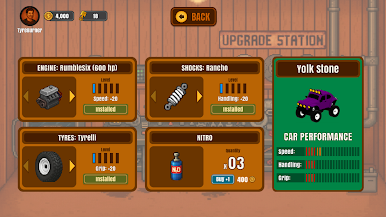
- Wrench time between heats: Repair damage, tune setups, and install upgrades so your ride doesn’t tap out mid-season.
- Earn, spend, repeat: Cash from races fuels your upgrades and fixes. Blow it all on power or save for reliability—your call.
- Cars with personality: Unlock new machines that handle differently—some blast down straights, others cling to corners. Pick what fits the track and your style.
- Tracks that bite back: Tight layouts, slick surfaces, and nasty sections force quick decisions and clean lines—or a very muddy spinout.
- Classic feel, modern systems: That arcade snap you remember, with progression, tuning depth, and snappy controls that just feel right.
Slay your opponents with your epic moves. Play it your way on BlueStacks and dominate the battlefield.
Play Mud Rush on PC. It’s easy to get started.
-
Download and install BlueStacks on your PC
-
Complete Google sign-in to access the Play Store, or do it later
-
Look for Mud Rush in the search bar at the top right corner
-
Click to install Mud Rush from the search results
-
Complete Google sign-in (if you skipped step 2) to install Mud Rush
-
Click the Mud Rush icon on the home screen to start playing

