


Magic Dancing Tiles
Play on PC with BlueStacks – the Android Gaming Platform, trusted by 500M+ gamers.

Page Modified on: Dec 11, 2025
Play Magic Dancing Tiles on PC
TAP TAP PIANO MUSIC GAME
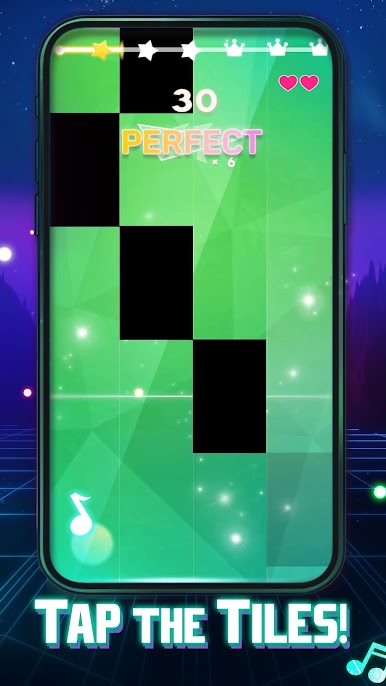
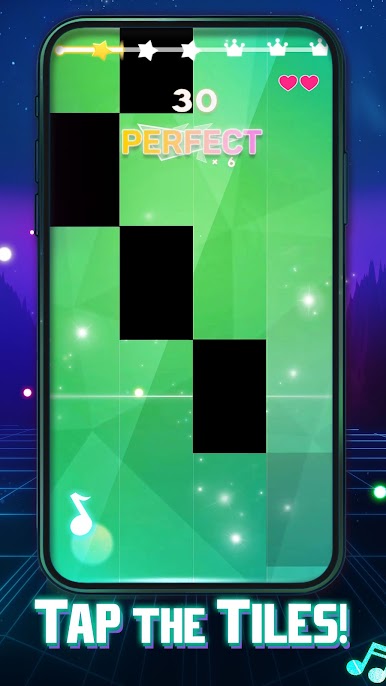
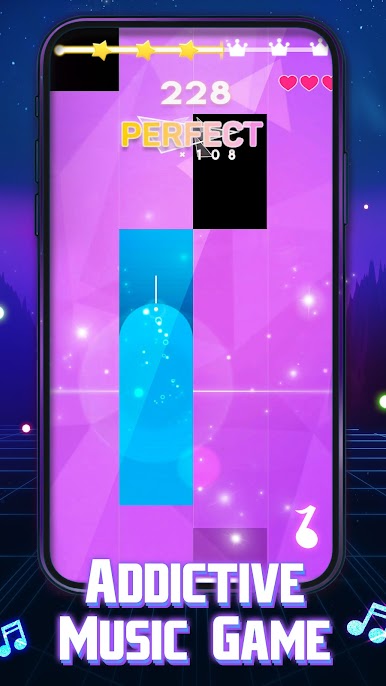
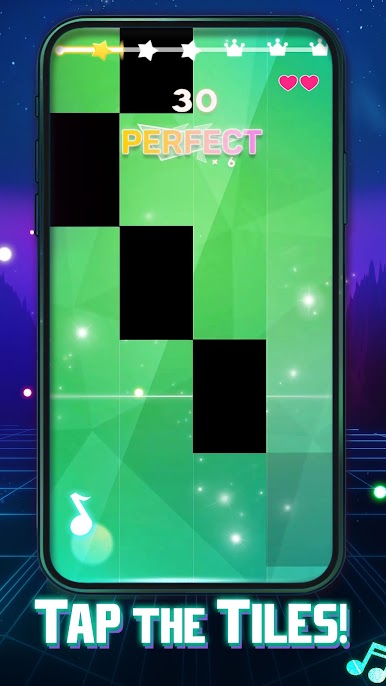
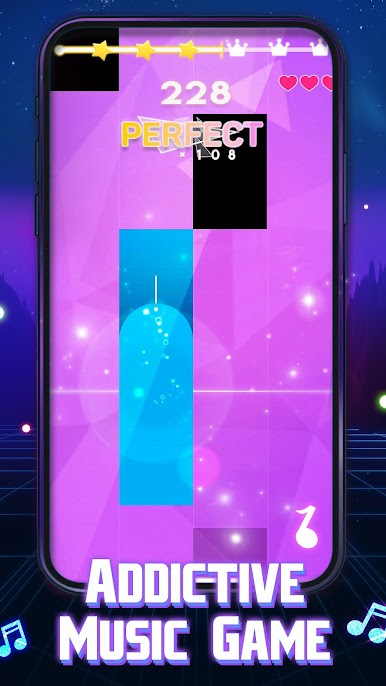
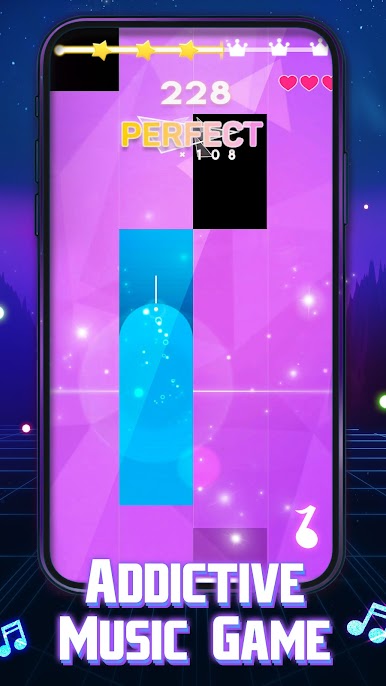
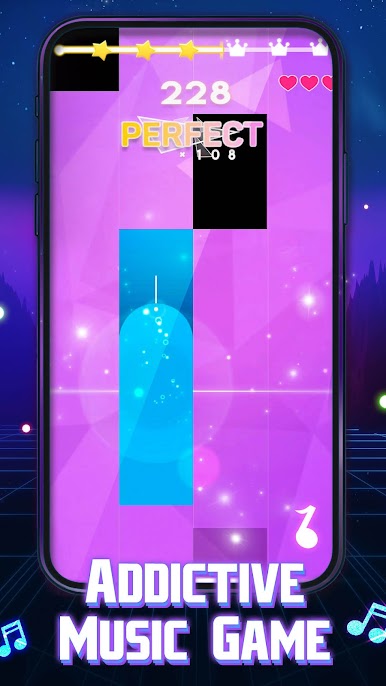
Are you looking for a new piano music game? Want to play piano tiles offline and for the gameplay to be vibrant, fun, and full of challenges?
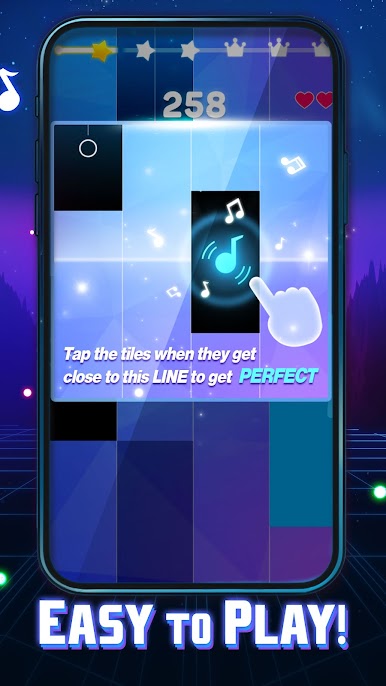
Try our Magic Dancing Tiles Piano Pink Music, a new ultra-fun tap piano tiles game that's packed with melody and rhythm!
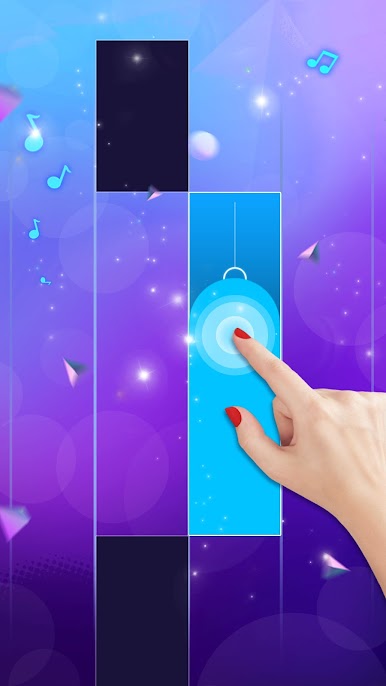
Immerse yourself in the magic world of music with this captivating tiles hop and tap game.
🎵 TAP PIANO TILES GAME FULL OF MELODY AND RHYTHM:
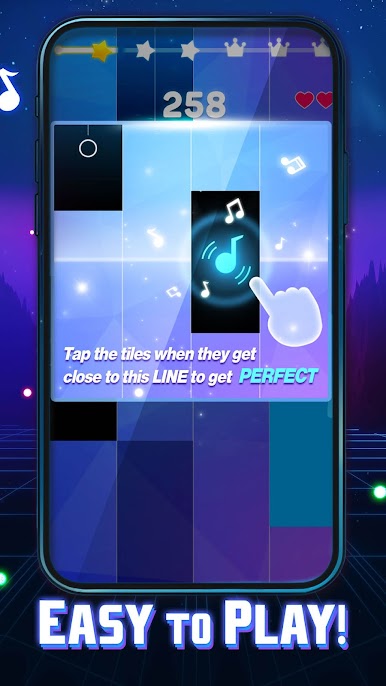
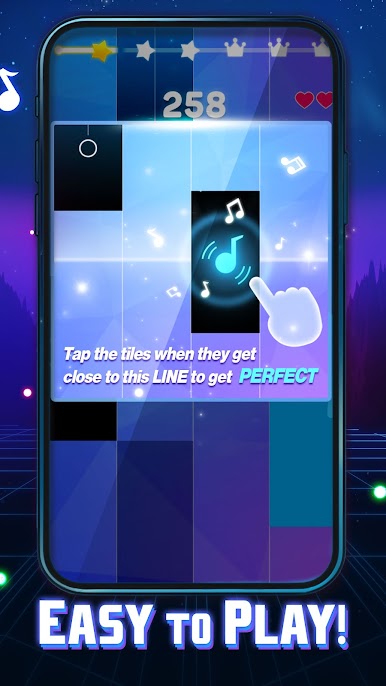
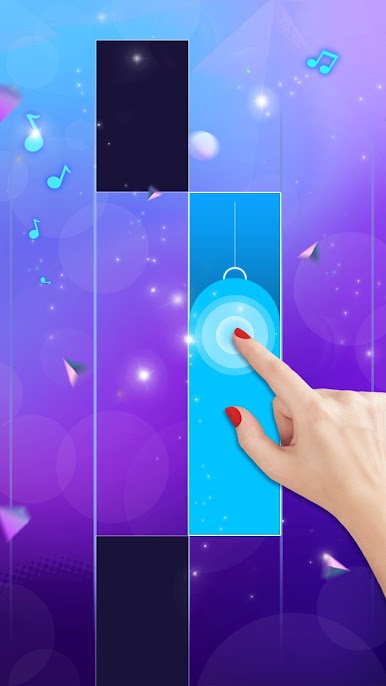
Get ready to tap your way to musical greatness in this enchanting game. With a seamless blend of melody and rhythm, you'll find yourself lost in the music with each tap.
🎶 LARGE LIBRARY OF SONGS:
Magic Dancing Tiles Piano Pink Music boasts a vast library of songs to choose from, catering to a wide range of musical tastes. Whether you're into pop, EDM, hip hop, or classical, you'll discover the perfect tune to play.
🎹 CLASSIC TAP PIANO GAMEPLAY WITH POP AND EDM SONGS:
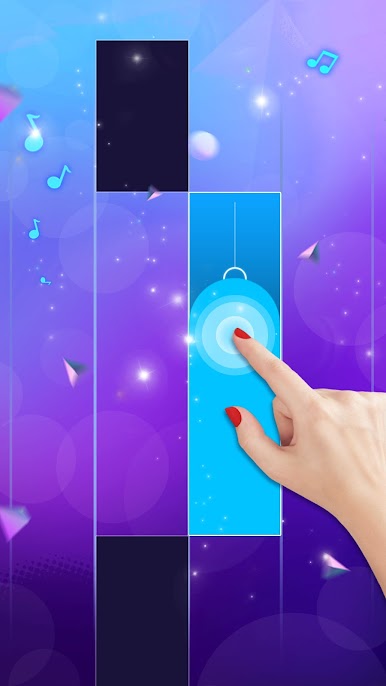
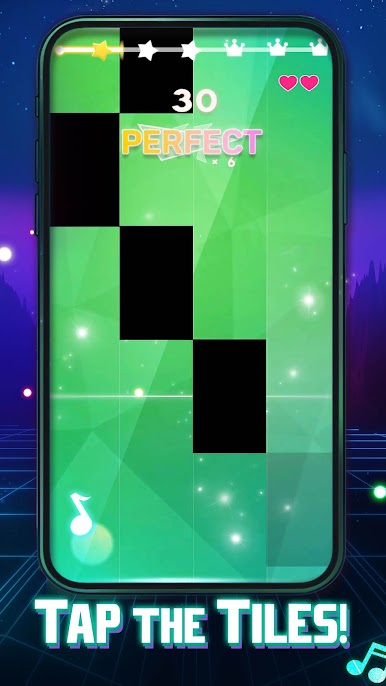
Experience the joy of classic tap piano gameplay with a modern twist. Enjoy popular pop and EDM songs that will keep your fingers dancing across the piano tiles.
🎼 ALSO FEATURES CLASSICAL PIANO SONGS:
For classical music enthusiasts, Magic Dancing Tiles Piano Pink Music has you covered. Explore a selection of timeless classical piano pieces and test your skills with the beautifully composed melodies.
🌟 EXQUISITE GAME SCENES:
The dance tap music game doesn't just sound amazing; it looks stunning too. Dive into exquisite game scenes that complement the music, creating a truly immersive experience.
GAME FEATURES:
● tap piano tiles game full of melody and rhythm
● large library of songs
● classic tap piano gameplay with pop and edm songs
● also features classical piano songs
● exquisite game scenes
Magic Dancing Tiles Piano Pink Music is not just a cool piano music game with tapping of musical tiles; it's a musical journey.
So, what are you waiting for?
▶Let your fingers dance to the rhythm, and become a true piano master today!




Play Magic Dancing Tiles on PC. It’s easy to get started.
-
Download and install BlueStacks on your PC
-
Complete Google sign-in to access the Play Store, or do it later
-
Look for Magic Dancing Tiles in the search bar at the top right corner
-
Click to install Magic Dancing Tiles from the search results
-
Complete Google sign-in (if you skipped step 2) to install Magic Dancing Tiles
-
Click the Magic Dancing Tiles icon on the home screen to start playing

